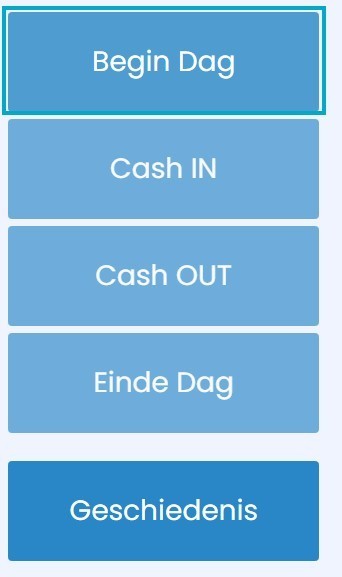
Start of day, End of day, Cash In, Cash Out
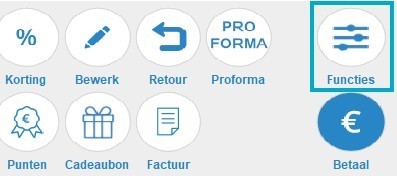
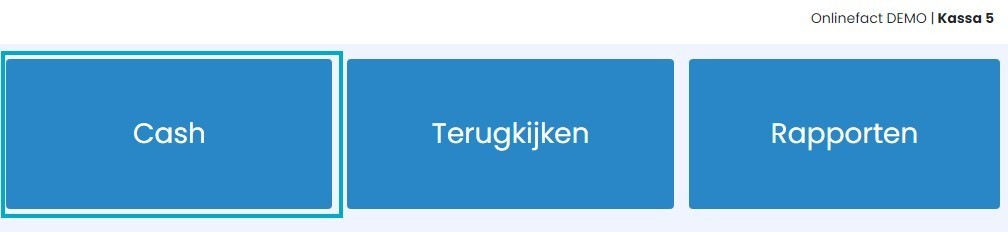
All administrative cash operations can be found via the 'Functions' > 'Cash' button.
Start of Day
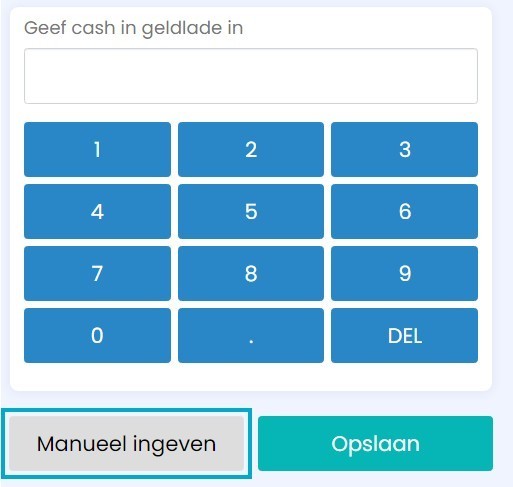
If you want to open the register and update the cash, you can do this via the 'Start of Day' button. Here you can enter how much cash is in the drawer at the start of the day.
If you select 'manual entry', you can count by denomination.
 |  |
Cash In
If 'Start of Day' is registered, you can use this button when you add cash to the cash drawer yourself.
If you select 'manual entry', you can count by denomination. Enter your amount and optionally add a comment; this will be visible later in the reporting.
 | |
Cash Out
If 'Start of Day' is registered, you can use this button when you remove cash from the cash drawer. If you select 'manual entry', you can count by denomination. Enter your amount and optionally add a comment; this will be visible later in the reporting.
 | |
End of Day
If you want to count your cash at the end of the day and close the register, you can use this button. Here you can enter how much cash is in the drawer at the end of the day. If you select 'manual entry', you can count by denomination.
 | |
History
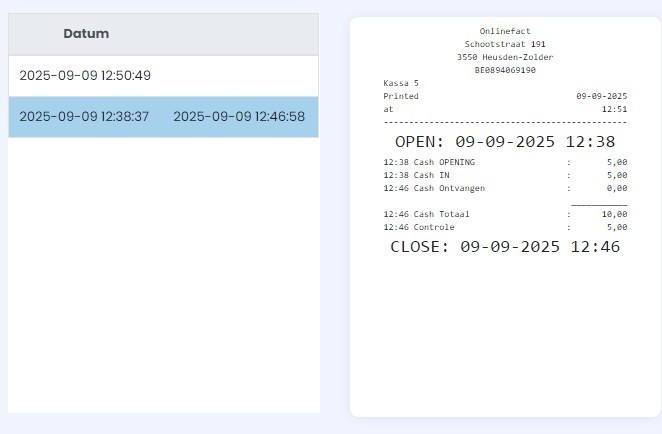
Using this button, you can display the history of all cash operations and optionally print it.
 |  |