POS hardware for your shop

Printers, scanners, scales and customer displays that work seamlessly with your Onlinefact POS.

Your whole counter works together

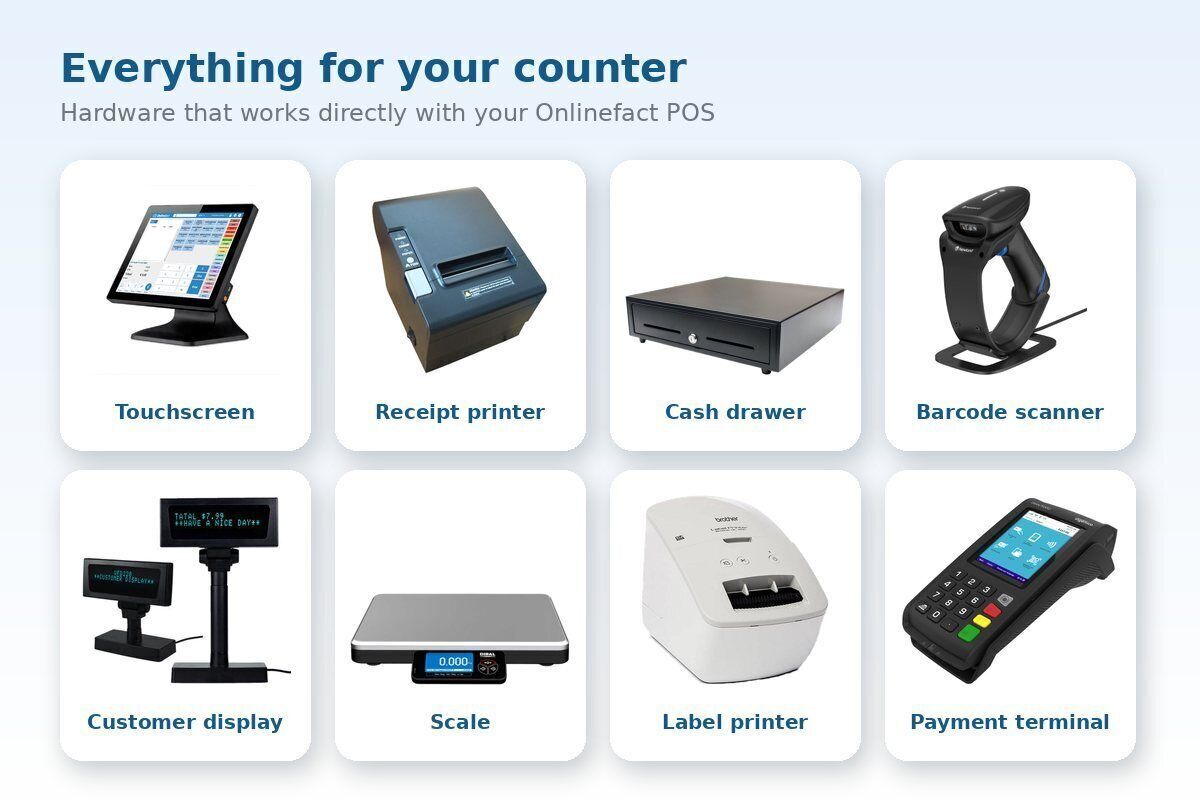
From receipt printer to scale: hardware that talks directly to your Onlinefact POS.

A good till is more than software. It is the scanner that reads every barcode first time, the printer that prints the receipt fast and the cash drawer that opens by itself. Onlinefact works with well-known brands of receipt printers, barcode scanners, scales, label printers and customer displays. The POS software runs on Windows and you operate it with a touchscreen, mouse or scanner. Choose a complete bundle or only the devices you are missing, and buy or rent.

Advice

Curious what this means for your shop? Ask for free advice, or call us on +32 78 70 02 02.

Yes please!

Why get your POS hardware through Onlinefact

  • Buy or rent

    A POS bundle with touchscreen, receipt printer, barcode scanner and cash drawer, to buy or rent.

  • Well-known brands

    Receipt printers from Epson, Star and HP, scales from Mettler Toledo, CAS, KERN and others.

  • Set per till

    Each till has its own printer, scanner, scale and payment terminal.

  • Drawer opens itself

    The cash drawer connects to the receipt printer and opens automatically for cash payments.

  • Clear for your customer

    On the customer display your customer sees straight away what is charged.

  • One point of contact

    Software and hardware from the same partner. Something wrong? One number to call.
A complete till setup

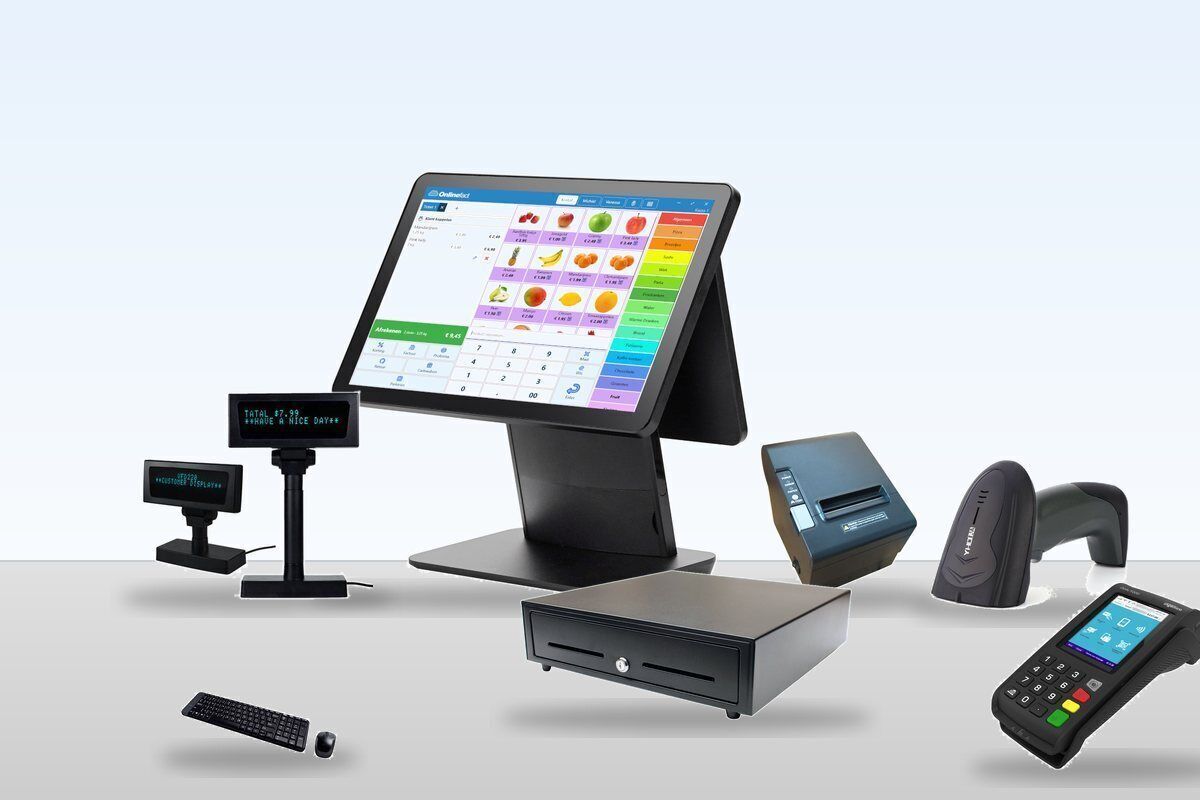
A typical Onlinefact till has a Windows touchscreen, a receipt printer, a cash drawer, a barcode scanner and a customer display. If you sell by weight, add a scale. A payment terminal completes the setup. All devices are configured in the POS software, so they work together from day one.

Real-life example: A boutique starts with the POS bundle. A year later the owner adds a second till for the sales season. It gets its own printer and scanner but uses the same products, prices and stock.

  • Touchscreen, mouse or scanner to operate
  • POS bundle or separate devices
  • Add tills as you grow

Discover the POS system

Receipt printer and cash drawer

The receipt printer prints on an 80 mm roll, with your own header text, VAT breakdown and an optional message at the bottom. The cash drawer is connected through the printer and opens automatically for cash payments. Want it to open on every sale? That is a single setting.

Real-life example: A customer asks for an invoice instead of a receipt. You create it straight from the till. The PDF goes to the Windows default printer, so you can print it on A4 too.

  • Epson (TM-88, TM-20, TM-U220B), Star (TSP100, mPOP) and HP ElitePOS
  • Epson-compatible printers with 42 or 48 characters
  • Drawer opens automatically, or on every sale
  • Invoice from the till, also on A4

Barcode scanners: faster and no typos

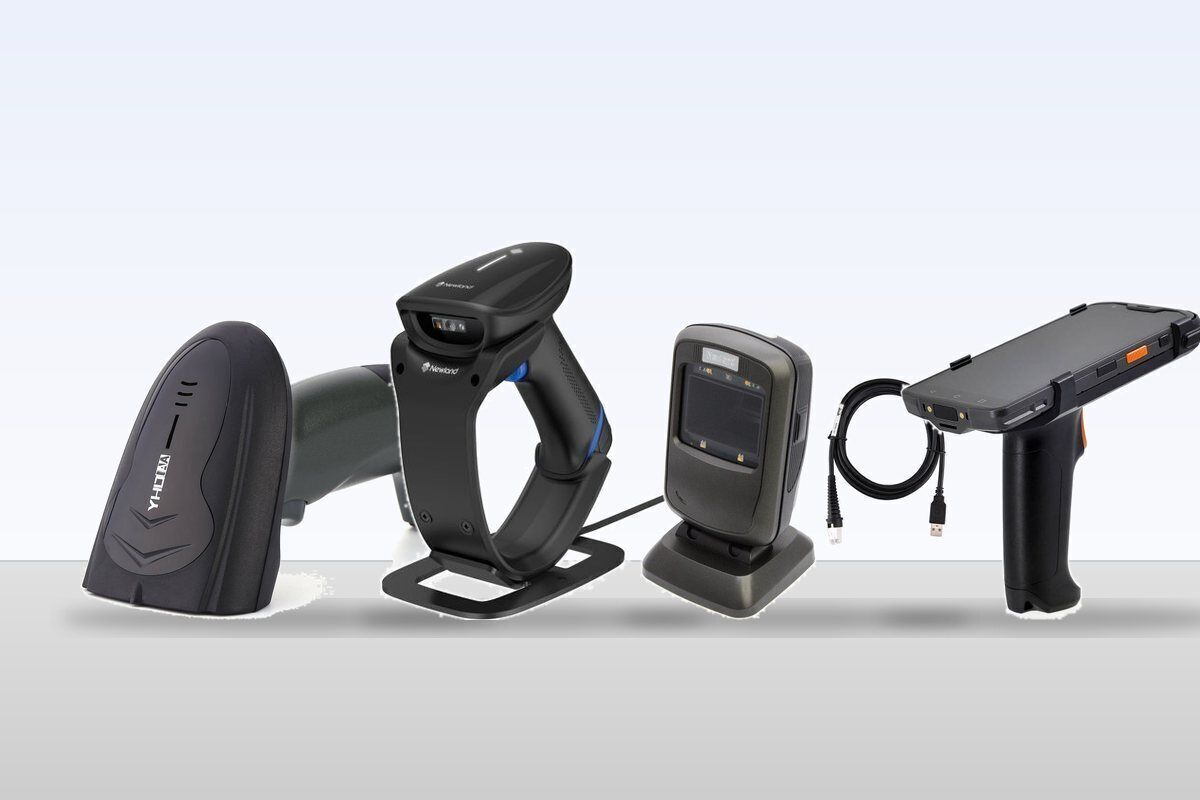
With a barcode scanner you check out without typing a single price. Scan the product and its name, price and VAT appear right away, and stock is updated at the same time. A product can have several barcodes, and a multipack barcode (say a crate of 24) automatically counts the right quantity.

Real-life example: A convenience store sells bottles individually and by the crate. Scanning the crate barcode puts 24 units on the receipt and takes 24 out of stock.

  • Corded or wireless handheld scanners
  • Fixed counter scanners
  • USB (keyboard wedge) or serial connection
  • Scan loyalty cards and gift cards with the same scanner

More about retail and stock

How it works

From first conversation to your first sale, in four steps.

  1. You tell us what you sell
    By the piece, by weight, with or without labels? Then we know which devices you need.
  2. You get a proposal
    A bundle or separate devices, to buy or rent. Hardware you already have is kept if it is supported.
  3. Everything is set up
    Printer, scanner, scale and terminal are configured per till in the POS software.
  4. You sell
    Scan, weigh, take payment and print the receipt: everything works together from day one.
Scale: weigh at the till

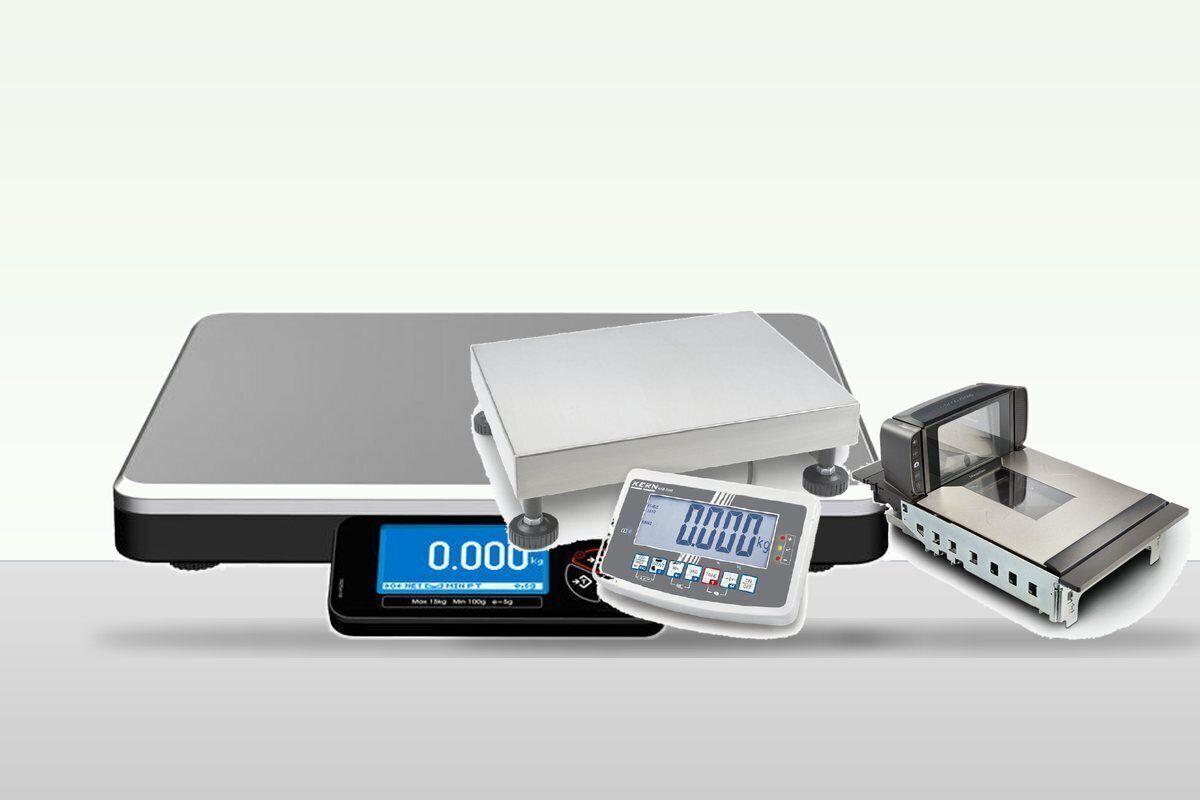
Selling cheese, meat, vegetables, nuts or sweets by weight? Connect a scale to your till. With a "Weigh" button the till reads the weight and charges the price per kilo straight away. Tare subtracts the weight of a tub or bag.

Real-life example: In a delicatessen, the assistant puts 320 g of olives in a tub on the scale. The till subtracts the tub and puts 0.320 kg × € 24.90 on the receipt.

  • Scales from Mettler Toledo, CAS, Wintec, KERN, OHaus and others
  • Tare settings for packaging
  • Till buttons with fixed price, open price or weighing

Label printers and electronic shelf labels

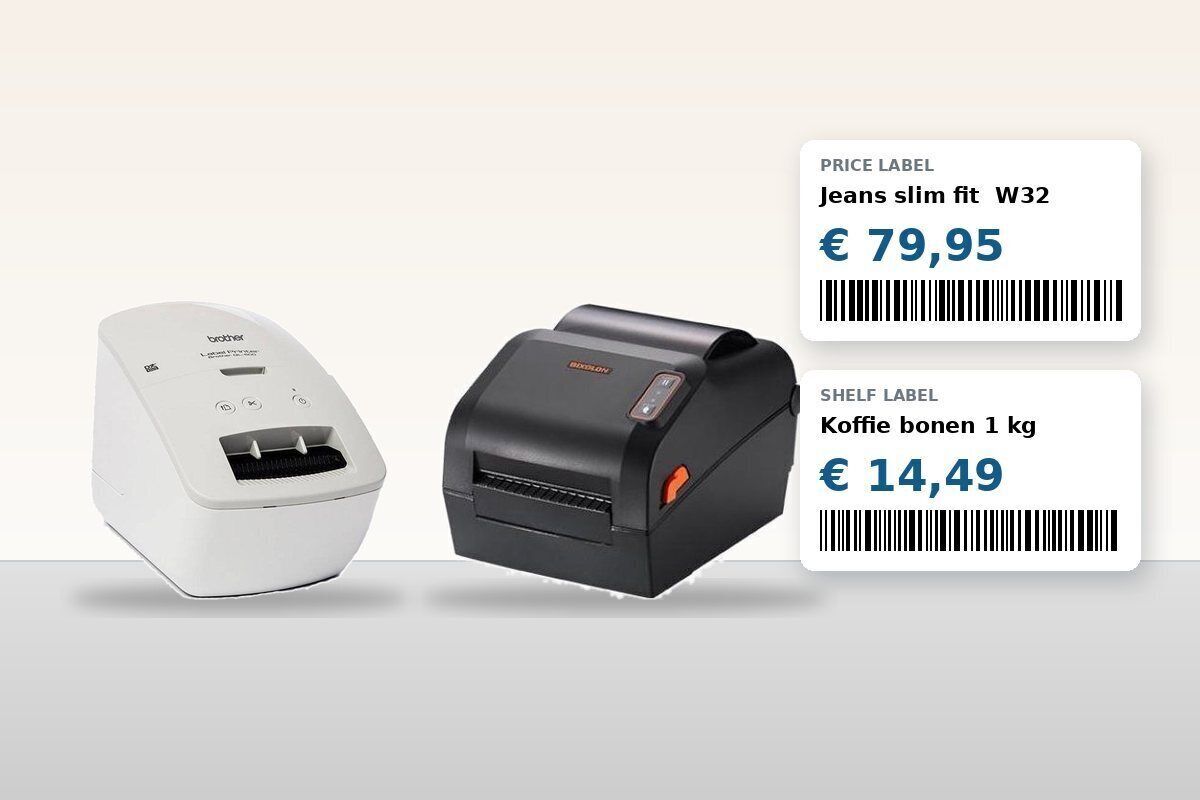
Print price tags and barcode labels straight from your back office, on A4 sheets or on a label printer. With label templates you choose what goes on the label: name, price, barcode, size or colour. Never want to change prices by hand again? Choose electronic shelf labels: change the price in Onlinefact and it changes on the shelf too.

Real-life example: A clothing store receives a delivery of 60 items. After booking them in, all labels are printed in one go, with size, colour and barcode.

  • Brother (QL) and Bixolon label printers
  • Custom label templates
  • Labels per product or in bulk
  • Electronic shelf labels

More about stock management

Which hardware do you need?

A guideline. We're happy to put together a package for your business.

Your businessOur advice
Small shop or boutiquePOS bundle with touchscreen, receipt printer, barcode scanner and cash drawer
Clothing storeBundle plus label printer for price tags with size and colour
Bakery, butcher or delicatessenBundle plus connected scale
Supermarket or convenience storeSeveral tills, scanners, scales and optionally electronic shelf labels
Lots of cash paymentsA VNE, Antenor or CashDro cash machine at the till
No big investmentRent the hardware instead of buying

Customer display: your customer follows along

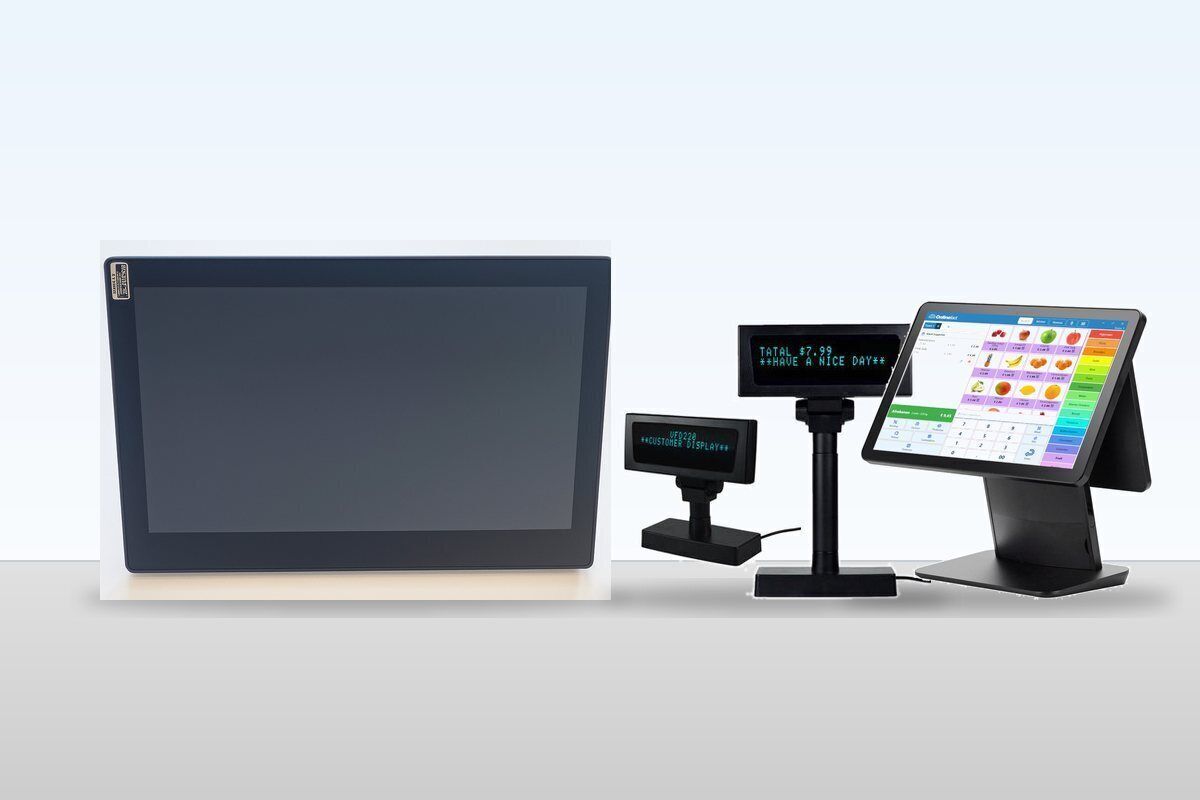
On a customer display your customer sees every scanned product and the total. That prevents discussions at the counter. Choose a compact two-line VFD display or a larger LCD screen. You set your own welcome and goodbye message.

Real-life example: On a busy Saturday, the customer sees right away that the 20% discount was applied. Nothing to explain.

  • VFD display (2 x 20 characters) or LCD screen
  • Welcome and goodbye message
  • Shows product, price and total

Payment terminal and cash machine

The amount goes straight from your till to the payment terminal. Nothing is retyped, so no typos and no cash differences. Lots of cash payments? You can also connect a VNE, Antenor or CashDro cash machine to the till. It counts the money and gives change automatically.

Real-life example: A bakery with many small cash amounts connects a cash machine. Staff no longer handle money and the till balances at closing time.

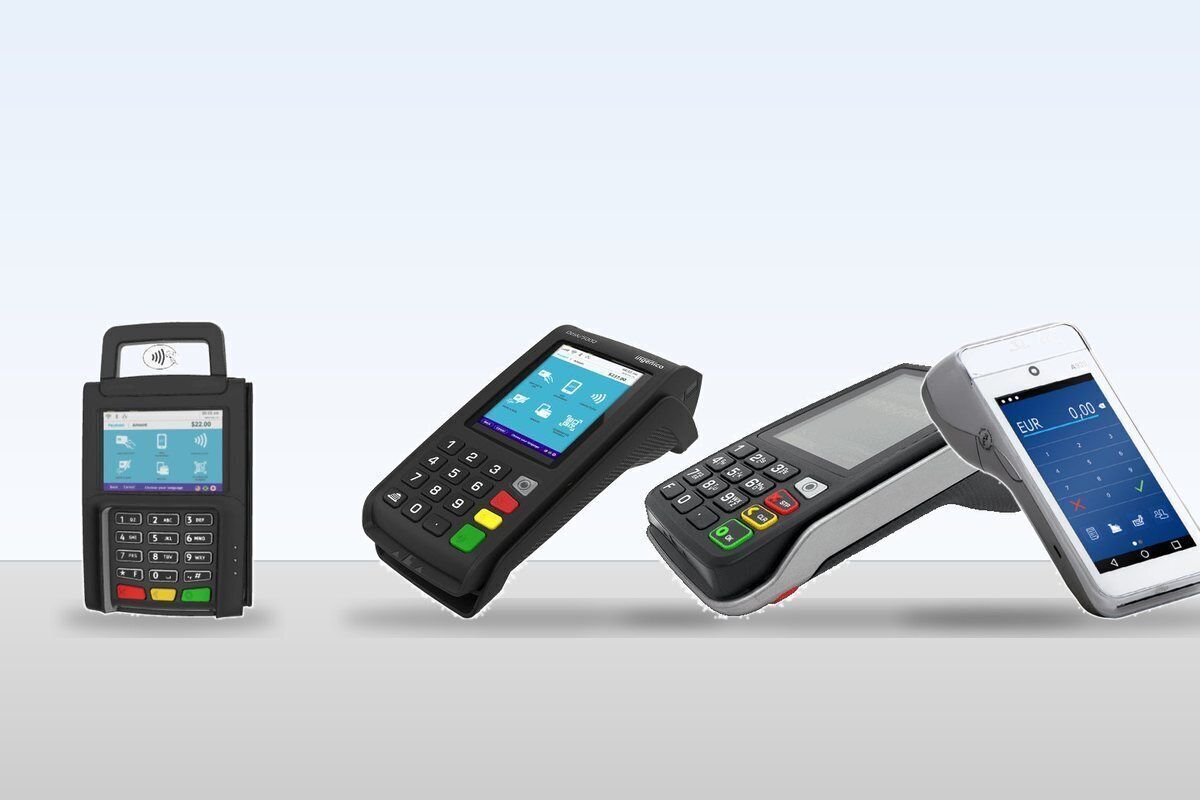
  • Terminals from CCV, Worldline, Ingenico, Payworld, SumUp and others
  • Payconiq with QR code
  • Cash machines from VNE, Antenor and CashDro

See the payment solutions More about cash machines

Buy or rent?

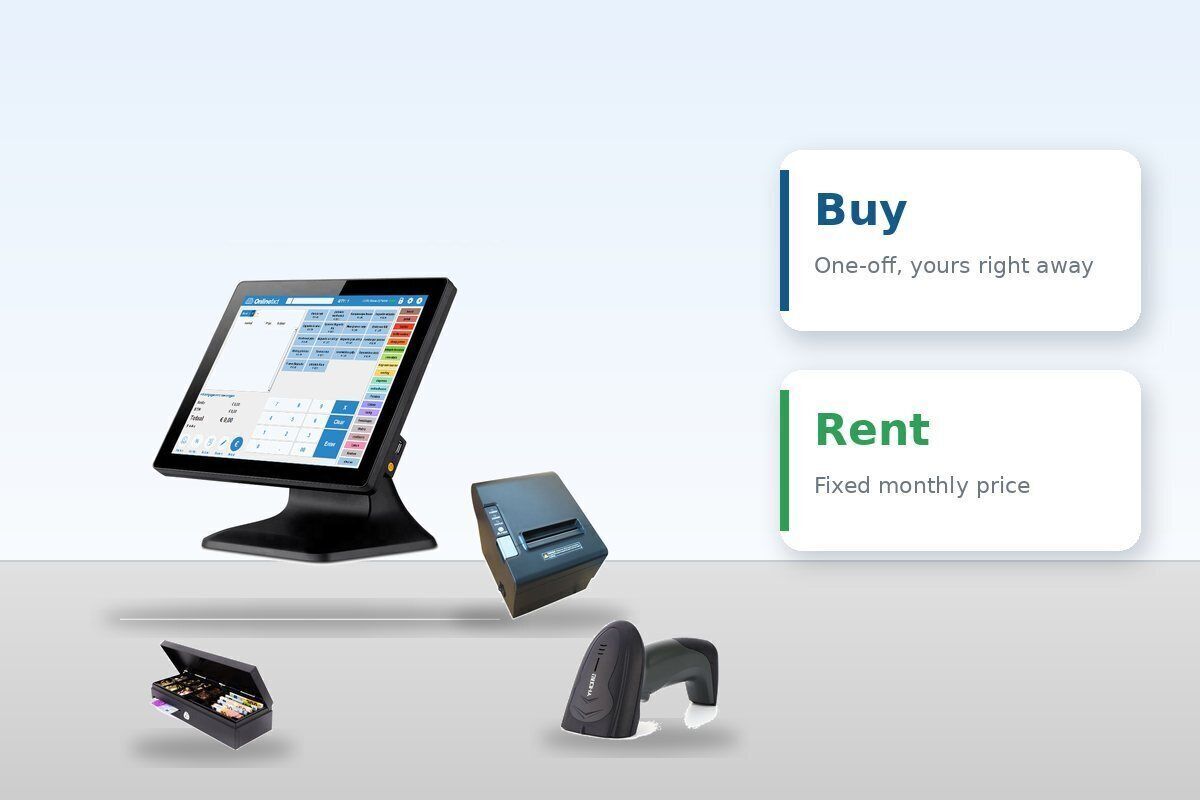
You can buy or rent your POS hardware. Buy, and you pay once and own everything. Rent, and you pay a fixed monthly amount with no big upfront investment. Either way you get the same devices and the same support.

Real-life example: A new shop owner rents the POS bundle in the first year, leaving more budget for opening stock.

  • POS bundle with touchscreen, printer, barcode scanner and cash drawer
  • To buy or to rent
  • Separate devices can be added

Ask for a proposal

Frequently asked questions

What device does the till run on?

The POS software runs on Windows. You open the back office in your browser, on any computer.

Can I use my existing hardware?

Often, yes. Onlinefact supports many common receipt printers, scanners and scales. Tell us which model you have and we will check.

Can I add a second till later?

Yes. Each till gets its own printer, scanner and terminal, but uses the same products and stock.

Where do I buy till rolls and labels?

Till rolls, terminal rolls and labels for Brother and Bixolon are in our shop.

Complete your till?

Tell us what you sell and what you already have. You'll get a proposal for hardware that works with your Onlinefact POS.

Prefer to call? Call us on +32 78 70 02 02.

Contact us

Visit the shop

Request Demo
Request Information