Integrations with your POS

Webshop, shipping, accounting, Peppol, bank and payment terminals: your till talks to the tools you already use.

Your till talks to the rest of your business

Webshop, shipping, accounting, Peppol, bank and payment terminals: Onlinefact connects them all.

The less you retype, the fewer mistakes and the more time for your customers. That is why Onlinefact connects your till to the systems you already use. Your webshop and your shop share the same products and stock. Invoices go to your accountant via Peppol or the accounting export. Payment terminals and cash machines get the amount straight from the till. And if you want to build something of your own, there is the API.

Advice

Curious what this means for your shop? Ask for free advice, or call us on +32 78 70 02 02.

Yes please!

Why integrate with Onlinefact

  • One stock

    Shop and webshop work with the same stock.

  • Five webshop platforms

    WooCommerce, Shopify, Magento 2, Shopware and PrestaShop.

  • Peppol built in

    Send and receive e-invoices via Peppol.

  • A happy accountant

    Daily automatic export to your accountant.

  • Pay without retyping

    Terminals, Payconiq and cash machines connected to the till.

  • Open API

    Build your own integration with the public REST API.
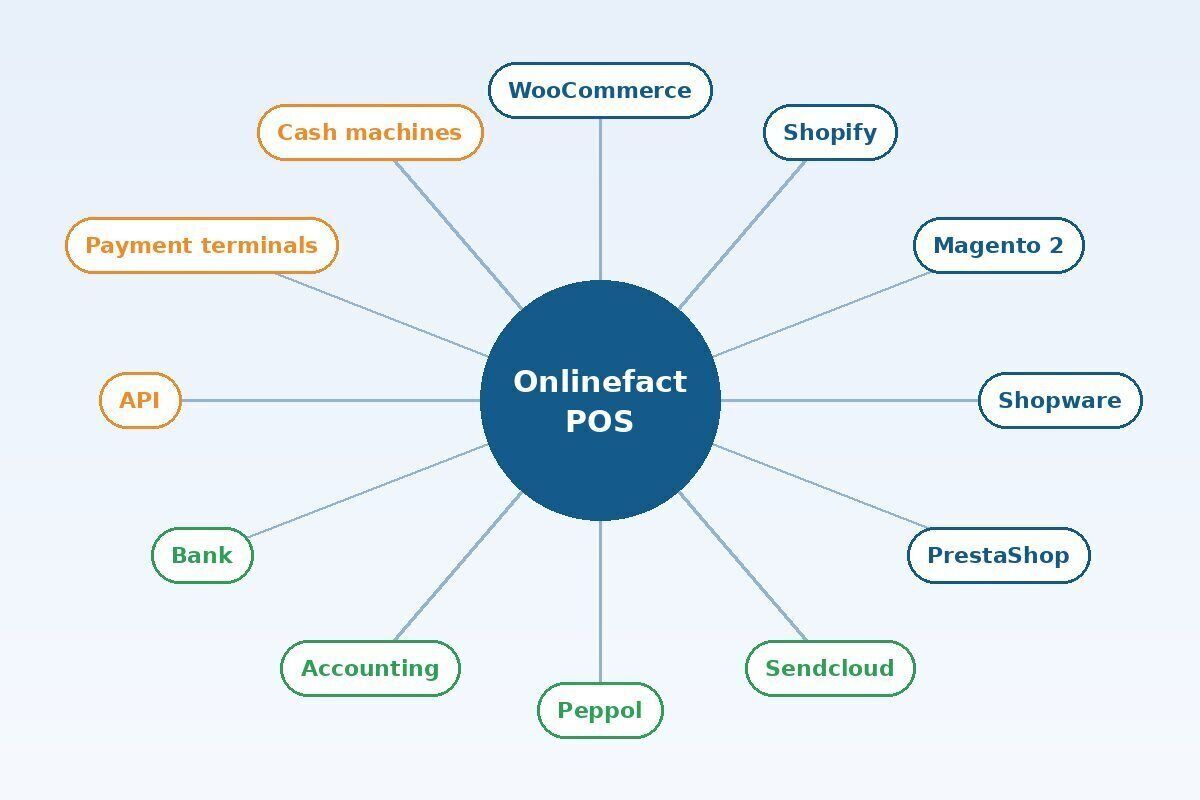
Everything around one till

Your Onlinefact till sits in the middle. Around it are your webshop, shipping, accounting, bank and payment methods. Each integration is set up once. After that, data flows by itself, with no double work.

Real-life example: A shop with a webshop sells a bag online and in store. Both sales are in the same back office and in the same accounting export.

  • Webshops, shipping and accounting
  • Peppol and bank connection
  • Payment terminals, Payconiq and cash machines
  • Public API for your own integrations

Webshop and shop, one stock

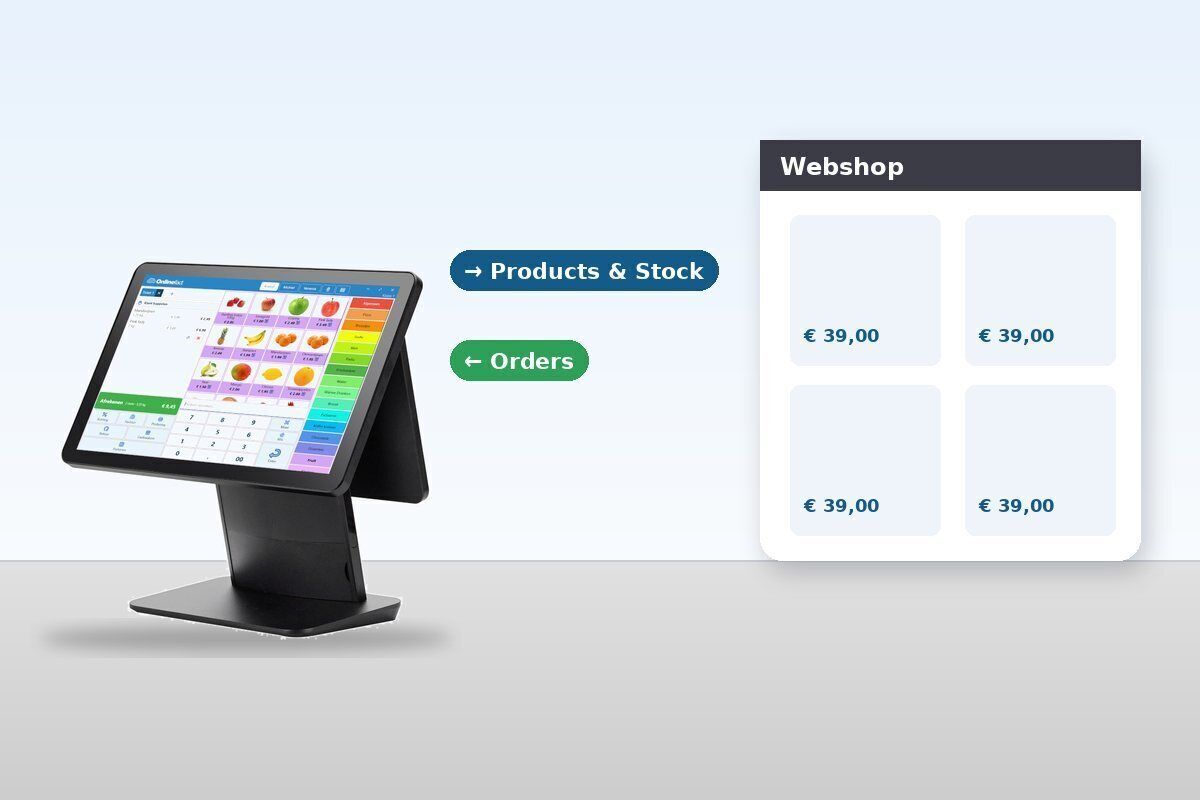
Connect your webshop to Onlinefact and your shop and webshop work with the same products and the same stock. Sell the last item in store and it won't be sold again online. For WooCommerce you don't need a separate WordPress plugin: you switch on the integration in the Onlinefact settings.

Real-life example: A shoe shop sells the last pair in size 40 at the counter. Shortly after, that size also shows as unavailable in the webshop.

  • WooCommerce, Shopify, Magento 2, Shopware and PrestaShop
  • Same products and stock
  • WooCommerce without an extra WordPress plugin

More about webshop integrations

Shipping with Sendcloud

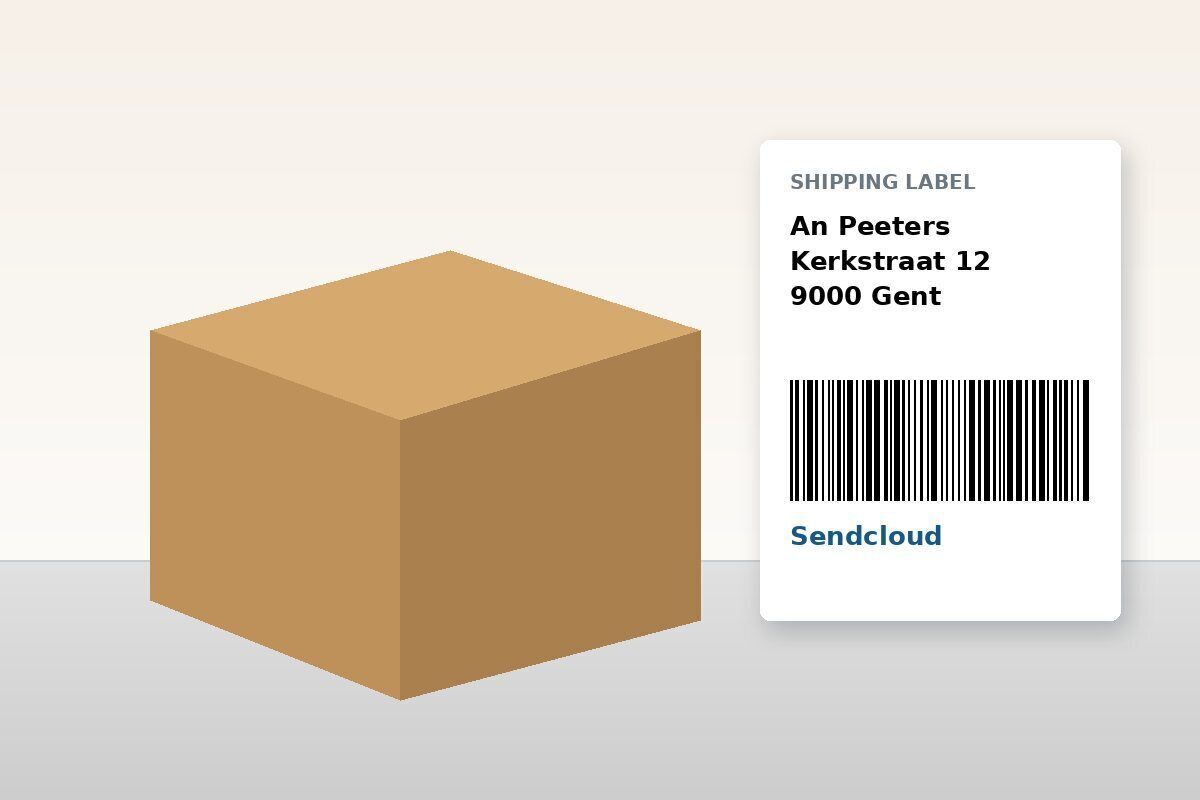
Sending orders to customers? With the Sendcloud integration you create shipping labels straight from Onlinefact. No retyping addresses, and you choose the carrier that suits the parcel.

Real-life example: A shop takes a phone order, creates the document in Onlinefact and prints the shipping label right away. The parcel leaves the same day.

  • Shipping labels from Onlinefact
  • No retyping addresses
  • Combine with order picking in the scanner app

More about the scanner app

How it works

Setting up an integration, in four steps.

  1. Choose what to connect
    Webshop, Sendcloud, Peppol, accounting, bank or payment terminal.
  2. Switch on the integration
    In the Onlinefact settings, with your account details from the other party.
  3. Check the first data
    Products, stock or documents come in. We are happy to check with you.
  4. Work as usual
    From then on data flows automatically and you retype nothing.
Peppol and accounting

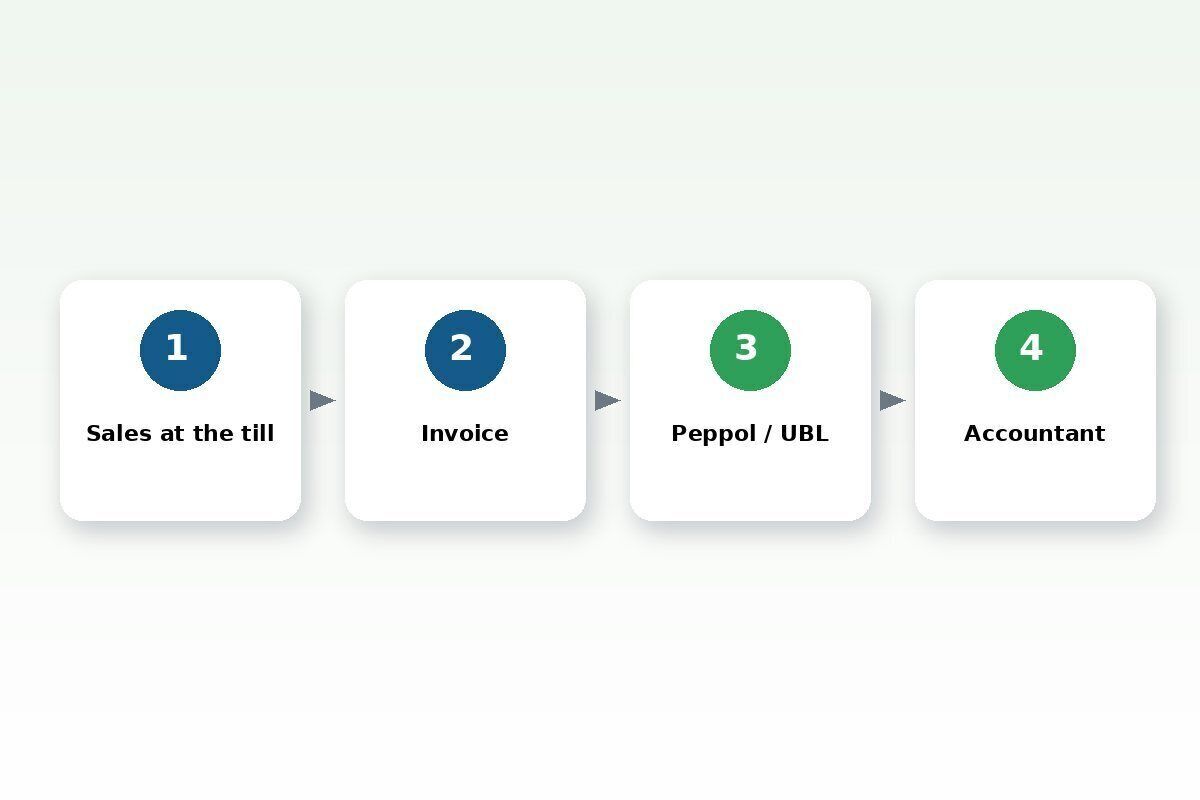
Send and receive e-invoices via Peppol, straight from Onlinefact. Invoices you create at the till can go out via Peppol too. For your accountant, you export in the format of their package, as PDF or UBL, or have it sent automatically every day. Using Octopus? There's a direct integration.

Real-life example: A shop that also supplies businesses creates the invoice at the till. It goes to the customer via Peppol and reaches the accountant automatically the next day.

  • Send and receive via Peppol
  • Till invoices via Peppol too
  • Accounting export as PDF or UBL, automatic every day
  • Octopus integration

More about invoicing

Payment terminals, Payconiq and cash machines

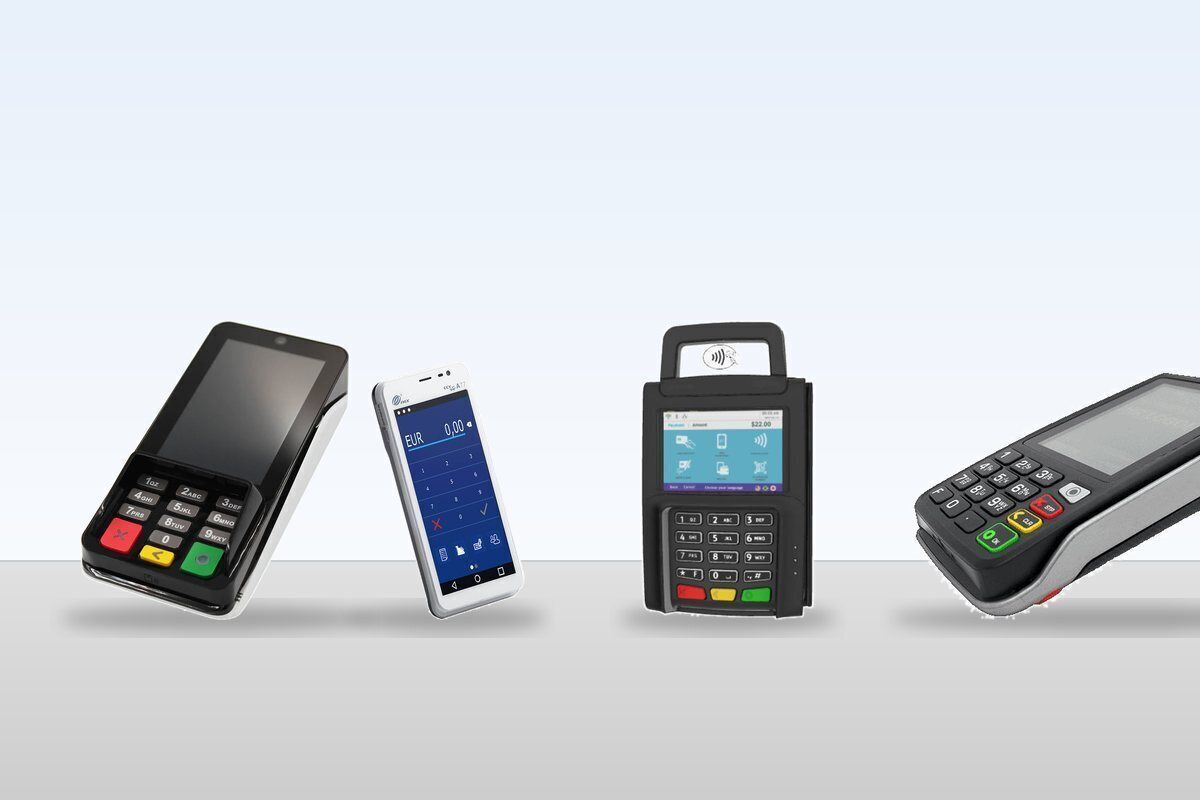
The amount goes straight from the till to the payment terminal. Onlinefact works with terminals from CCV, Worldline, Ingenico, Payworld, SumUp and others, and with Payconiq. Cash machines from VNE, Antenor and CashDro are connected to the till as well. With the bank connection via GoCardless you also import your bank statements to follow up payments.

Real-life example: A customer pays € 47.80 with Bancontact. The cashier taps "Card" and the amount is already on the terminal. No chance of a typo.

  • CCV, Worldline, Ingenico, Payworld and SumUp
  • Payconiq with fixed or dynamic QR code
  • Cash machines from VNE, Antenor and CashDro
  • Bank connection via GoCardless (read-only)

See the payment solutions More about cash machines

Which integration do you need?

An overview of the main integrations.

You want toIntegration
Sell online with the same stockWooCommerce, Shopify, Magento 2, Shopware or PrestaShop
Ship parcelsSendcloud
Send and receive e-invoicesPeppol
Serve your accountant automaticallyAccounting export (PDF or UBL) or Octopus
Follow up paymentsBank connection via GoCardless
Take payments at the tillPayment terminals, Payconiq and cash machines
Build something of your ownThe public REST API

Your own integration via the API

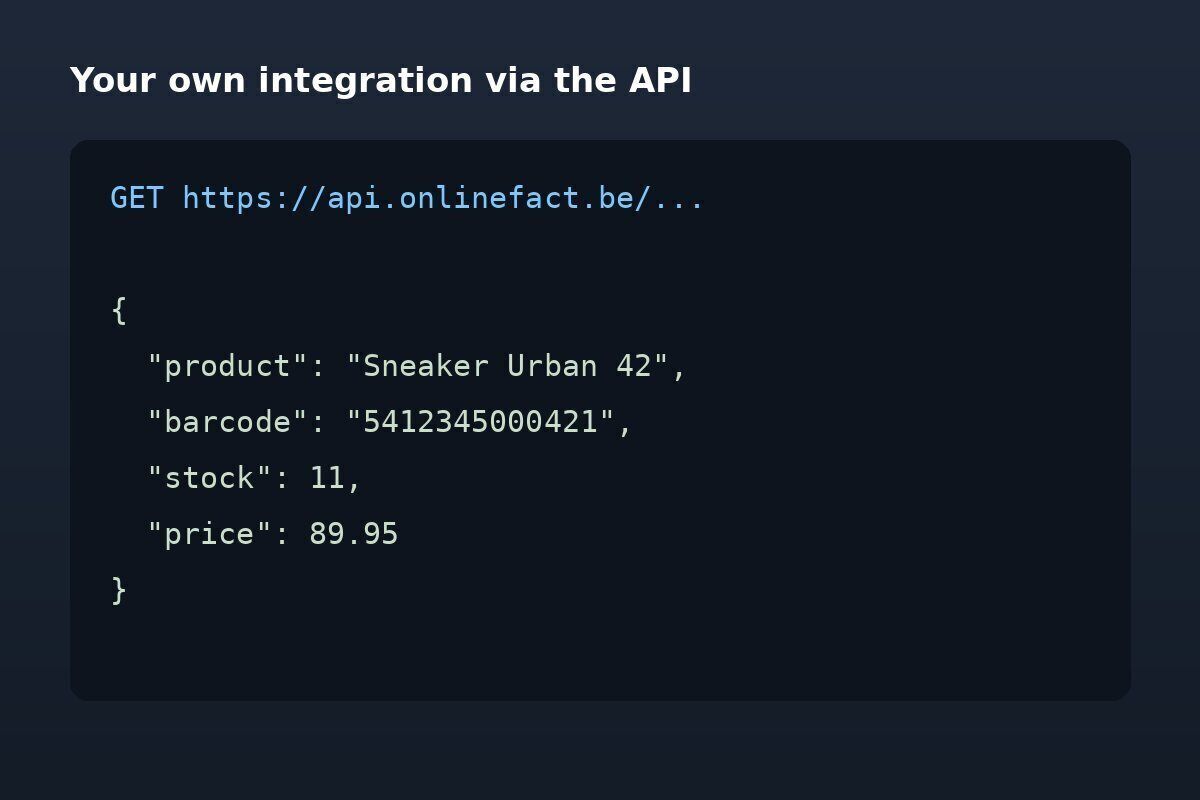
Want to connect a system that isn't on the list? With Onlinefact's public REST API your developers read and write products, stock, documents and reports. For wholesalers there is also an EDIFACT integration.

Real-life example: A retail chain fetches the daily totals per store every morning via the API and shows them in its own dashboard.

  • Documented public REST API
  • Products, stock, documents and reports
  • EDIFACT for wholesale

See the API documentation

Frequently asked questions

Do I need a WordPress plugin for WooCommerce?

No. You switch on the integration in the Onlinefact settings.

My accounting package isn't listed. What now?

Through the accounting export your accountant gets your data as PDF or UBL. Ask us which format suits their package.

Can the bank take money from my account?

No. The bank connection via GoCardless only reads your account.

Where is the API documentation?

At docs.onlinefact.be/api.

Want to connect something?

Tell us which systems you use. Together we'll see which integration saves you the most time.

Prefer to call? Call us on +32 78 70 02 02.

Contact us

Webshop integrations

Request Demo
Request Information