Payment solutions for your business

Payment terminals and cash machines linked to your Onlinefact POS. No retyping, no till differences.

Get paid without retyping, counting or till differences

Payment terminals and cash machines, linked to your Onlinefact POS.

Your customer pays by Bancontact, credit card, smartphone or cash. Whatever payment methods you accept, with Onlinefact the amount goes straight from your till to the payment terminal or the cash machine. You don't retype anything, and every payment is recorded correctly in your till right away. Onlinefact is your independent adviser and distributor: we help you choose, link the devices to your till and remain your point of contact.

Advice

Not sure which payment solution suits your business? Ask for free, independent advice, or call us on +32 78 70 02 02.

Yes please!

Why take payments through Onlinefact

  • Amount sent automatically

    The till sends the amount due straight to the terminal or cash machine.

  • No typing errors

    You no longer retype amounts, so your customer always pays the right amount.

  • No till differences

    Every payment is booked in your till automatically. With a cash machine, counting errors disappear too.

  • Buy or rent

    Payment terminals can be bought or rented; rental can be cancelled monthly. Cash machines can be bought, rented or leased, depending on the brand.

  • One point of contact

    Till, payment terminal and cash machine from Onlinefact: no being passed between suppliers.

  • Support included

    Support is included when you rent a terminal; when you buy, you get a 1-year warranty.
Payment terminals

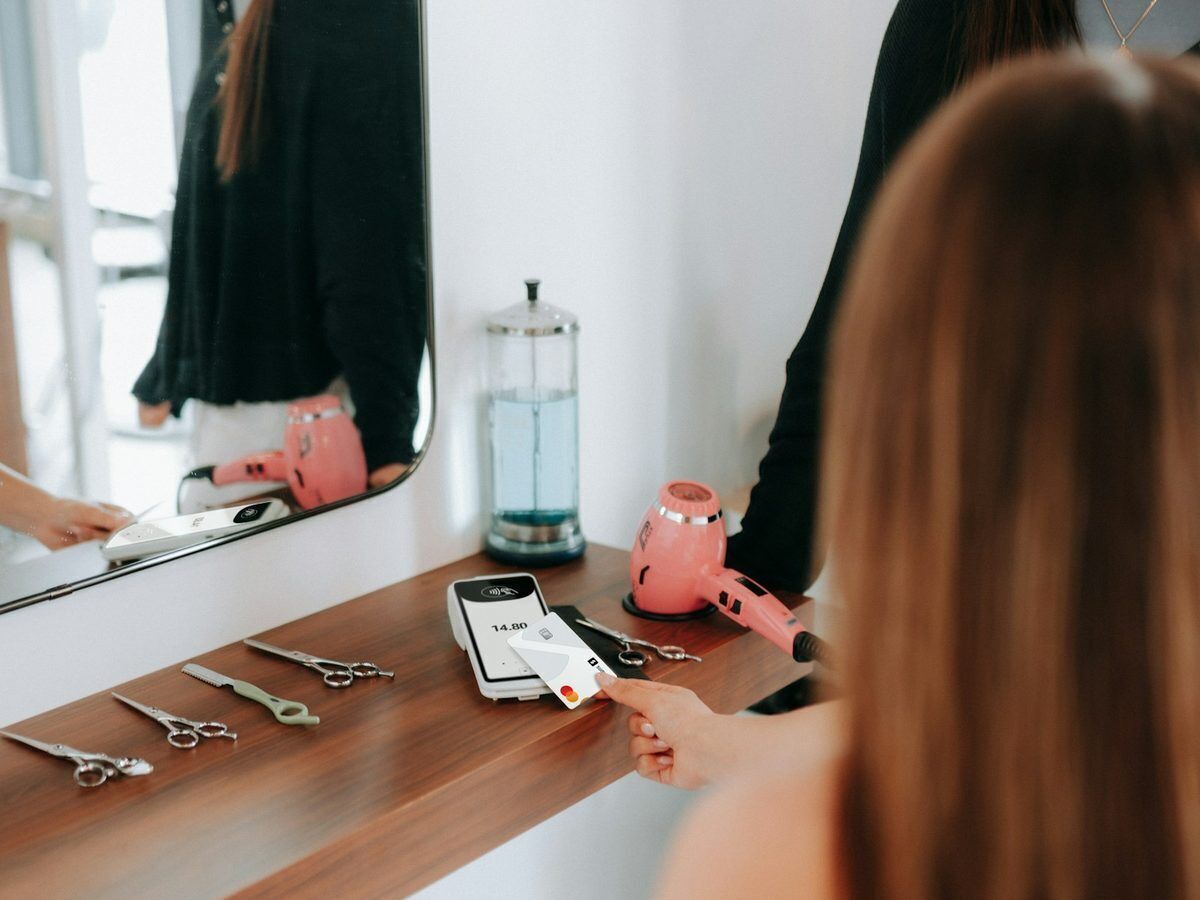
Let your customers pay by Bancontact, card or smartphone. Onlinefact works with terminals from Axepta, CCV, Worldline, Payworld, MultiSafePay, SumUp and Mollie. The amount goes straight from your till to the terminal. First you get independent advice: do you take lots of small amounts or rather larger ones, and which transaction fees suit that?

  • Countertop or wireless terminals, with or without built-in printer
  • Rental from € 32 per month, support included and cancellable monthly
  • 1-year warranty included when you buy
  • Real-time overview of your transactions in an online portal

See the payment terminals

Cash machines

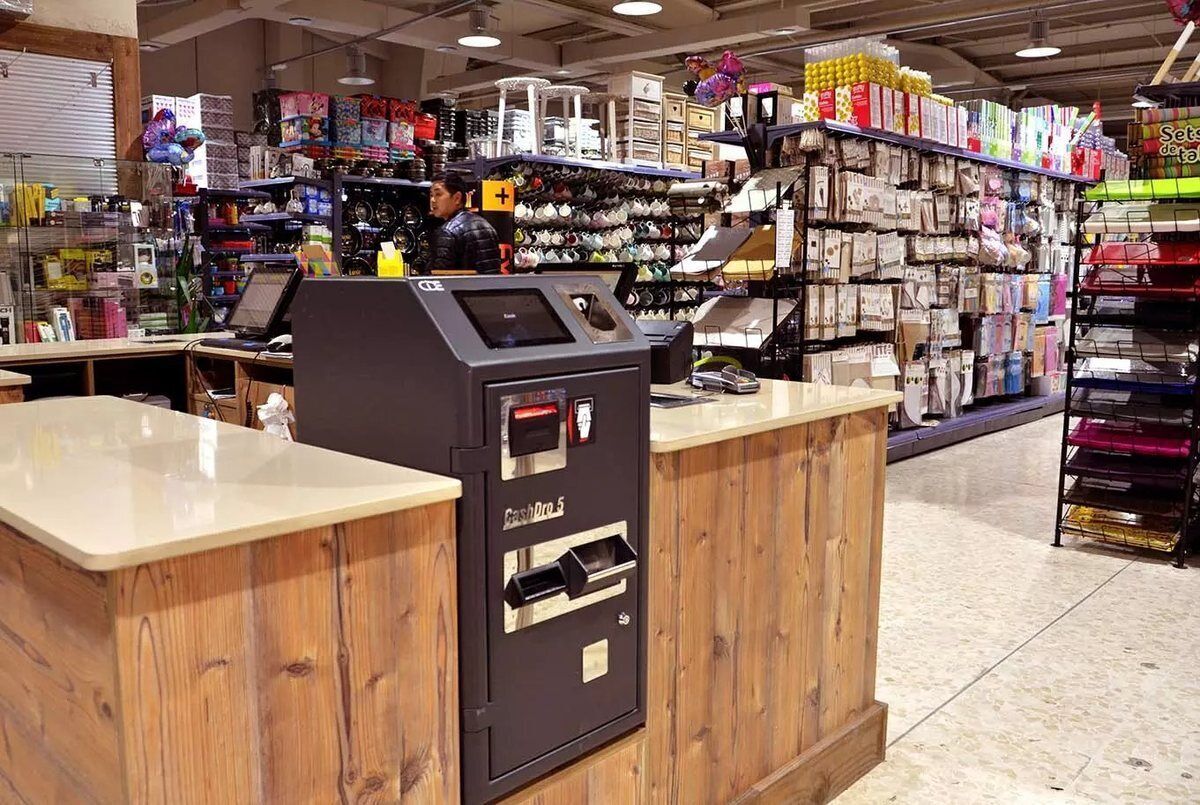
Cash is still important for many businesses. A cash machine accepts notes and coins, checks them and gives the right change automatically. You and your staff no longer handle the money. Onlinefact links with CashDro, Antenor Shopmaster and VNE (Mini Cash and Virtuo).

  • Counterfeit notes and coins are rejected
  • Pay out cash (cash-out/cashback) from the till, with all three brands
  • Rounding to 5 cents applied automatically
  • Buy, rent or lease, depending on the brand

See the cash machines

Payconiq: pay by smartphone

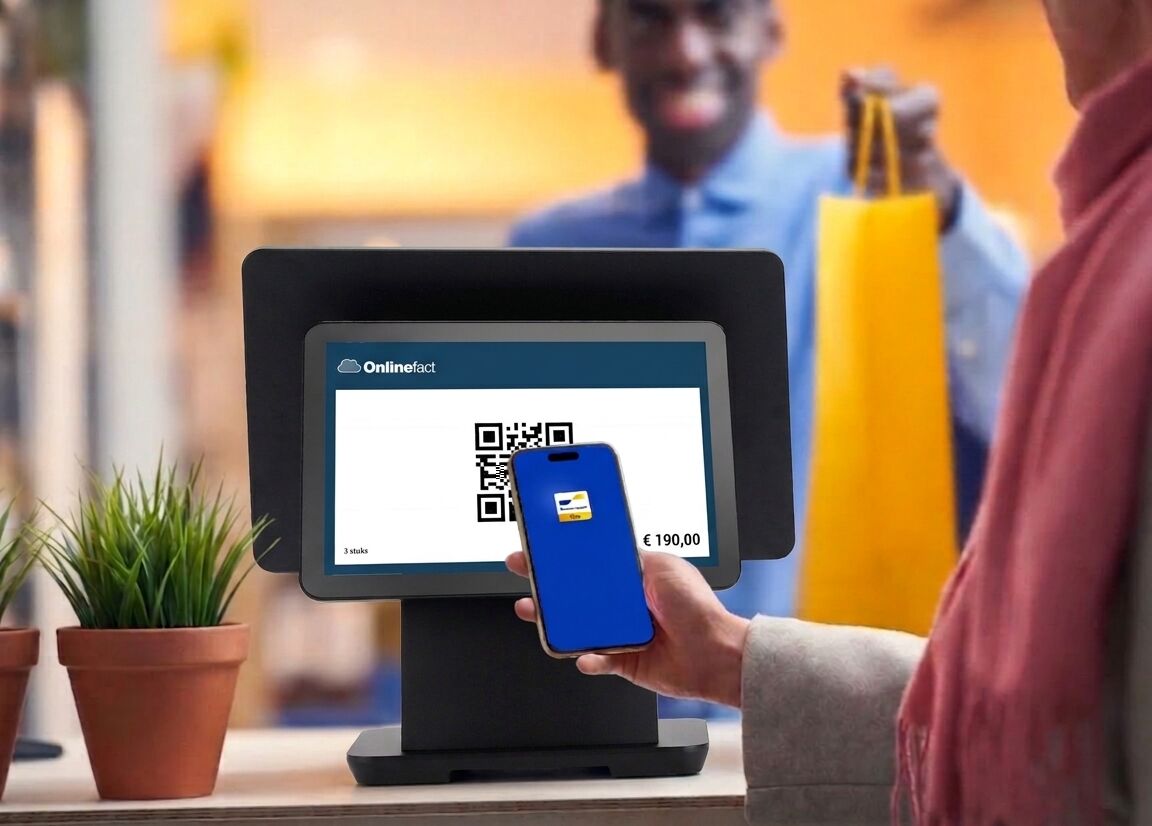
More and more customers pay with their smartphone. With the Payconiq integration, the QR code with the right amount appears on your customer display, or you use a fixed QR code with a variable amount. Either way, Payconiq is linked to your till, so you don't have to retype anything.

  • QR code on the customer display
  • Fixed QR code with variable amount
  • Linked to your Onlinefact POS

See the payment terminals

What suits your business?

Many businesses combine both: a terminal for card and smartphone payments, and a cash machine where a lot is paid in cash.

Your situationThen look at
Your customers mostly pay by card or smartphoneA countertop terminal at the till
You take payment at the table, at the market or on deliveryA wireless terminal, optionally with 4G
You also want to offer PayconiqPayconiq with a QR code on the customer display or a fixed QR code
Lots of cash payments and you want no more till differencesA cash machine from CashDro, Antenor or VNE
Your customers sometimes ask for cash backA cash machine with cash-out from the till

Ready to check out faster?

Tell us briefly what kind of business you run and how your customers pay. You get free advice and a tailored quote, with no obligation.

Prefer to call? Call us on +32 78 70 02 02.

Ask for advice

Request Demo
Request Information