PEPPOL
What is PEPPOL?
PEPPOL (“Pan-European Public Procurement Online”) is a global and highly secure digital network for exchanging electronic files between companies, organizations, and governments. These files are created or converted into a universal language (the “UBL” or “Universal Business Language”), such as the .xml format. That’s why a PEPPOL invoice is also called a UBL invoice or xml invoice. This standardized document format allows senders and recipients to automatically read and process .xml documents.
How does the PEPPOL network work?
To ensure secure file transfers, the PEPPOL network operates through certified Access Points. You can think of these as digital postal services. Onlinefact is linked to these as a service provider. The PEPPOL invoices you create in your familiar Onlinefact invoicing platform are uploaded to the PEPPOL network, and the Access Points ensure they are delivered to the correct digital mailbox. Each mailbox has a unique identifier (the “PEPPOL identifier”). You only need to identify your company once using your Belgian company number or international GLN number to register for free in the global PEPPOL user directory.
Who uses PEPPOL?
Do you want to invoice government institutions? In many European countries, this is already mandatory via PEPPOL invoicing. Many companies also use the PEPPOL system to exchange invoices both within and outside Europe. Will you be next? Every PEPPOL user is registered in the international PEPPOL directory with a unique identifier (“PEPPOL ID”). You only need to identify your business once using your Belgian company number or international GLN number to start sending and receiving invoices via PEPPOL.
Sending PEPPOL invoices in Onlinefact
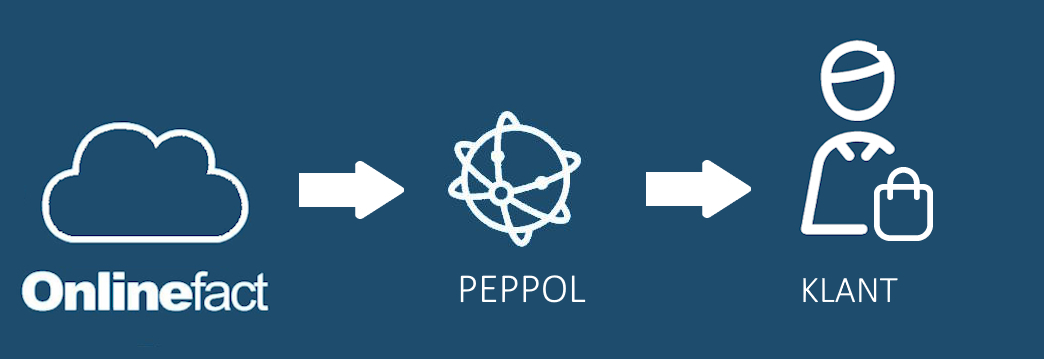
| No registration is required for this. If you want to send a document via Peppol, you can do so directly from the invoice page. There you’ll find a blue 'Peppol' button. When you click it, the system first checks whether the VAT number of the selected customer is registered on Peppol before sending the document over the Peppol network. | 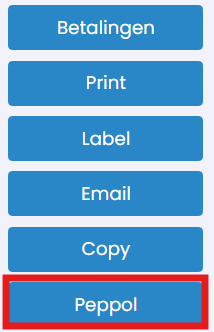 |
Receiving PEPPOL invoices in Onlinefact
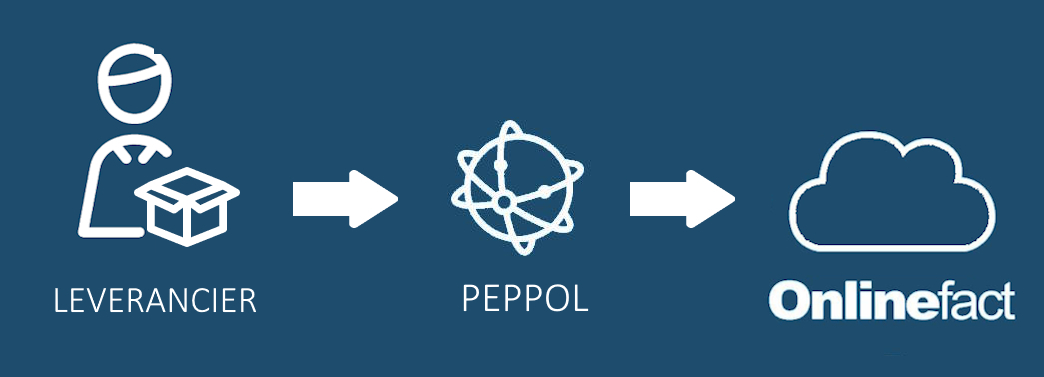
If you want to receive your Peppol documents directly in Onlinefact, you can register under 'Documents' > 'Incoming' in the back office.
We recommend this if you manage your purchase invoices in Onlinefact.
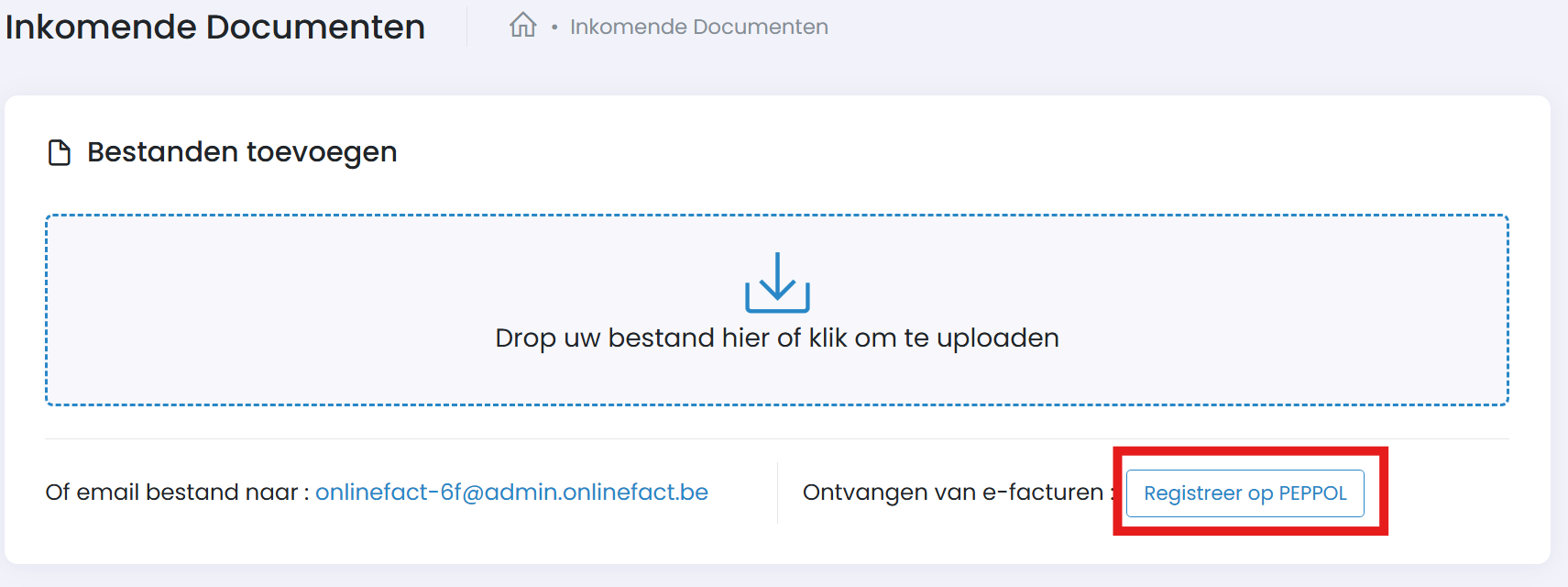
After registration, all your Peppol documents will appear on this page, where they can be saved as the correct document type (1) for the right customer (2) and stored (3).
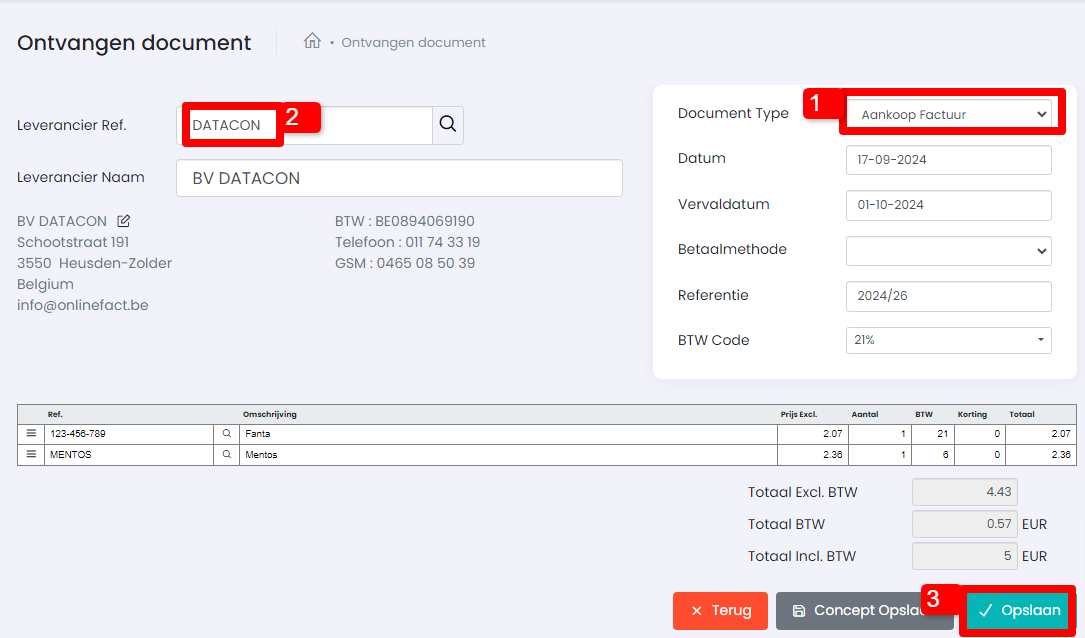
Did you know this page also includes a variety of useful tools for processing documents? Click the button below for more info.
Forwarding to accounting
Does your accounting software use an email inbox to receive invoices? Onlinefact makes this easy to set up. Invoices are automatically sent every day at 11:00 PM in bulk to the specified email address of your accountant or accounting software. This keeps everything clear and up to date.
You can configure this under 'Settings' > 'Configuration' > 'Accounting'.
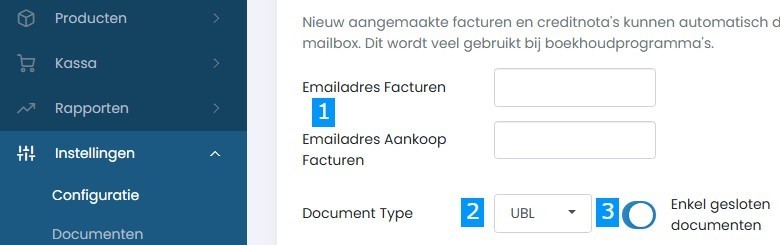
- Choose the type of invoices
You can set separate email addresses for sales invoices and purchase invoices. Useful if your accountant handles them separately. - Select the format
Send your invoices as PDF or choose UBL – the standard format that many accounting systems can automatically import. - Decide which documents to send
You can choose to send only closed documents (e.g., paid or sent invoices) so that your accountant only receives final versions. - Don’t forget to save
Click Save at the bottom to activate your settings.