“People who pop in on the road mainly want to be back on it quickly.”
So everything in the shop is about pace: scan, pay and the customer is out of the door again, while stock keeps count in the background.
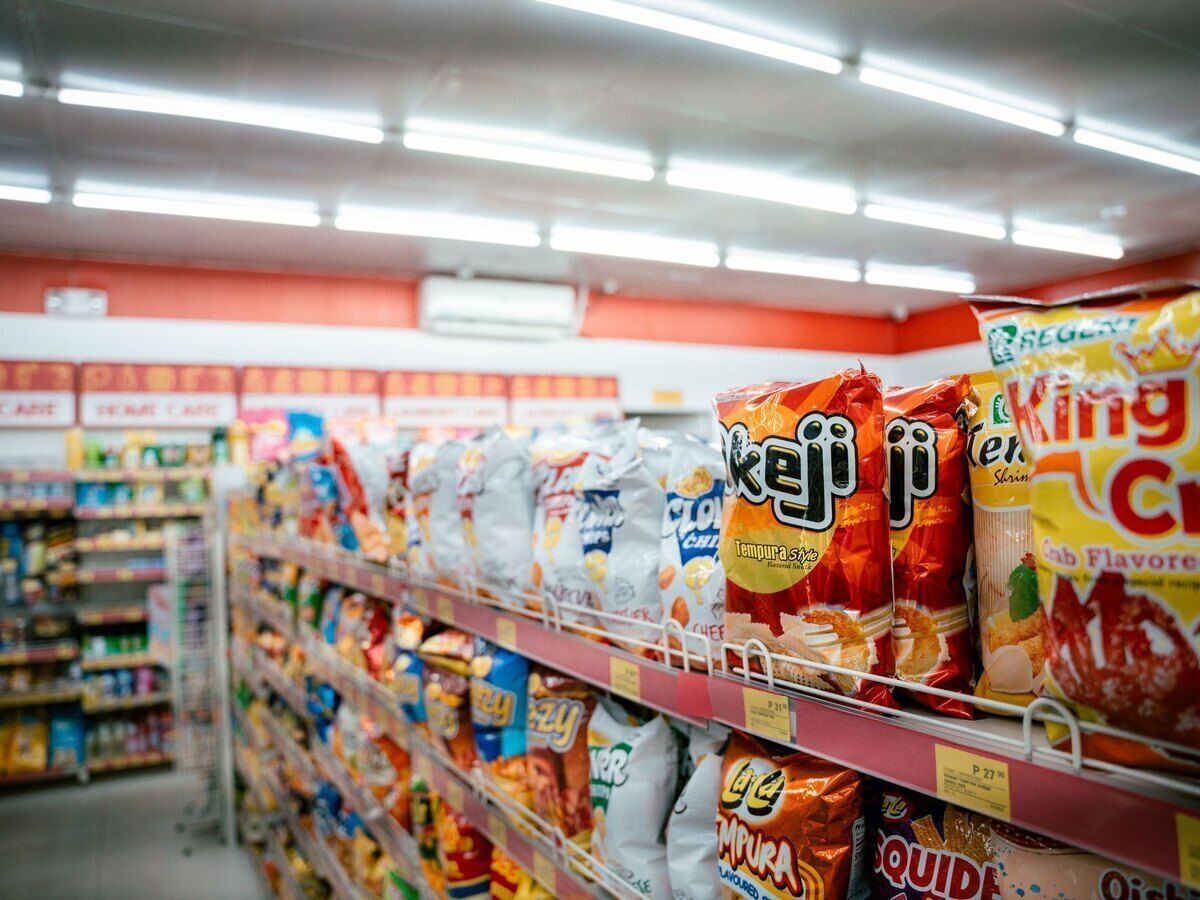
Why petrol station shops work with Onlinefact
-
Speed at the counter
Scanner, photo buttons and a cash drawer that opens on its own.
-
Rewarding commuters
A loyalty card with points for the people who stop every day.
-
An invoice for the company car
Look up the VAT number and the invoice goes out by email.
-
All your shops in one place
Products and prices managed centrally across several stations.
A Friday before a long weekend in your shop
On a day like this, half the region seems to pass your counter. This is how Onlinefact keeps the shop moving.
- The morning rush
Commuters pick up a bottle of water and a biscuit. They have their loyalty card scanned and quietly collect points every time they stop. - A plumber’s van pulls in
The driver buys screenwash and asks for an invoice. You look up his company’s VAT number, the details fill themselves in and the invoice goes out by email. - The supplier delivers
You book the delivery in against your supplier order, so your stock of drinks and snacks adds up again. - Off on holiday
Families buy sweets, drinks and a sunshade for the rear window. They pay by card or with Bancontact Pay, and you never retype an amount. - After closing
From your sofa you check in the browser what sold that day and what needs reordering on Monday.
Company vans, sales reps and their invoices
Many customers of a petrol station shop drive for work and need an invoice for what they buy. At the till you look up the VAT number, and the company name and address appear automatically. For regular business customers, you switch on automatic emailing of till invoices in their customer record. Your accountant gets a daily email with your invoices without you lifting a finger, and through Peppol you send them to companies that ask for it.
Getting your shop ready for day one with Onlinefact
This is the smoothest way to switch over, even if your shop is open seven days a week.
- ✓ Import your wholesaler’s product list from Excel
- ✓ Give trays and multipacks a barcode of their own
- ✓ Put products without a barcode on screen as photo buttons
- ✓ Set up a PIN code for each member of staff
- ✓ Link the payment terminal and Bancontact Pay to the till
- ✓ Enter a minimum stock for your fastest sellers
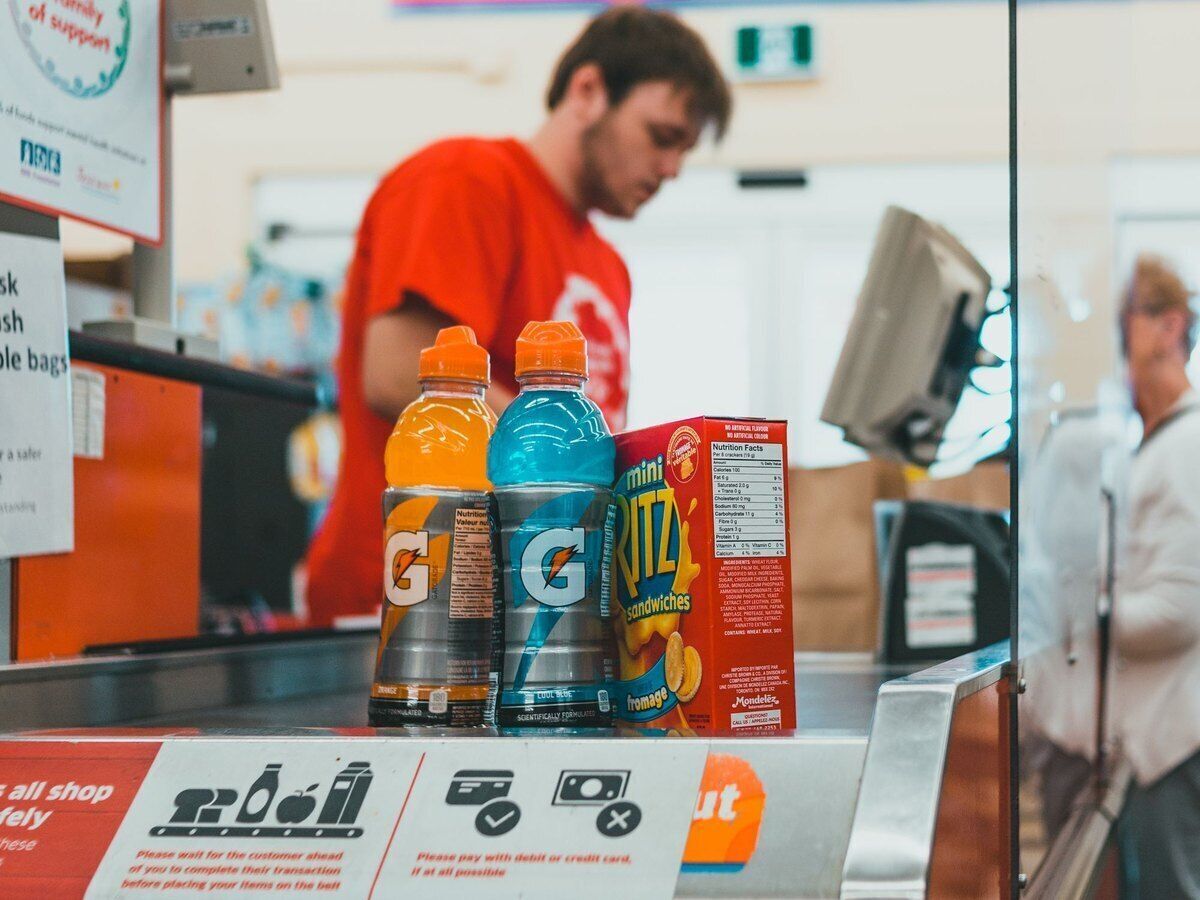
Questions from petrol station shop operators
Does this till also handle the pumps?
This page is about the till for your shop: snacks, drinks, car care and accessories. If you have questions about your pumps or how fuel is paid for, call us on 078 70 02 02 and we will look at what you need together.
I run several stations. Do I have to set everything up shop by shop?
No. With a master-slave setup you manage products and prices in your main account and they reach every shop almost in real time. A gift voucher sold in one shop is simply accepted in the others.
What happens if the internet goes down?
The till keeps selling and sends the receipts on once the connection is back. Online payments, gift voucher checks and reports do need an internet connection.
What hardware do I need in my shop?
A Windows touchscreen or computer, a scanner, a receipt printer and a cash drawer, optionally with a customer display. You can buy or rent all of it from Onlinefact.
Ready to speed up your petrol station shop?
Try Onlinefact free for 30 days, with no obligation, in your petrol station shop. Want to see first how scanning, the loyalty card and invoices for companies work together? Call 078 70 02 02 and we will show you.