POS system for night shops

Shifts, cash and figures under control, even when you are not there.

A till for your night shop, built for long evenings and changing shifts

With the Onlinefact POS system you know for every shift who was on the till, follow your cash from drawer to safe and keep selling if the internet drops in the middle of the night.

A night shop is open when other shops are closed. Often one person stands behind the counter, staff take over from each other in shifts and the owner only looks at the figures the next morning. Customers come in for a cold drink, snacks, bread or something for the road and want to be out again quickly. Onlinefact runs on a Windows touchscreen or computer at your counter, and you follow everything in the browser, even from home. Try it free for 30 days.

More about the Onlinefact POS system

Try it

Try Onlinefact free for 30 days in your night shop, with no obligation. Questions about PIN codes, cash management or your payment terminal? Call us on 078 70 02 02.

Yes please!

What Onlinefact gives your night shop

  • PIN code per staff member

    Every receipt is in the name of whoever made the sale.

  • Lock after every receipt

    Anyone who wants to sell logs in first.

  • Cash from drawer to safe

    Every movement of money is recorded.

  • Keep selling offline

    Receipts are sent on automatically later.

  • By the crate or by the can

    A separate barcode for the pack of 24.

  • Card and Bancontact Pay

    The amount goes to the terminal or the QR code by itself.

An evening shift at your night shop

From the handover to closing the day: this is how a shift goes with Onlinefact.

  1. At the shift change
    Your colleague locks the till and you log in with your own PIN code. From now on, the receipts are in your name.
  2. Later in the evening
    A customer buys a crate of soft drinks and two single cans. The till recognises the crate's barcode and deducts the right quantity.
  3. When the drawer gets too full
    You take part of the cash to the safe and record it as a transaction, with the amount and your name.
  4. Deep into the night
    The internet drops for a while. You simply keep selling, and the receipts go through as soon as the connection is back.
  5. At closing time
    You count the drawer and close the day. The next morning the owner checks the overview from home.
No internet? Keep selling

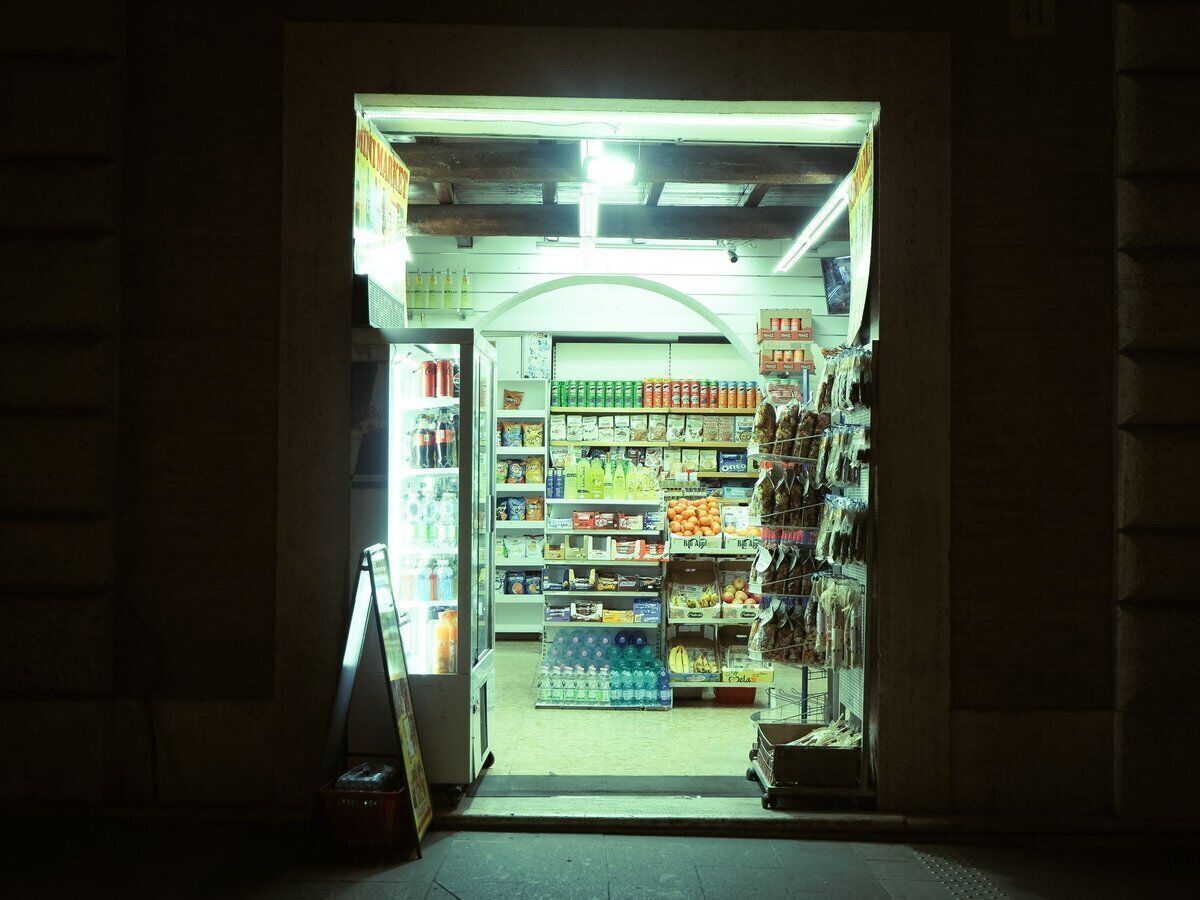
At night there is nobody around to fix an outage. That is why the Onlinefact till stores products, prices and customers locally and keeps selling if the connection drops. Cash and payments via your terminal on the local network carry on, and all receipts are sent as soon as you are back online. Only online payment methods such as Bancontact Pay and the gift voucher check wait until the connection is restored.

  • Products and prices stored locally
  • Receipts sent automatically afterwards
  • Terminal on your local network keeps working

More about the Onlinefact POS system

Who was on the till?

In a night shop, students, family members and permanent staff take turns. Everyone gets their own PIN code, and whoever sells logs in with it. You can set the till to lock after every receipt, so nobody ever sells under a colleague's name. The reports on the till are also protected by a separate password.

  • Own PIN code for every staff member
  • Lock after every receipt
  • Reports behind a separate password

More about the Onlinefact POS system

Checklist for every shift change

A fixed routine prevents arguments about till differences. This is how to handle it with Onlinefact.

  • ✓ The departing staff member locks the till.
  • ✓ The new staff member logs in with their own PIN code.
  • ✓ Surplus cash in the drawer goes to the safe, and the transfer is recorded.
  • ✓ A withdrawal or deposit is entered as cash out or cash in, with a note.
  • ✓ At the end of the day you count the drawer and close the day.
  • ✓ The Z report keeps the totals per payment method and VAT rate.

Your cash from drawer to safe

At the start of the day you enter how much change is in the drawer. Do you take money out during the day or add some? Record it as cash out or cash in, with a note that later appears in the reports. The cash transfer function moves amounts between till, safe and bank, each time with the amount and, if you like, the name of the staff member. At the end of the day you count the drawer, and the history shows every cash movement.
More about the Onlinefact POS system

Drinks by the crate, the pack or the can

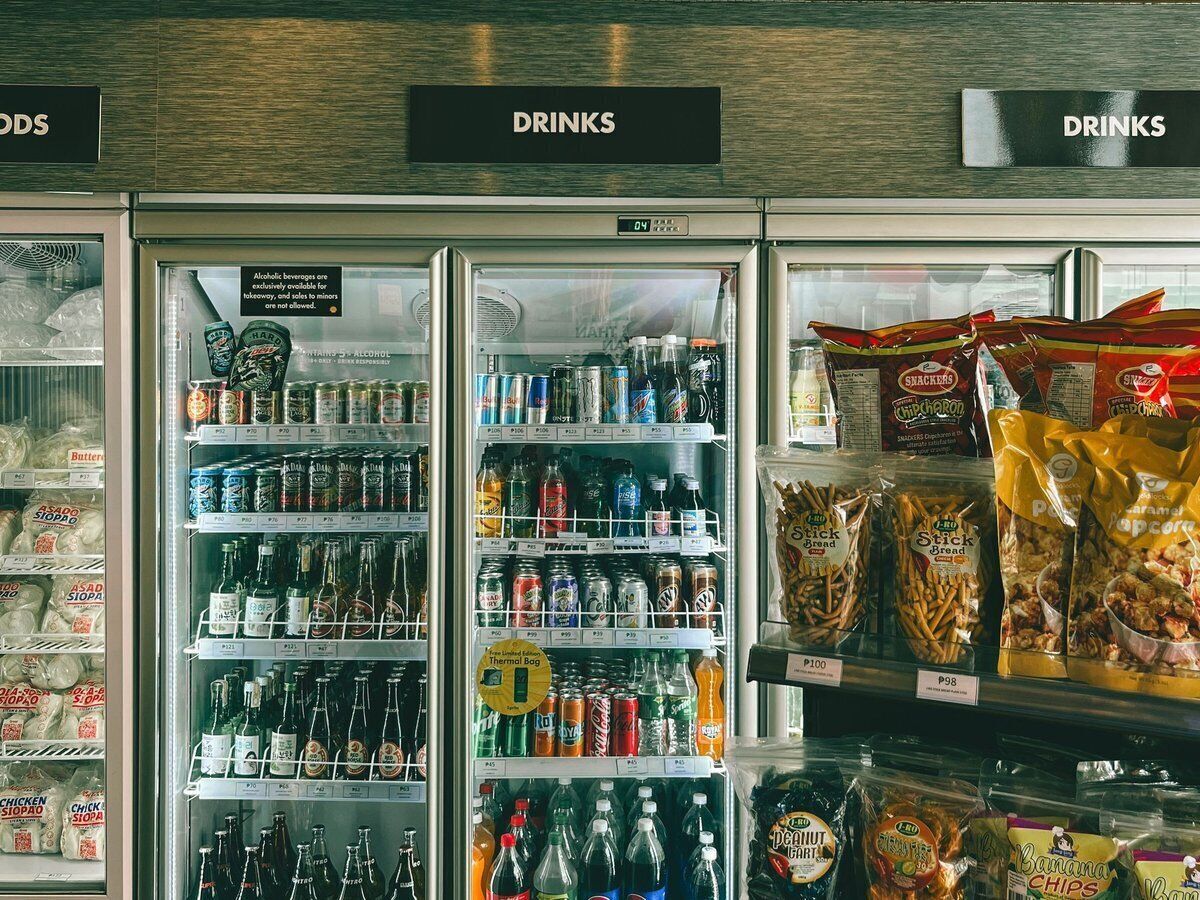
Soft drinks and beer are sold by the can, the pack or the crate. A product can have several barcodes, and a multipack barcode immediately deducts the right number of units from your stock. Bottle deposits are set up as an extra product that is added to the receipt automatically. With tiered discounts you offer an advantage on larger quantities, without your staff having to remember anything.

  • Multipack barcode deducts the right quantity
  • Deposit added to the receipt by itself
  • Tiered discount on larger quantities

More about stock management

The night's figures, in your browser in the morning

As the owner, you do not need to spend the whole night in the shop to know how it went. In the back office you see turnover per day and per product, the split per payment method and which products dropped below their minimum stock. Your wholesaler sends a new price list? Import it from Excel. A company asks for an invoice for a purchase? Create it from the till and send it by email or via Peppol.

More about invoicing with Onlinefact

Ready for a calm night shift?

Try Onlinefact free for 30 days in your night shop, with no obligation. Questions about PIN codes, cash management or your payment terminal? Call us on 078 70 02 02.

Contact us   Discover the POS system

Request Demo
Request Information