POS system for hobby and craft supply shops

Every colour and every small item in your stock, reordered in time.

A till for your hobby shop that keeps track of every colour and every small item

With the Onlinefact POS system you check out yarn, paint, fabric and craft materials quickly, track each colour separately in your stock and know in time which shade to reorder.

A hobby shop thrives on choice: balls of wool in dozens of colours, tubes of acrylic paint, brushes, beads, paper and patterns. Customers come back to buy the same colour for a project that is not finished yet. Onlinefact runs on a Windows touchscreen or computer at your counter and you manage your range in the browser. Till, stock, invoicing and support come in one package, and you can test it free for 30 days first.

More about the Onlinefact POS system

Try it

Try Onlinefact free for 30 days in your hobby shop, with no obligation. Want to see how variants per colour work first? Call us on 078 70 02 02 for a demo.

Yes please!

Three reasons to run your hobby shop with Onlinefact

  • A barcode for every colour

    Variants with their own stock, so you see which shade is running low.

  • Project kits

    A composite product deducts all components in one go.

  • Invoices for schools and clubs

    A quote becomes an invoice in one click, sent by email or via Peppol.
Yarn and wool tracked colour by colour

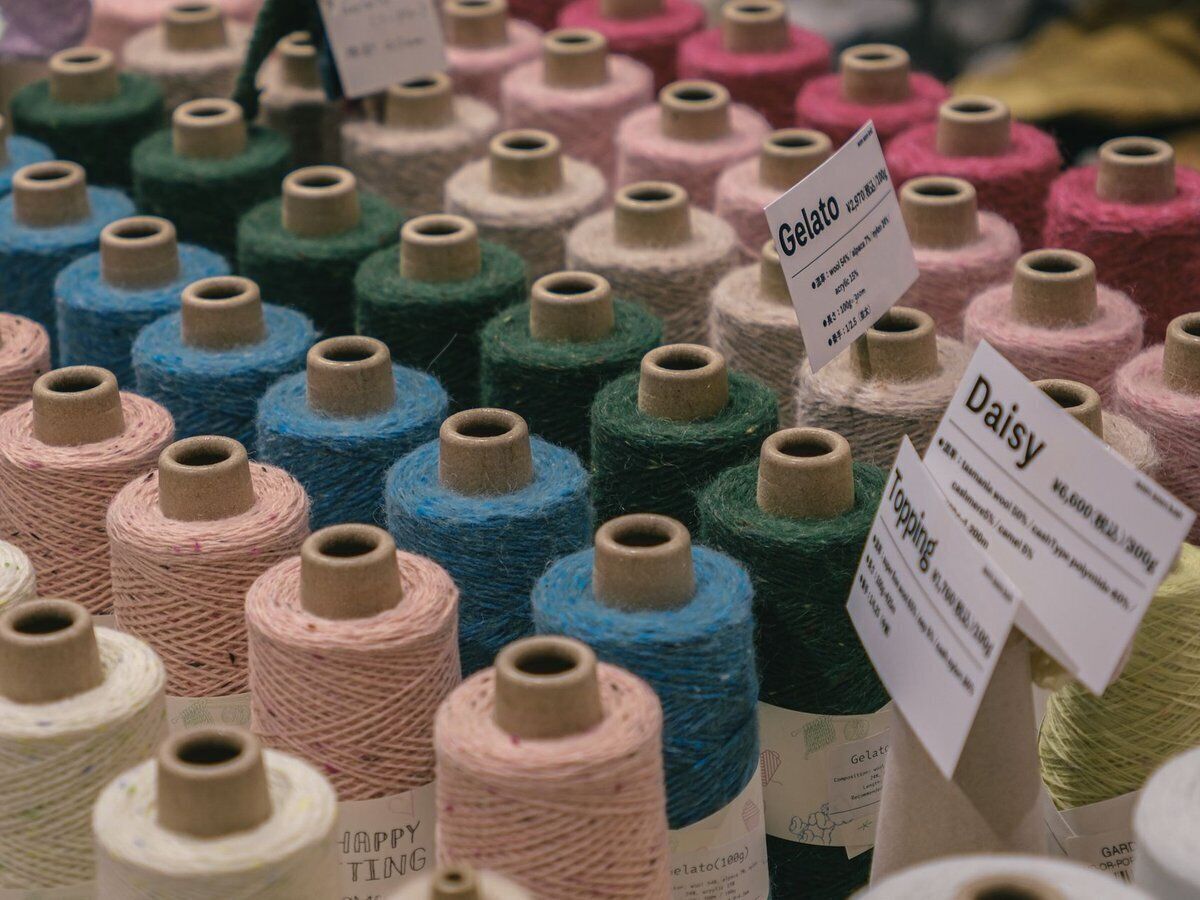
The same yarn in dozens of colours does not have to be managed as separate products. With product options you create variants, each with its own barcode and its own stock. At the till you scan the ball and the right colour appears on the receipt. In the back office you see straight away which shades are almost gone and which ones stay on the shelf.

  • Variants per colour with their own barcode
  • Stock per shade in the back office
  • The right colour on the receipt

More about stock management

What you sell and how Onlinefact handles it

A hobby shop sells very different things. Here is how to handle them at the till.

In your shopIn Onlinefact
Wool and yarn in many coloursVariants with their own barcode and stock
Brushes, ribbon and small accessories without a barcodeA button on the touchscreen, with a fixed or open price
A kit for a crochet or painting projectA composite product that deducts the components
A present for a creative friendA barcode gift voucher that can be used in several goes
An order for a school or youth movementA quote that you turn into an invoice

Paint, paper and small items through the till in no time

Tubes of paint and paper pads usually have a barcode, which you scan. For anything without one, such as loose beads, a length of ribbon or brushes sold singly, you put buttons on the touchscreen. A discount on a product takes a single tap. The amount received and the change are clearly displayed and your receipt carries your logo.

  • Quick keys for loose beads and ribbon
  • Product discount in a single tap
  • Receipt with your shop's logo

More about the Onlinefact POS system

Checklist: moving your hobby shop to Onlinefact

With these steps you are ready for your first day of sales.

  • ✓ Import your item list or your supplier's list from Excel.
  • ✓ Create colours as product options, each with its own barcode.
  • ✓ Print price labels on a Brother or Bixolon label printer.
  • ✓ Set a minimum stock level for your best-selling colours.
  • ✓ Connect your payment terminal and switch on Bancontact Pay.
  • ✓ Create loyalty cards for your regular customers.
Reorder before a colour runs out

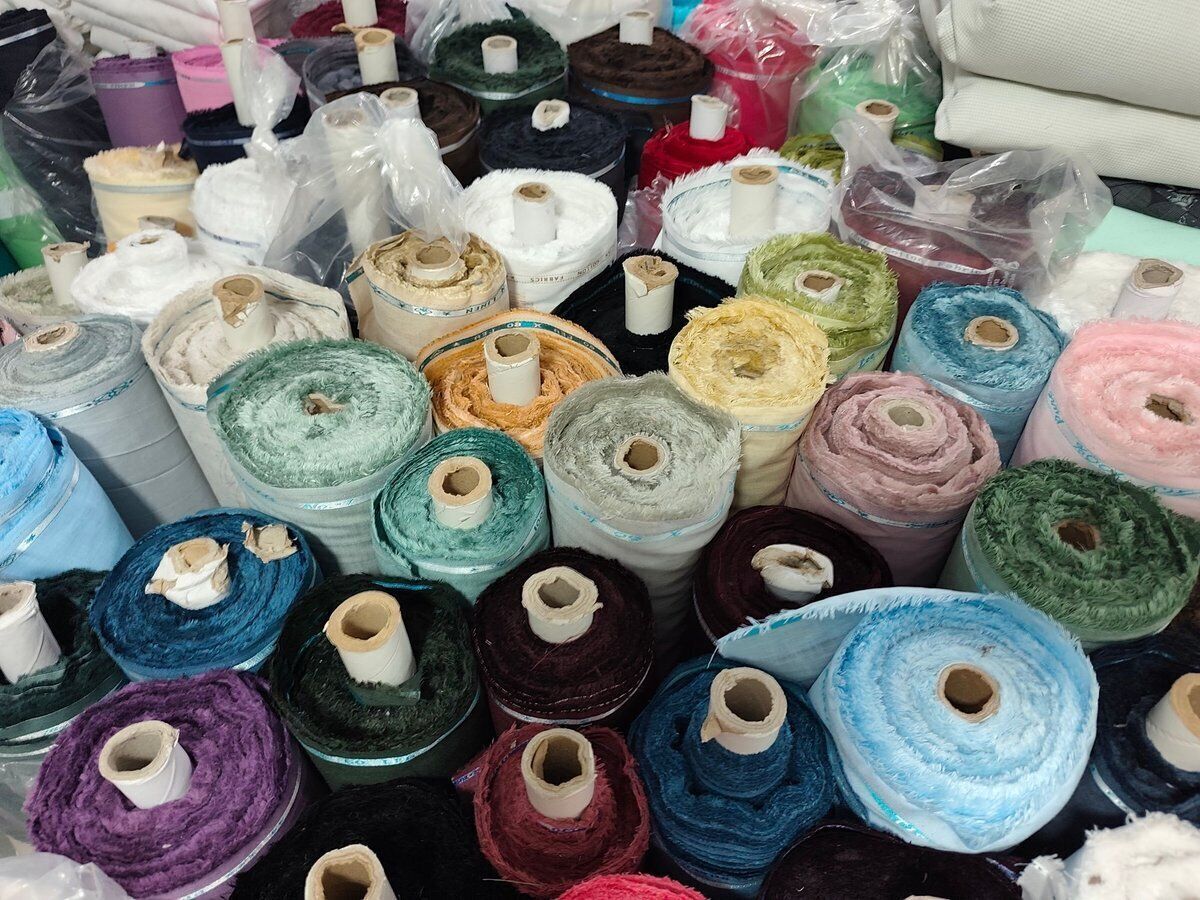
During a project, your customer wants to be able to buy more of the same colour. Set a minimum stock level per variant: the 'To order' report shows which products drop below that threshold. You prepare supplier orders in the back office, and delivered quantities count towards your stock right away. With a stock count, you put your figures right in one go.

More about stock management

Rewarding loyal creative customers

People who crochet, knit or paint tend to come back often. Give your regulars a barcode loyalty card and choose between loyalty points or a percentage discount on their next purchase. The balance appears on the receipt and on the customer display. Customers pay in cash, by card via a connected payment terminal or with Bancontact Pay, without any amounts being retyped.

  • Loyalty points or a percentage discount
  • Balance on receipt and customer display
  • Card and Bancontact Pay without retyping

See the payment terminals

Schools, youth movements and your webshop

Does a school, a childcare centre or a youth movement buy craft materials from you? You create a quote, turn it into an invoice in one click and send it by email or via Peppol. Do you also sell online through Shopify, WooCommerce or Magento? Then link your webshop to Onlinefact. Your accountant receives your invoices automatically every day, and for questions you can count on free support, usually within a few hours.

More about invoicing with Onlinefact

Ready to bring order to your colour shelves?

Try Onlinefact free for 30 days in your hobby shop, with no obligation. Want to see how variants per colour work first? Call us on 078 70 02 02 for a demo.

Contact us   Discover the POS system

Request Demo
Request Information