POS system for grocers

Loose goods, small suppliers and your own labels in one system.

A till for your grocery shop, from loose nuts to the local maker's jar

With the Onlinefact POS system you weigh loose goods at the counter, manage products from dozens of small suppliers and see for each item what it earns you.

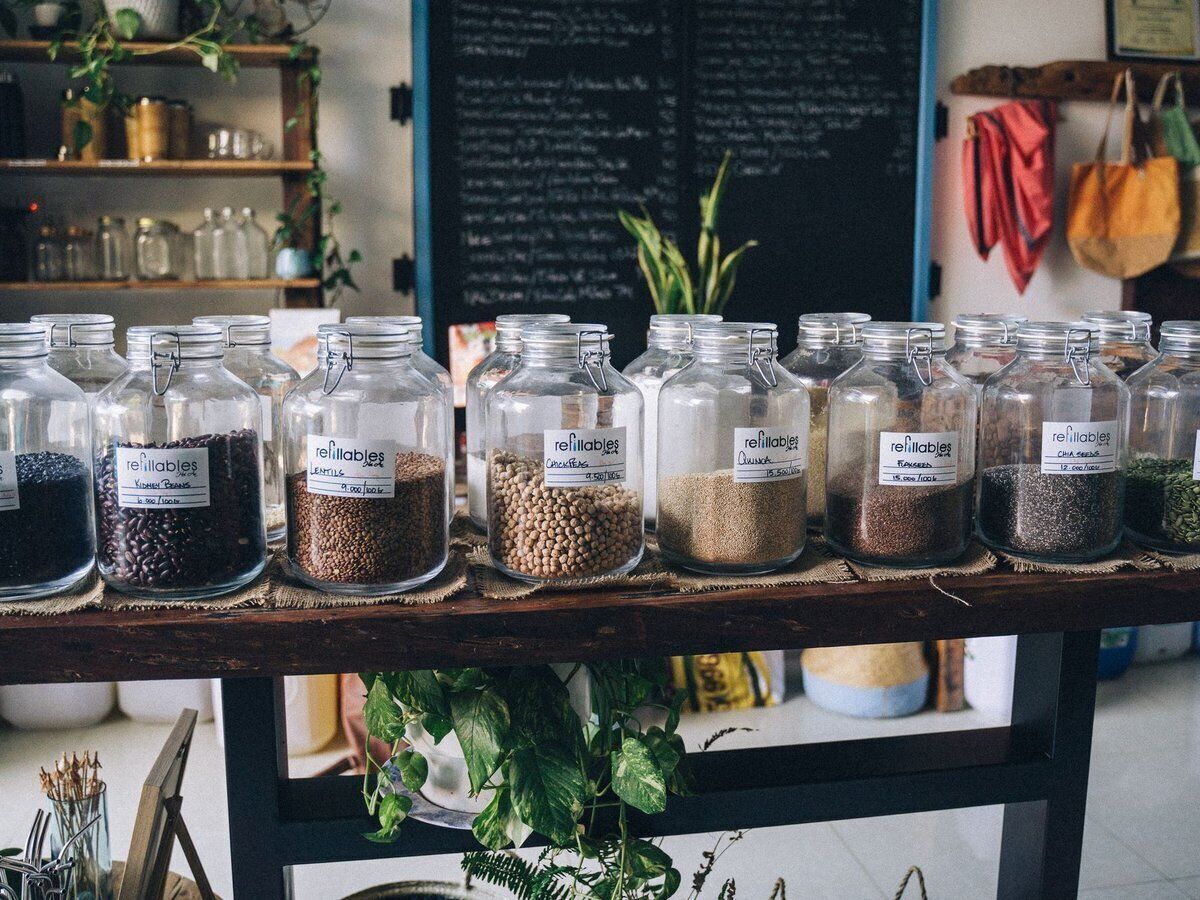
A grocer sells a bit of everything: coffee beans and spices by weight, olive oil and jam from small producers, pasta, tea and a bottle of wine for anyone looking for a present. Each product has a different supplier, a different margin and sometimes a best-before date. Onlinefact runs on a Windows touchscreen or computer at your counter; suppliers, purchases and reports are managed in the browser. Try it free for 30 days, with no obligation.

More about the Onlinefact POS system

Try it

Try Onlinefact free for 30 days in your grocery shop, with no obligation. Questions about scales, labels or supplier invoices? Call 078 70 02 02.

Yes please!

What your grocery shop gains with Onlinefact

  • Weighing loose goods

    A connected scale works out the price per kilo for you.

  • Incoming invoices

    Supplier invoices arrive digitally, also via Peppol.

  • Margin per item

    You see which products really earn you money.

  • Your own labels

    Barcode price labels for your jars and bags.
Weighing into your customer's own jar

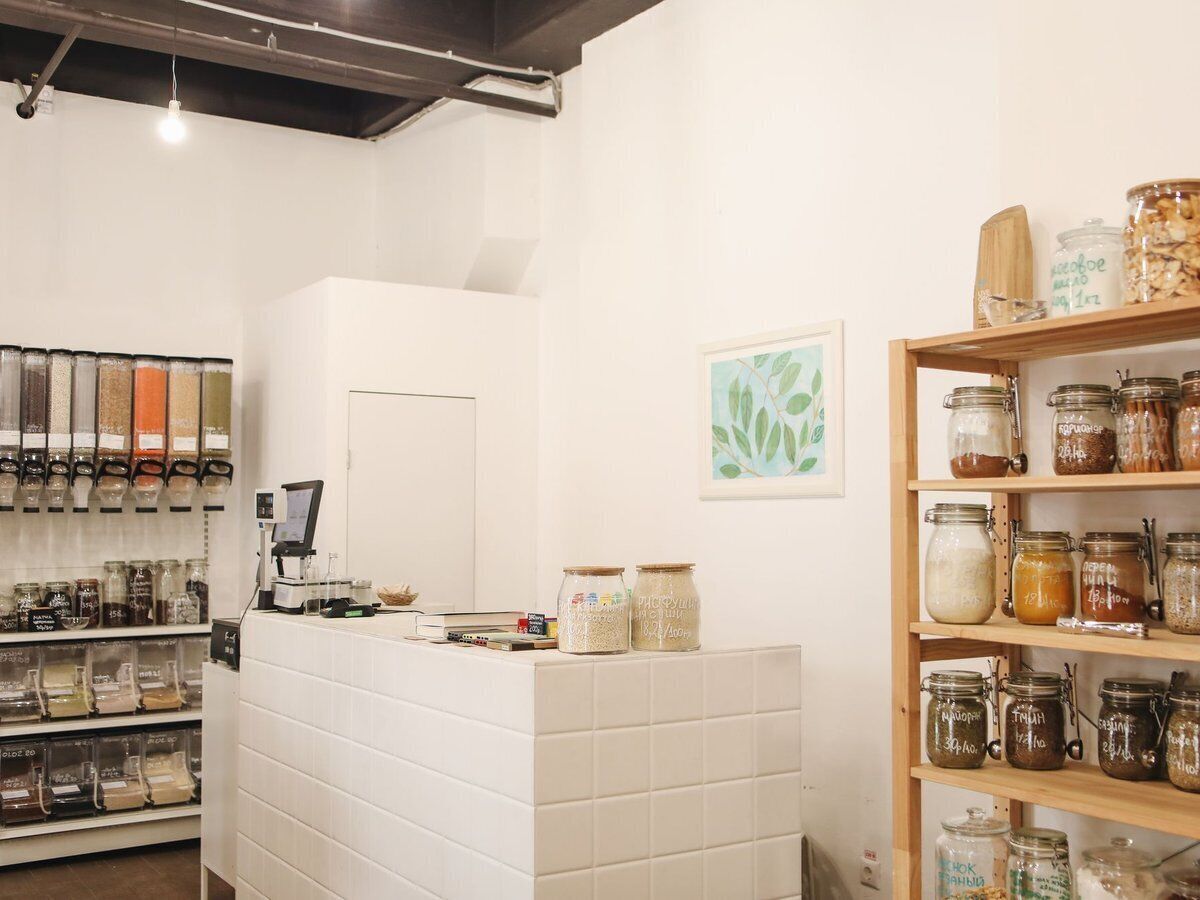
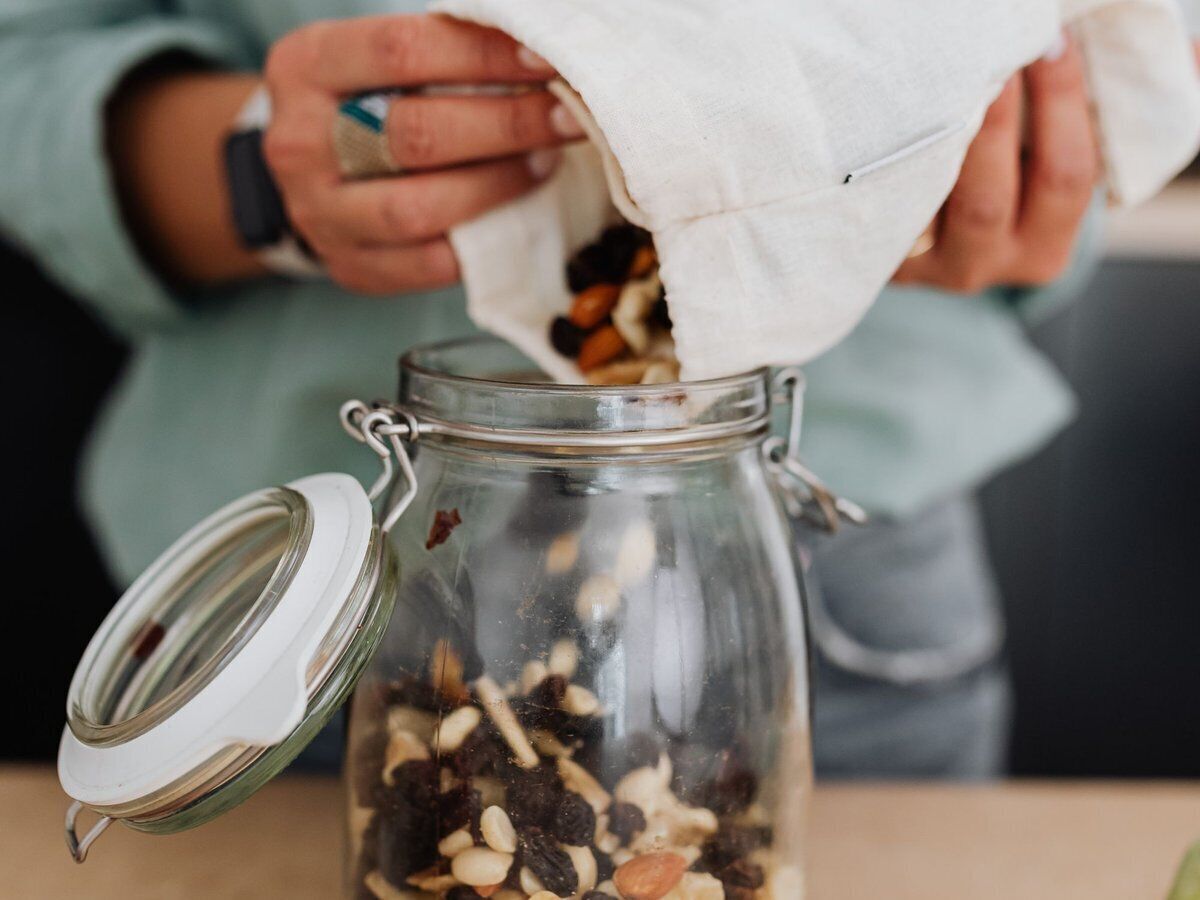
More and more customers bring their own jar or cloth bag for nuts, rice or coffee beans. You connect a scale from CAS, KERN or Mettler Toledo, among others, to the till and set up tare units for the containers you see most often. When weighing, the till deducts the empty weight, and the net weight and the price per kilo appear on the receipt line. Scale not available for a moment? Then you type in the weight yourself on the numeric keypad.

  • Tare for jars and cloth bags
  • Net weight and price per kilo on the receipt line
  • Type in the weight when the scale is unavailable

More about the Onlinefact POS system

How to charge for each type of product

In a grocery shop, not everything crosses the counter in the same way. This is how you work in Onlinefact.

What you sellHow you charge for it
Coffee, spices and nuts in bulkWeighing button with a price per kilo, tare for the container
Portions weighed and labelled in advanceScan the price barcode from your labelling scale
Oil, pasta and tins with a barcodeSimply scan
A gift hamper with regional productsComposite product that deducts the components from your stock
A bottle with a depositExtra product added to the receipt automatically

A label for every jar and every bag

Whatever you pack yourself gets its own label. From the back office you print barcode price labels on a Brother or Bixolon label printer, so your own packaging can be scanned in a second too. Your supplier raises the price of coffee or nuts? You adjust it and print new labels right away. A complete price list is updated in one go with an Excel import.

  • Brother or Bixolon label printer
  • New labels after every price change
  • Update the price list in one go via Excel

More about stock management

Dozens of suppliers, one overview

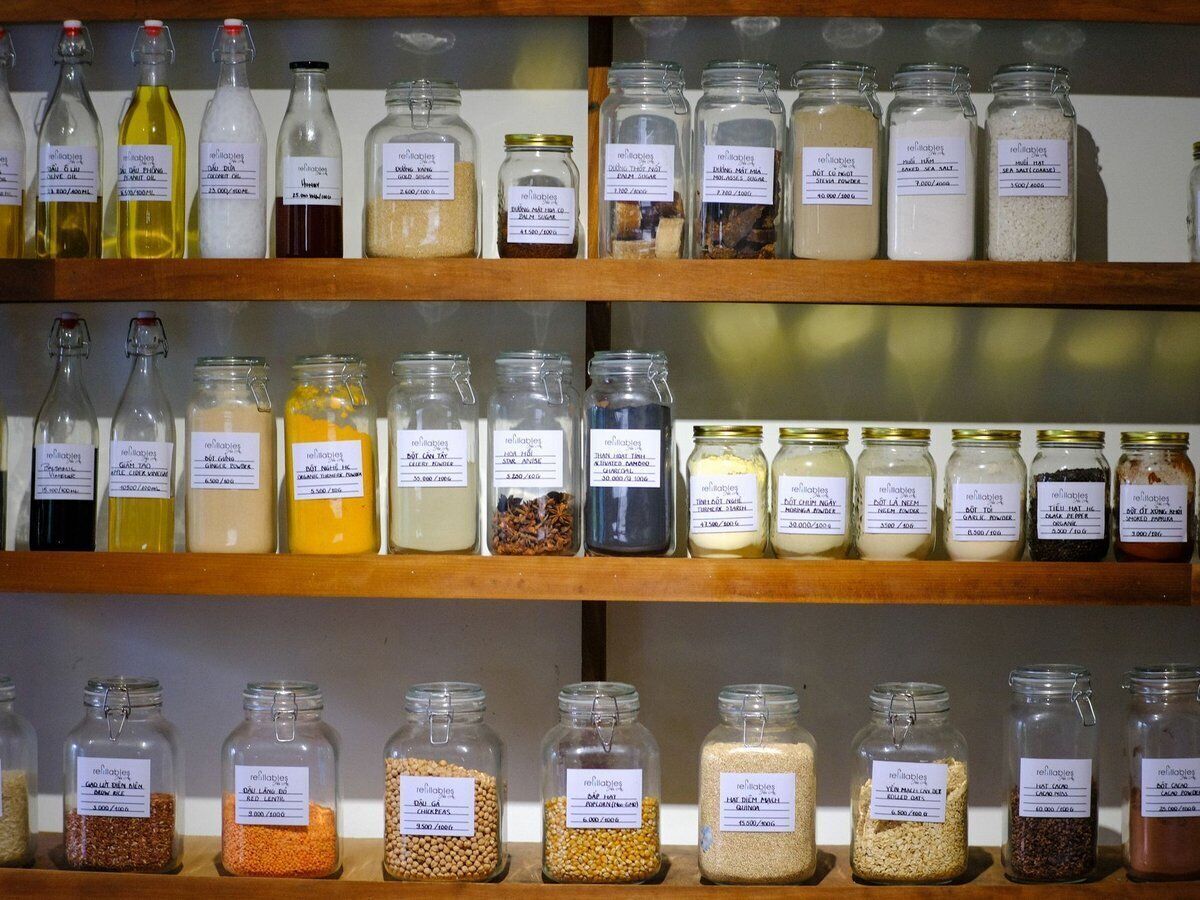
Your oil comes from an Italian family business, your honey from a local beekeeper and your pasta from a wholesaler. You forward supplier invoices to your own Onlinefact email address, drop them into the digital inbox or receive them via Peppol; Onlinefact reads them, and you check them and save them as a purchase document. You prepare a supplier order in the back office and, on delivery, enter the quantities received so your stock is right immediately.

More about invoicing with Onlinefact

“A good grocer knows his suppliers as well as his customers.”

With your purchases, suppliers and margins in the same system, you quickly see which products deserve a place on your shelves.
Regulars who come back to refill their jar

People who buy their nuts, tea or spices from you often come back as soon as they run out at home. With a loyalty card you reward that loyalty with points or a discount on the next purchase. Customers pay in cash, by card via a connected payment terminal or with Bancontact Pay, always with the right amount and without retyping. At the bottom of the receipt you add your own message, for example which new regional products have just come in.

  • Points for customers who come back to refill
  • Terminal and Bancontact Pay without retyping
  • Your own message at the bottom of the receipt

See the payment terminals

Best-before dates and margins under control

Delicatessen and fresh products have a best-before date. You mark per product that it has an expiry date and follow it up in a separate report, so you can run a promotion in time instead of throwing things away. The reports per product and per period show turnover and margin per item, and the 'To order' report lists the products that have dropped below their minimum stock.

  • Report of upcoming best-before dates
  • Turnover and margin per item
  • Minimum stock per product

More about stock management

Your grocery shop in order, from jar to bookkeeping?

Try Onlinefact free for 30 days in your grocery shop, with no obligation. Questions about scales, labels or supplier invoices? Call 078 70 02 02.

Contact us   Discover the POS system

Request Demo
Request Information