POS system for greengrocers

Weigh, take payment and track stock, even when prices change with the season.

A till for your greengrocer's that weighs, calculates and keeps up with the seasons

With the Onlinefact POS system you weigh fruit and vegetables right at the till, combine per-kilo and per-piece prices on the same receipt and see every evening what the day brought in.

At a greengrocer's, the range changes with the season and sometimes the price changes with the day. Chicory and potatoes are sold by the kilo, a punnet of strawberries or a cauliflower by the piece, and a regular wants his fruit basket ready on Friday. Onlinefact runs on a Windows touchscreen or computer at your counter, with a connected scale next to it; prices, reports and settings are managed in the browser. Try it free for 30 days first or ask for a demo.

More about the Onlinefact POS system

Try it

Test Onlinefact free for 30 days in your greengrocer's, with no obligation, or see in a demo how scale and till work together. Call 078 70 02 02.

Yes please!

Weighing at the till, no mental arithmetic

Tap an item sold by weight and the till reads the weight from the connected scale and works out the amount from the price per kilo straight away. The receipt line shows the net weight and the price per kilo, so your customer sees what they are paying for. Onlinefact works with scales from brands such as CAS, KERN and Mettler Toledo, and the tare function subtracts the weight of a punnet or bag. You can also enter the weight manually on the numpad.

  • Price per kilo and weight on every line
  • Tare for punnets and bags
  • Weight can also be entered manually

More about the Onlinefact POS system

Per-kilo and per-piece prices on one receipt

A kilo of apples, two lemons by the piece and a bunch of radishes: on the touchscreen, a small scale icon next to the price marks the items sold by weight, the others you simply tap. That way you build a mixed receipt without thinking about units. Packaged products such as juices or jams are scanned with the barcode scanner. The change is shown in large figures, the cash drawer opens by itself and the customer follows along on the customer display.

  • Items sold by weight marked with an icon
  • Scan juices and jams
  • Customer follows on the display

More about the Onlinefact POS system

What your till does for your greengrocer's

  • Weighing with a connected scale

    The amount follows from the weight and the price per kilo, tare included.

  • Fruit baskets as composite products

    With every sale, the stock of each component goes down too.

  • Payment the way your customer likes

    Cash, card or Bancontact Pay, with cash rounding to 5 cents if you want it.

  • Your figures every evening

    After closing time you see what was sold per product and per payment method.

A day at the greengrocer's

This is how an ordinary working day goes with Onlinefact at the counter.

  1. In the morning
    You open the till with start of day and count your float. The new strawberry price you changed in the back office is picked up by the till.
  2. Mid-morning
    Regulars have their loyalty card scanned and collect points or get a discount on their next purchase.
  3. Around noon
    A colleague takes over the till and logs in with their own PIN code.
  4. In the afternoon
    A company picks up the fruit baskets it ordered. You create the invoice straight from the till and email it to the customer right away.
  5. After closing time
    You close with end of day and a Z report per VAT rate and payment method, then check at home in the browser which products sold best.

Fruit baskets and soup packs that keep track of your stock

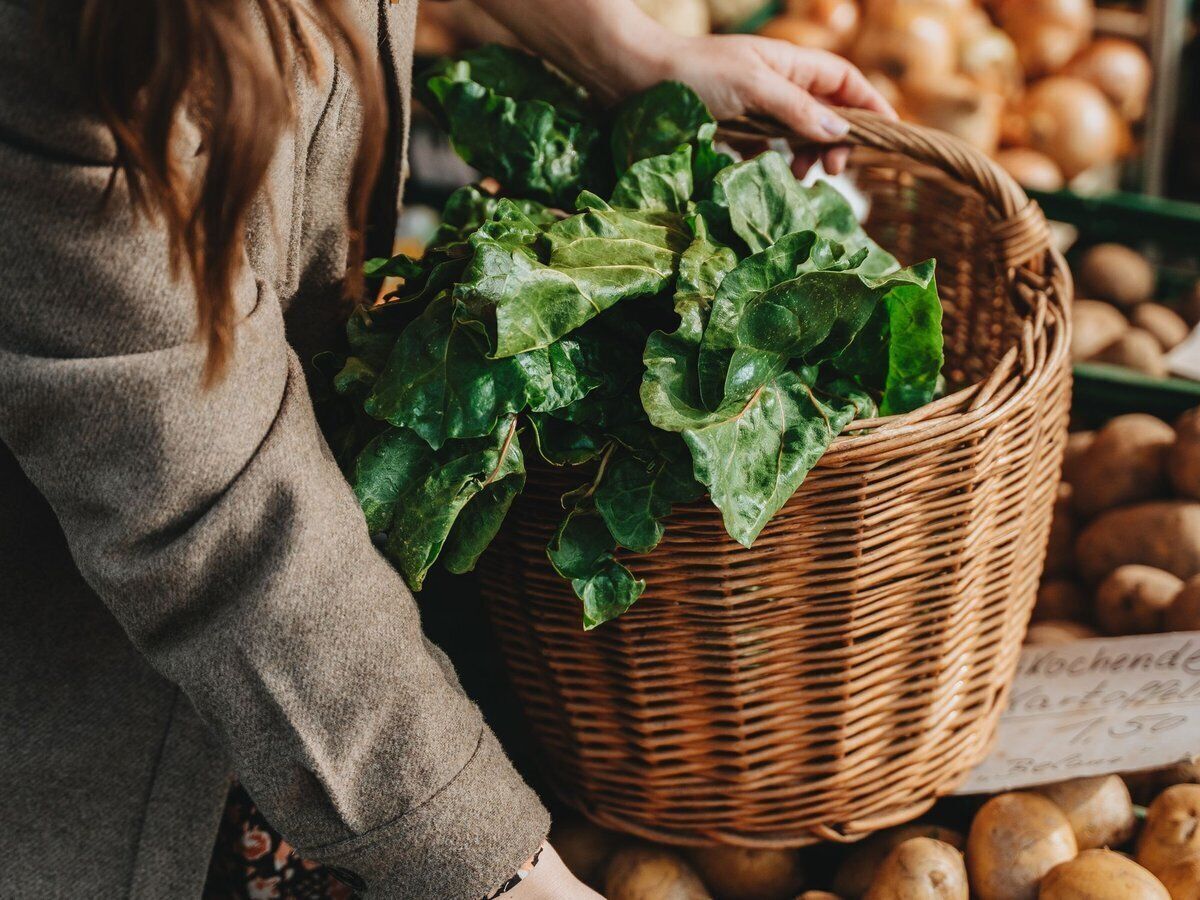
Put together a fruit basket or a pack of soup vegetables as a composite product. When you sell one, Onlinefact deducts the components from your stock, so you can see how many apples, pears or celery sticks are left. For packaged products with a best-before date, you record the expiry date per product and follow it up in a separate report. That way you see in time which products need to go first.

  • Components deducted automatically
  • Expiry date per packaged product
  • Separate report for expiry dates

More about stock management

Regular customers and Bancontact Pay at the counter

At a greengrocer's, many customers come back every week. With a barcode loyalty card you select the customer in a second; you decide whether they collect points or get a discount on their next purchase, and the balance is printed on the receipt. Customers pay in cash, by card via a connected terminal from CCV, Worldline or SumUp, for example, or with Bancontact Pay, where the amount from the till appears with the QR code at once.

  • Points or a discount, your choice
  • Card payment without retyping
  • Bancontact Pay with the right amount

See the payment terminals

“When you sell by the kilo, you want the scale and the till to show the same number.”

That is why, with Onlinefact, the weight goes straight from the scale to the receipt line, with no retyping.
Prices that move with the market

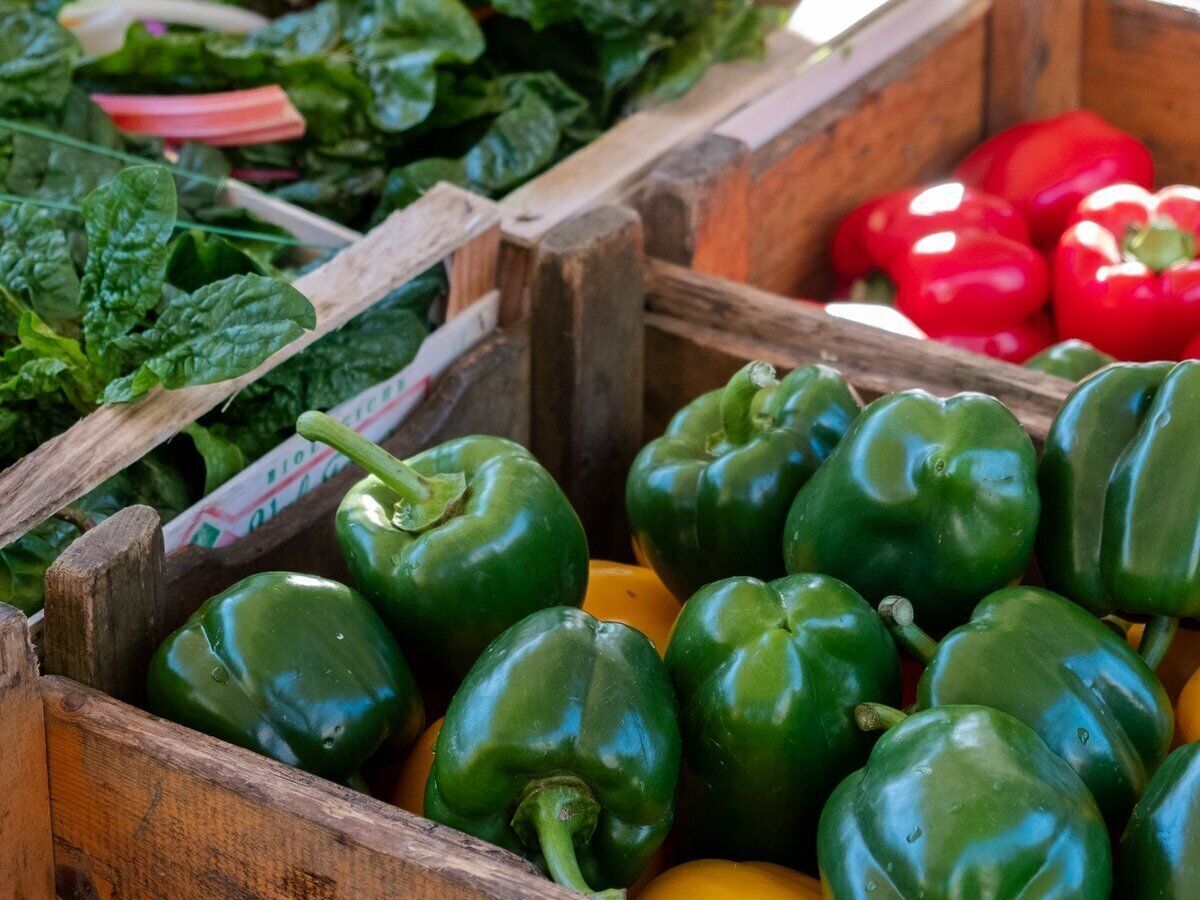
The price of peppers or asparagus changes with the season. You update prices in the back office or all at once with an Excel import, and the till calculates with the new price. Price labels are printed on a label printer. Every sale updates your stock, and with a minimum stock level, the 'To order' report shows what you need to restock from the wholesaler.

  • New prices via an Excel import
  • Price labels on the label printer
  • 'To order' report for the wholesaler

More about stock management

Deliveries to companies, schools and clubs

Does your shop deliver fruit to an office, a school or a sports club? With Onlinefact you create a quote that becomes an invoice in one click, and you send invoices by email or via Peppol at no extra cost. Payments are matched to the right invoice through the bank link, and your accountant automatically receives your sales and purchase invoices every day.

More about invoicing with Onlinefact

Is your counter ready for the new season?

Test Onlinefact free for 30 days in your greengrocer's, with no obligation, or see in a demo how scale and till work together. Call 078 70 02 02.

Contact us   Discover the POS system

Request Demo
Request Information