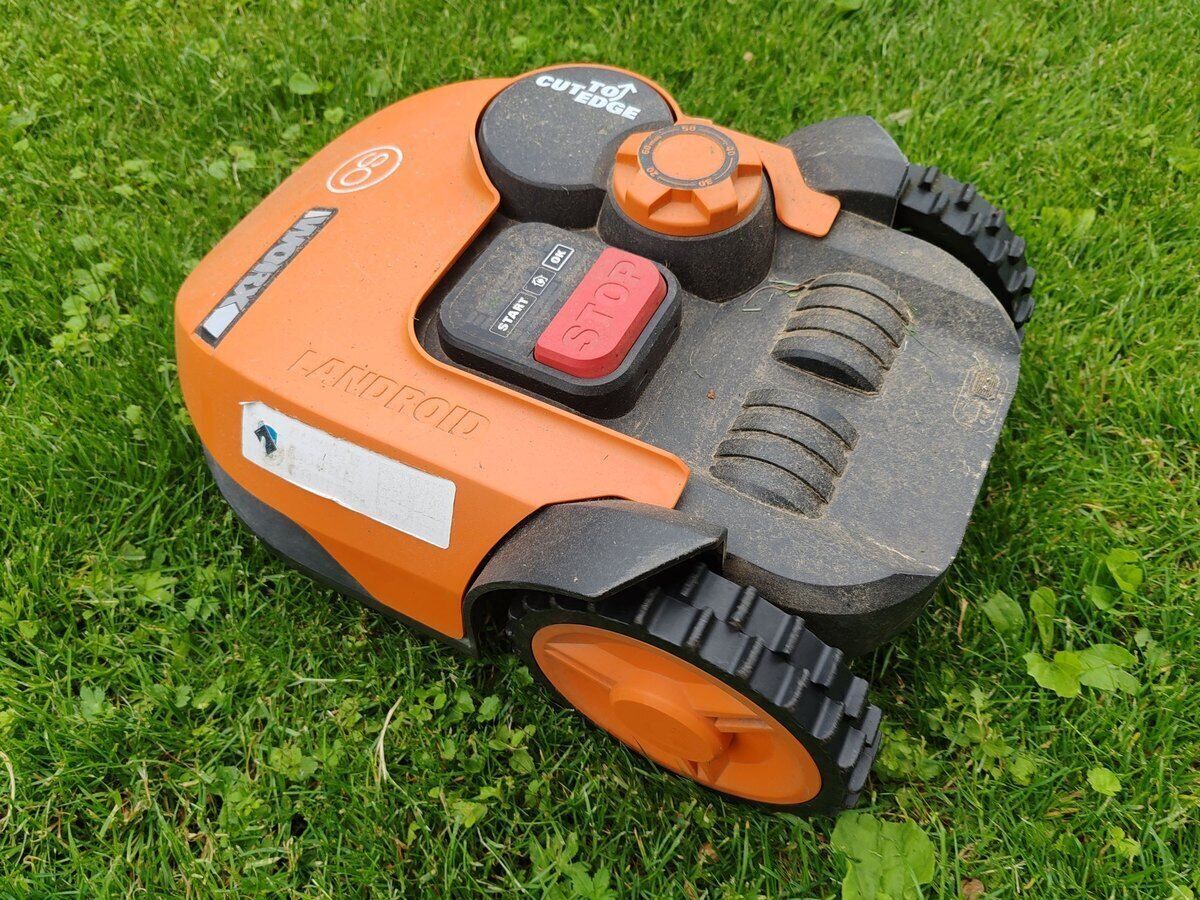
What you sell, and how Onlinefact deals with it
A garden machinery business sells much more than machines. Here is where each kind of sale fits.
| In your shop | In Onlinefact |
| A new lawn mower | Product with a barcode, sold at the till or through quote, order and invoice |
| A mower blade or a spark plug | Spare part with its own barcode and a minimum stock |
| A service | Digital work order with hours, materials and the customer’s signature |
| Chain oil by the bottle and by the box | Several barcodes per product, including a multipack barcode for the box |
| A present for a keen gardener | Gift voucher with a barcode and a balance that can be spent in parts |

Spring kicks off at your garden machinery shop
As soon as the grass starts growing, everyone wants their machine ready at the same time. This is how you keep track.
- The first sunny Saturday
Customers bring in the mower that sat idle all winter. You open a work order for each machine, with a photo and a note on what needs doing. - In the workshop
Every technician sees the work orders assigned to him, and the colour status tells you at the counter which machines are ready to go. - A question about a robot mower
A customer is torn between two models. You prepare a quote and email it before he has even left the shop. - A landscaper picks up blades and spark plugs
You link his customer record to the sale, his own price level kicks in and he gets an invoice instead of a till receipt. - Collection after the service
The customer signs the work order, you turn it into an invoice and he pays by card or with Bancontact Pay.
Five advantages for garden machinery dealers
-
Work orders instead of paper
Hours, parts, photos and the customer’s signature in one place.
-
Quotes that become invoices
From quote to order to invoice, one click at a time.
-
Prices for landscapers
A price level or a fixed discount for each trade customer.
-
Spare parts within reach
Minimum stock and an order list per supplier.
-
The season in figures
Sales by product, brand and period in your browser.
Preparing the new season in Onlinefact
A quiet week in winter is the perfect moment to get everything ready.
- ✓ Count your spare parts with an inventory document
- ✓ Adjust minimum stock levels to what sold last spring
- ✓ Import your suppliers’ new price lists from Excel
- ✓ Create a new season for this year’s models
- ✓ Review the price levels of your landscapers and other regulars

Questions from garden machinery dealers
Do the parts used in a repair end up on the invoice?
Yes. The technician records the parts as materials on the work order, together with his hours. When you turn the work order into an invoice, everything is on it.
Can a customer pay a deposit for a big repair?
Yes, you can record deposits on a digital work order, so you always see what has already been paid.
Can my technician view work orders in the workshop?
Work orders live in the back office, which runs in the browser. Your technician can open them on any computer with an internet connection, including the one in the workshop.
Can I sell online as well?
Onlinefact links up with webshops on Shopify, WooCommerce and Magento. Orders from your webshop land in Onlinefact alongside your in-store sales.
Ready to run your shop and workshop from one system?
Try Onlinefact free for 30 days, with no obligation, in your garden machinery business. Want to see first how quote, work order and invoice fit together? Call us on 078 70 02 02 for a demo.