POS system for vintage shops

Per rail, per item or per kilo: the till follows the way you price.

A till for your vintage shop, with prices per rail, labelled statement pieces and clothing by the kilo

With the Onlinefact POS system you ring up vintage the way you price it: a fixed price per rail, a barcode of its own for a statement piece, or by the kilo on the scale.

Almost every item in a vintage shop is different, but that does not mean you have to enter each shirt into your till. Most shops work with price groups: one rail of jeans at one price, a basket of scarves at another. Real statement pieces get their own label, and at a kilo sale you simply weigh. Onlinefact runs on a Windows touchscreen or computer at your counter, and you manage categories, buttons and figures in the browser. Try it free for 30 days.

More about the Onlinefact POS system

Try it

Try Onlinefact free for 30 days, with no obligation, in your vintage shop. Want to see first how price buttons, labels and the scale work together? Call 078 70 02 02 and see it in action.

Yes please!

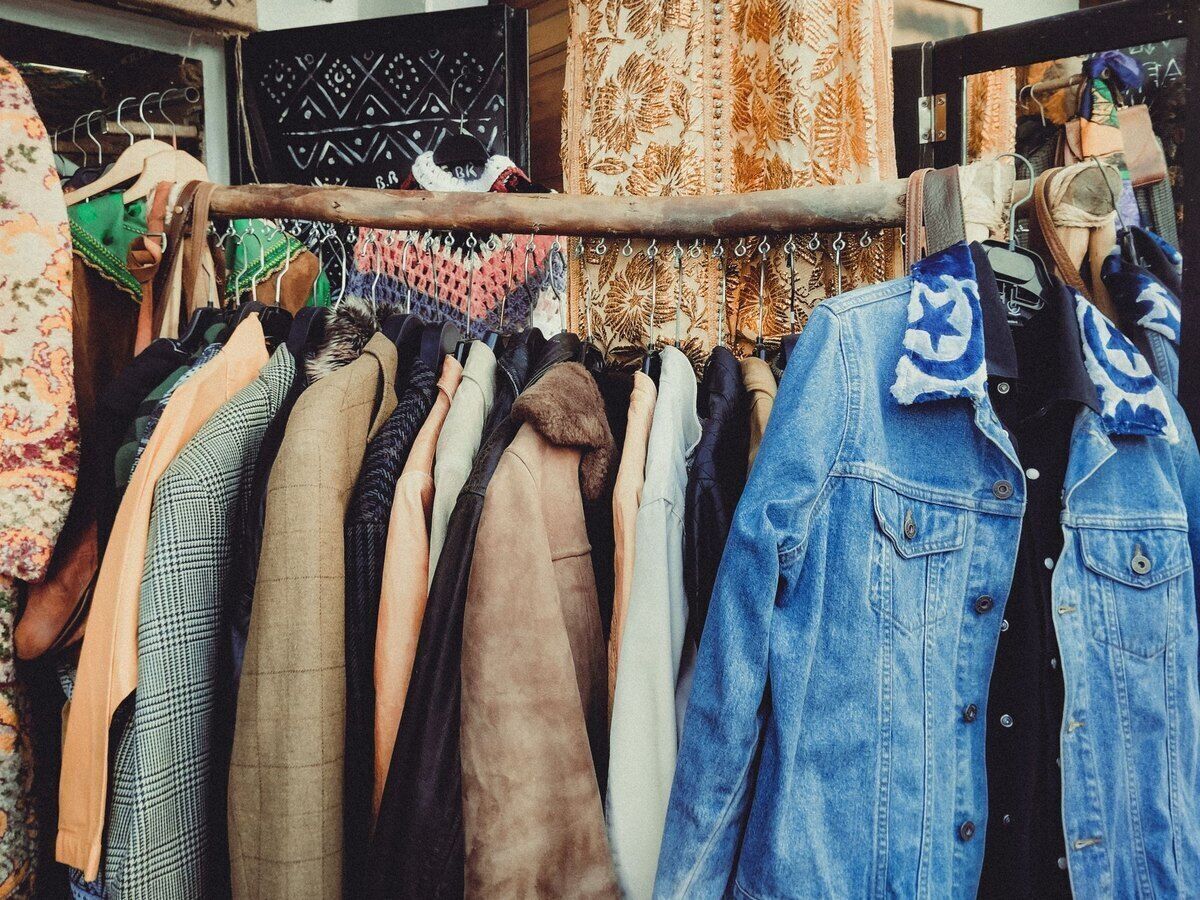
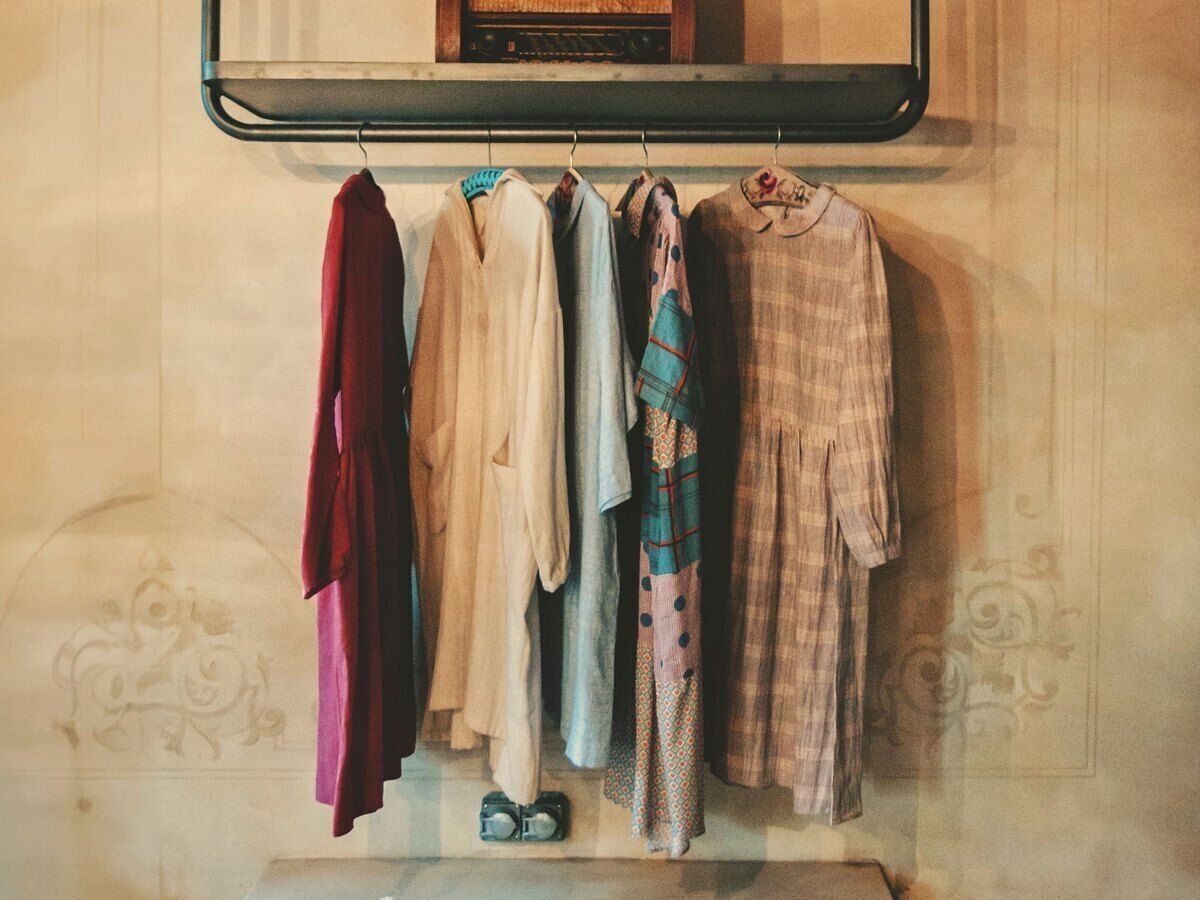
Jackets, jeans and dresses without entering every item

A rail of leather jackets or a table of jumpers gets a single fixed-price button in Onlinefact. Tap the button and the item is on the receipt, without first creating a product for every jacket. Your till screen stays tidy, even when new stock arrives every week. Link the button to a product per price group and your per-product report also shows how many items left that rail.

  • One button per rail instead of per item
  • New stock without new product records
  • Button linked to a product for reporting

More about the Onlinefact POS system

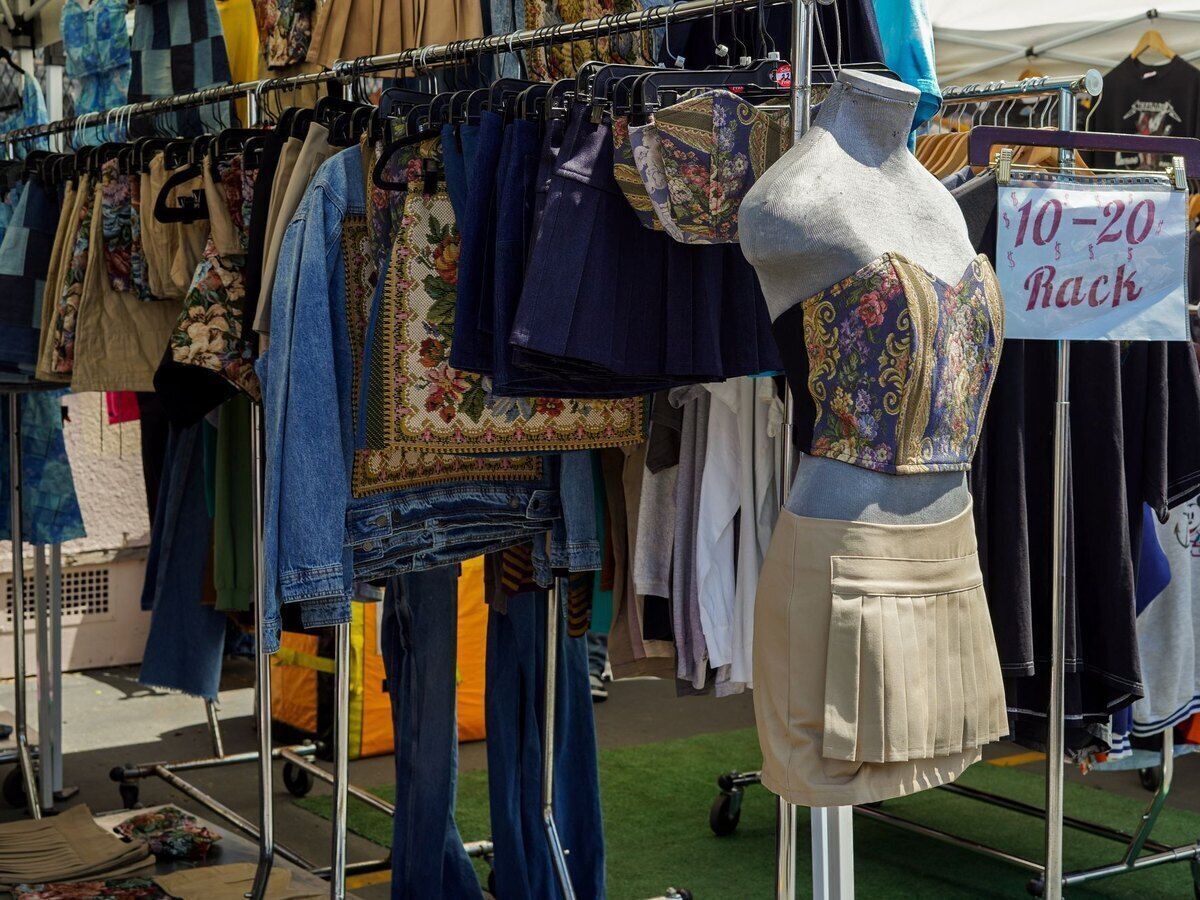
A price per rail or per label colour

Many vintage shops price by rail or by label colour: everything on this rail at one price, everything with a red tag at another. In the back office you create a till button with a fixed price for each price group. For an item with a handwritten price, you use an open-price button: key in the amount, then tap the button.

  • A button per label colour
  • Open price for handwritten tags
  • Buttons managed in the back office

More about the Onlinefact POS system

Four ways to price vintage in Onlinefact

Every vintage shop prices in its own way. Onlinefact follows yours, not the other way round.

How you priceHow you ring it up
A rail or label colour with one priceTill button with a fixed price per price group
An item with a handwritten priceOpen-price button where you key in the amount
A designer piece or a rare jacketIts own product with a barcode label and a stock of one
Clothing by the kiloWeighing button with a price per kilo and the weight from the linked scale

Six ways Onlinefact helps your vintage shop

  • Price groups as buttons

    One tap per rail or label colour, without entering every item.

  • Statement pieces with a label

    A barcode label from Brother or Bixolon for your best finds.

  • Kilo sales on the scale

    Weight and price per kilo straight onto the receipt.

  • Exchanges with a credit voucher

    Returns via the receipt barcode and credit for later.

  • Points for loyal treasure hunters

    A loyalty card that adds up with every purchase.

  • Figures in your browser

    Sales by product and period, from home as well.
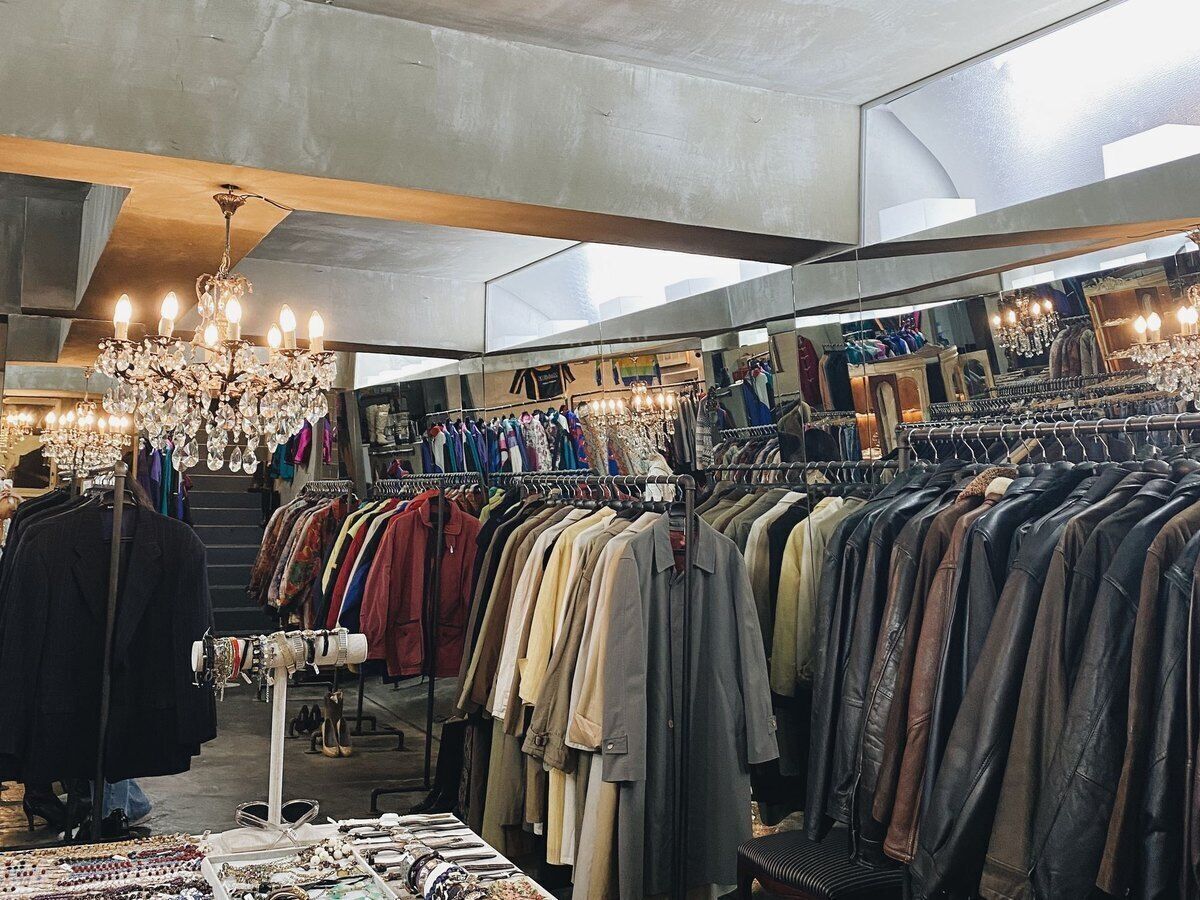
A shop full of decades, neatly organised

Seventies, eighties, sportswear or workwear: you sort buttons and products into categories that match how your customers browse. With seasons in the back office you keep your summer and winter ranges apart. Your reports show what sold per product and per period, so you know which rails need restocking more often.

  • Categories by decade or style
  • Summer and winter ranges as seasons
  • Sales by product and period

More about stock management

A kilo sale on a Saturday

A kilo sale draws a crowd and needs a till that weighs as smoothly as it scans. Here is how to handle it.

  1. Getting ready
    You create a weighing button with the sale’s price per kilo and link your scale to the till.
  2. The first customers at the counter
    You put the pile of clothes on the scale. A tare button takes off the weight of the basket, and the net weight with the price per kilo goes on the receipt.
  3. A statement piece in between
    A customer also picks up a jacket with its own label. You scan the barcode and that jacket is no longer in your stock.
  4. Paying with a gift voucher
    Someone pays part with a gift voucher she got for her birthday and the rest with Bancontact Pay.
  5. Afterwards
    The sales details show what the kilo sale brought in, next to your regular sales.
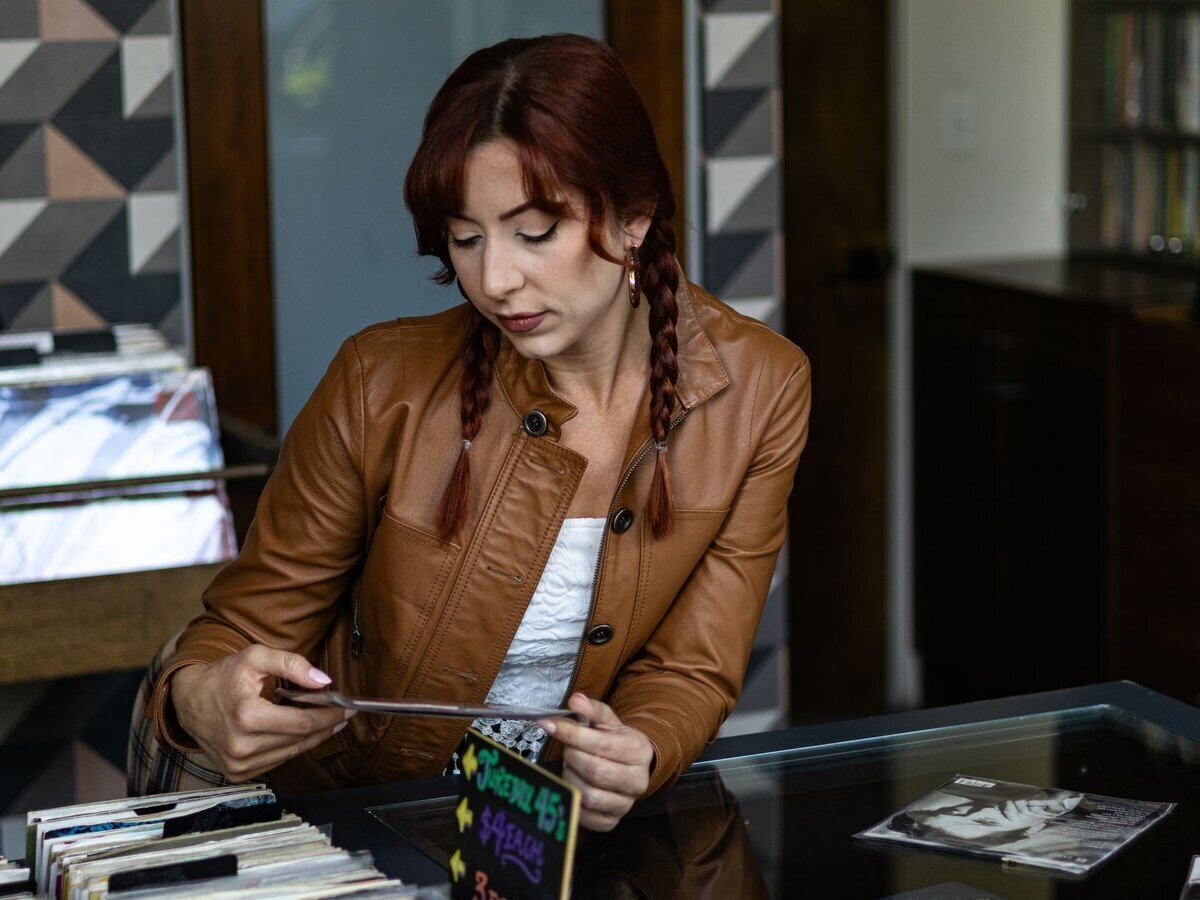
Records, sunglasses and small finds

Besides clothing you may sell vinyl records, sunglasses or bags. Records are sorted by genre, and small accessories go on screen as photo buttons. Regulars get a loyalty card with a barcode, so they collect points or get a discount on their next purchase. For anyone looking for a present, you sell gift vouchers with a balance that can be used over several visits.

  • Records sorted by genre
  • Loyalty card with points or discount
  • Gift voucher with remaining balance

More about the Onlinefact POS system

“Every vintage piece has a past, but your till mainly needs to know what it costs today.”

That is why Onlinefact lets you choose how to ring things up: per rail, per item or per kilo, without changing the way you work.
Payments and exchanges without fuss

The total goes straight to the linked payment terminal, and with Bancontact Pay your customer scans a QR code with the amount in it. If a pair of trousers does not fit after all, you find the receipt via its barcode, take the item back and hand over a credit voucher. Your exchange terms are printed at the bottom of every receipt, so everyone knows them.

  • Exchanges via the receipt barcode
  • Credit voucher for next time
  • Exchange terms at the bottom of the receipt

See the payment terminals

Getting your vintage shop ready in Onlinefact

With these steps your till is ready for your first customers.

  • ✓ Create categories by style, decade or type of clothing
  • ✓ Make a fixed-price till button for every price group
  • ✓ Connect a label printer for your statement pieces
  • ✓ Link your scale and create a weighing button for kilo sales
  • ✓ Offer loyalty cards to your regulars
  • ✓ Put your exchange terms at the bottom of the receipt

Ready to ring up your vintage shop with Onlinefact?

Try Onlinefact free for 30 days, with no obligation, in your vintage shop. Want to see first how price buttons, labels and the scale work together? Call 078 70 02 02 and see it in action.

Contact us   Discover the POS system

Request Demo
Request Information