Setting up a vape shop range in Onlinefact
Each kind of product gets the structure that suits it, so stock is right down to the last bottle.
| On your shelves | In Onlinefact |
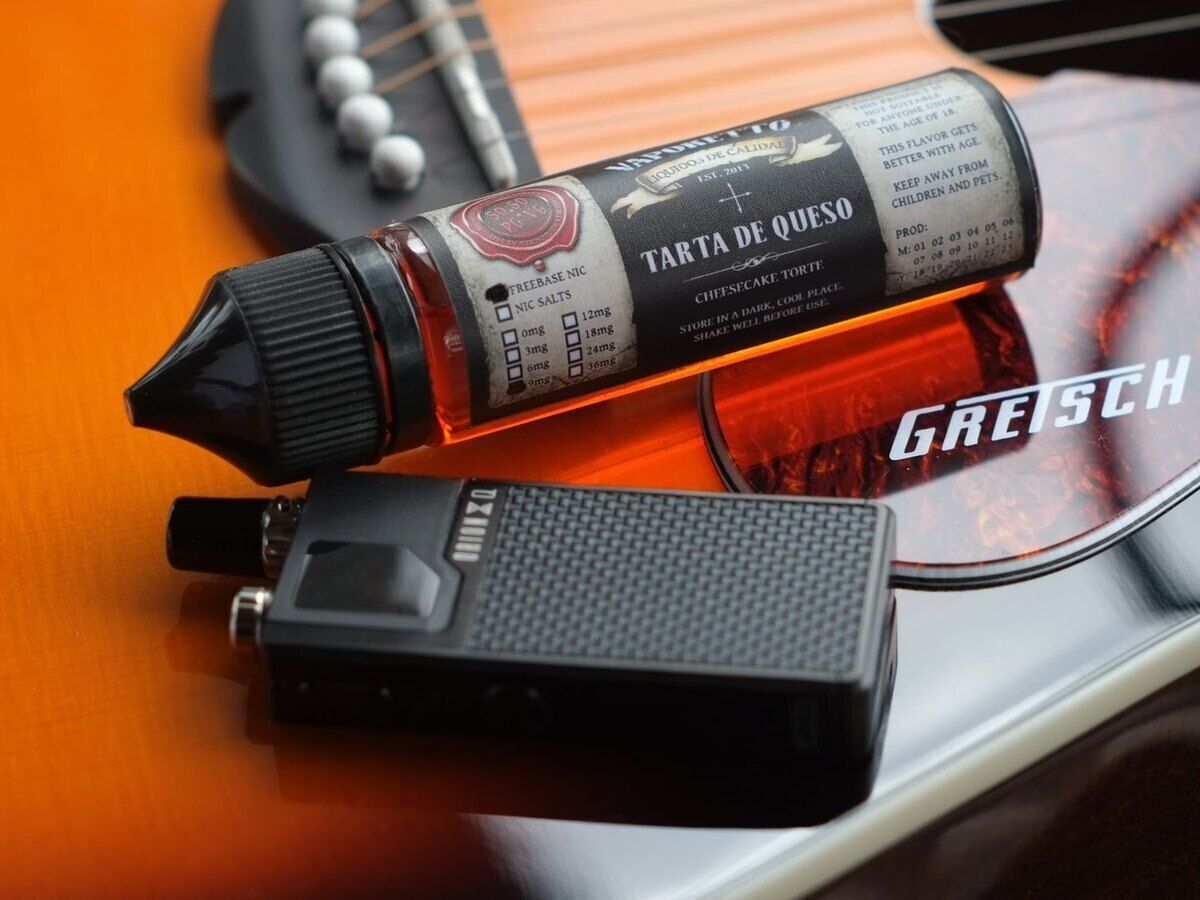
| One e-liquid in several flavours and strengths | One product with variants, each with its own barcode and stock |
| Coils by the box and by the piece | Several barcodes per product, with a multipack barcode for the box |
| A device in different colours | A variant per colour, so you can see which one has sold out |
| Your own bundle of device and e-liquid | Composite product that takes each item out of stock |
| Batteries and chargers | Product with a minimum stock and the To order report |
Three reasons why vape shops choose Onlinefact
-
Every variant counted separately
Flavour, strength and colour with their own barcode and stock.
-
Regulars keep coming back
Points or a discount on the next purchase through the loyalty card.
-
Brands that pay off
Sell-through per brand and margin per product in your reports.
“A regular comes in for his flavour, and it simply has to be there.”
That is why Onlinefact tracks stock per variant and the To order report warns you about your last bottles, not only once the shelf is empty.
Regulars you know by name
A vape shop runs on customers who come back every week or two. Give them a loyalty card with a barcode: you scan it at the till and decide whether they collect points or get a discount on their next purchase. The balance is printed on the receipt. In the notes of their customer record you jot down the flavour they usually take, and anyone buying several bottles at once automatically gets a quantity discount.
Moving your vape shop over to Onlinefact
Follow these steps and your range is in the till quickly and correctly.
- ✓ Bring in your wholesaler’s product list with an Excel import
- ✓ Group flavours and strengths as variants under one product
- ✓ Add a multipack barcode for boxes of coils and pods
- ✓ Create loyalty cards for your regulars
- ✓ Link your payment terminal and Bancontact Pay
- ✓ Set a minimum stock for your most popular flavours
Questions from vape shops
Can I print labels for my shelves?
Yes. With a Brother or Bixolon label printer you print labels with barcode and price for your products, or for a whole selection at once from the back office.
I have two shops. Can I manage the range centrally?
Yes. With a master-slave setup you define products and prices in your main account and they reach your other shop almost in real time. Gift vouchers are valid in both.
Can I see what I earn on a product?
Yes. Onlinefact shows your sales by product, by customer and by period, with the margin per product. That way you know whether a popular device actually makes money.
Can a customer pay partly with a gift voucher and the rest by card?
Yes. You redeem the gift voucher first and settle the remainder by terminal, Bancontact Pay or cash. If there is money left on the voucher, the customer keeps that balance for next time.
Ready to run your vape shop with a clearer overview?
Try Onlinefact free for 30 days, with no obligation, in your vape shop. Want to see first how variants, the loyalty card and Bancontact Pay work together? One call to 078 70 02 02 gets you a demo.