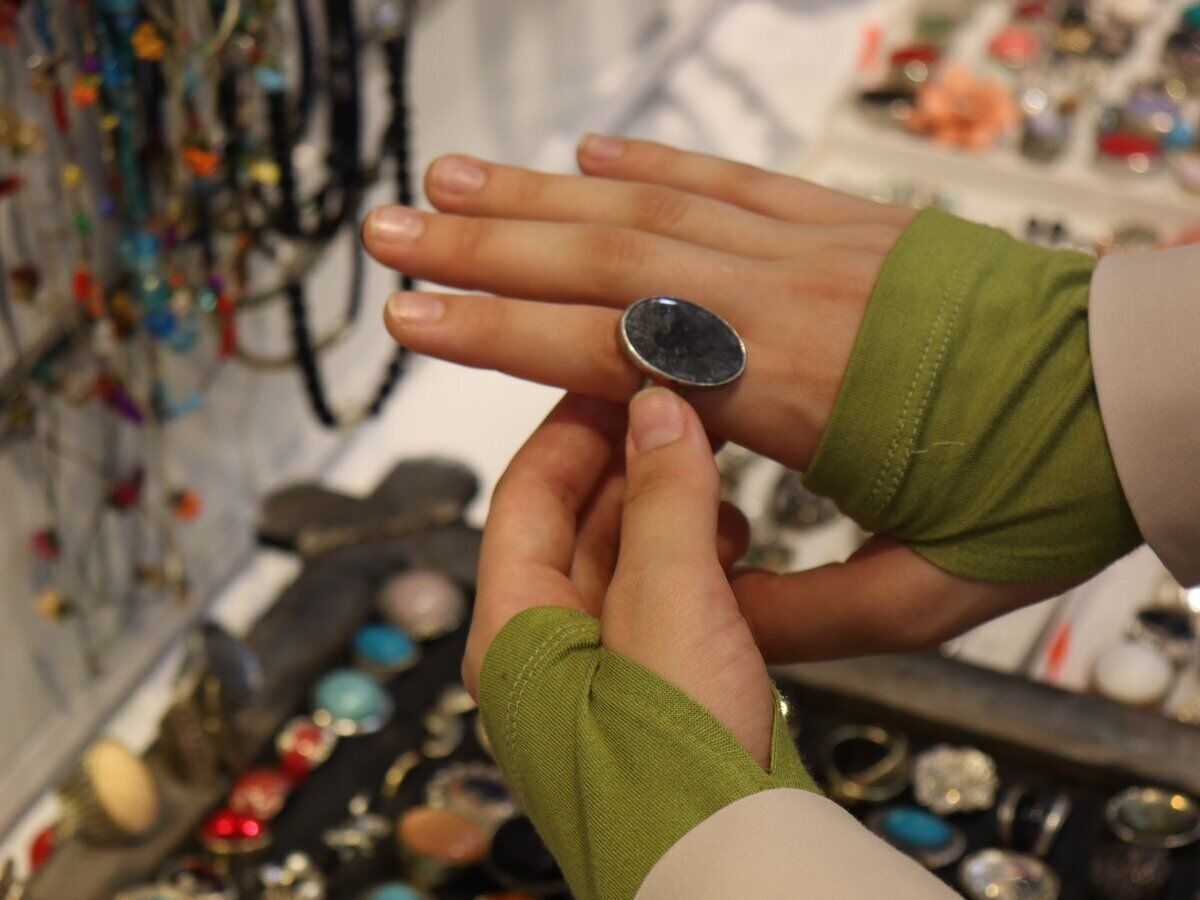
POS system for jewellers

Counter, workshop and display case in one system, with Bancontact Pay and digital work orders.

A till for your jewellery shop that works as carefully as you do

With the Onlinefact POS system you take payment for jewellery and watches via a connected terminal, follow up repairs with a digital work order and know for every piece in your display case whether it is still in stock.

For a jeweller, everything comes down to trust: an engagement ring, a watch that needs to start ticking again, a necklace given as a present. Behind the counter you want no calculation errors and no notes that go missing. Onlinefact runs on a Windows touchscreen or computer at your counter; stock, work orders and reports are viewed in the browser. Test it free for 30 days or ask for a demo with no obligation.

More about the Onlinefact POS system

Try it

Discover free for 30 days how Onlinefact works in your jewellery shop, with no obligation. Prefer a demo with work orders and a terminal? Call 078 70 02 02.

Yes please!

Advice at the counter, payment without retyping

Your customer tries on a ring, hesitates between two models and makes a choice. Then the payment has to be quick and error-free. The amount goes straight from the till to the payment terminal, even when it is a large sum. You choose a terminal from CCV, Worldline, Axepta, SumUp or Mollie, among others, to buy or rent through Onlinefact, and Bancontact Pay also takes over the amount from the till. The receipt carries your logo and shows VAT correctly broken down.

  • Amount sent to the terminal automatically
  • Bancontact Pay takes over the till amount
  • VAT correctly broken down on the receipt

See the payment terminals

Why jewellers choose Onlinefact

  • Digital work order

    Repairs with photos, notes and the customer's signature.

  • Deposits

    A deposit is recorded directly on the work order.

  • A label for every piece

    Barcode price labels are printed from the back office.

  • Gift vouchers with a balance

    A voucher can be used in one go or several.

  • Sales per brand

    See which watch brands and collections sell best.

Repairs and adjustments with the digital work order

Resizing a ring, replacing a clasp or having a watch checked: for every job you create a digital work order. You note what needs to be done, add photos of the piece and have the customer sign digitally when they drop it off. A deposit is noted on the work order straight away. A colour status shows at a glance what is ready, you assign the job to a member of staff and at pick-up you turn the work order into an invoice in one click.

  • Photos and notes per job
  • Digital signature at drop-off
  • Colour status shows what is ready

More about invoicing with Onlinefact

“A piece left for repair is often worth far more to the customer than its price.”

With photos and a signature on the work order, you and your customer know exactly what condition the jewellery was in when it was handed over.

Your display case and safe in your stock

Jewellery often means unique pieces or small series. Each item gets its own reference and barcode, and from the back office you print small price labels on a label printer. Every sale updates the stock, and with a stock count you check what is in the display case and in the safe. You organise your range by category and brand, so you see which collections sell well and which are not worth buying again.

  • Own reference and barcode per piece
  • Small price labels
  • Stock count of display case and safe

More about stock management

Presents, gift vouchers and loyal customers

Around Valentine's Day, Mother's Day and the end of the year, many people buy a piece of jewellery as a present. If your customer hesitates, you sell a barcode gift voucher that the recipient later uses in one go or several. With a loyalty card you reward customers who come back for a matching piece, with points or a discount on their next purchase. Does a company ask for an invoice for business gifts? You look up its VAT number in the till and Onlinefact fills in the company details.

  • Gift voucher with a balance
  • Points or a discount for regulars
  • Company details via the VAT number

More about the Onlinefact POS system

Frequently asked questions from jewellers

Can I ask for a deposit for a repair or a made-to-measure piece?

Yes. The digital work order records deposits, and once the job is done, you turn the work order into an invoice in one click.

Does the till keep working if the internet drops for a while?

Yes. The till keeps selling without internet and synchronises as soon as the connection is back. Online payments and gift voucher checks do need a connection.

Can I use Onlinefact on my Mac?

The till software runs on Windows. The back office works in the browser, so you can open it on a Mac as well.

Does my accountant receive my invoices?

Yes, automatically every day by email, as PDF or UBL. You can also send invoices to companies via Peppol at no extra cost.

Counter, workshop and display case in one system?

Discover free for 30 days how Onlinefact works in your jewellery shop, with no obligation. Prefer a demo with work orders and a terminal? Call 078 70 02 02.

Contact us   Discover the POS system

Request Demo
Request Information