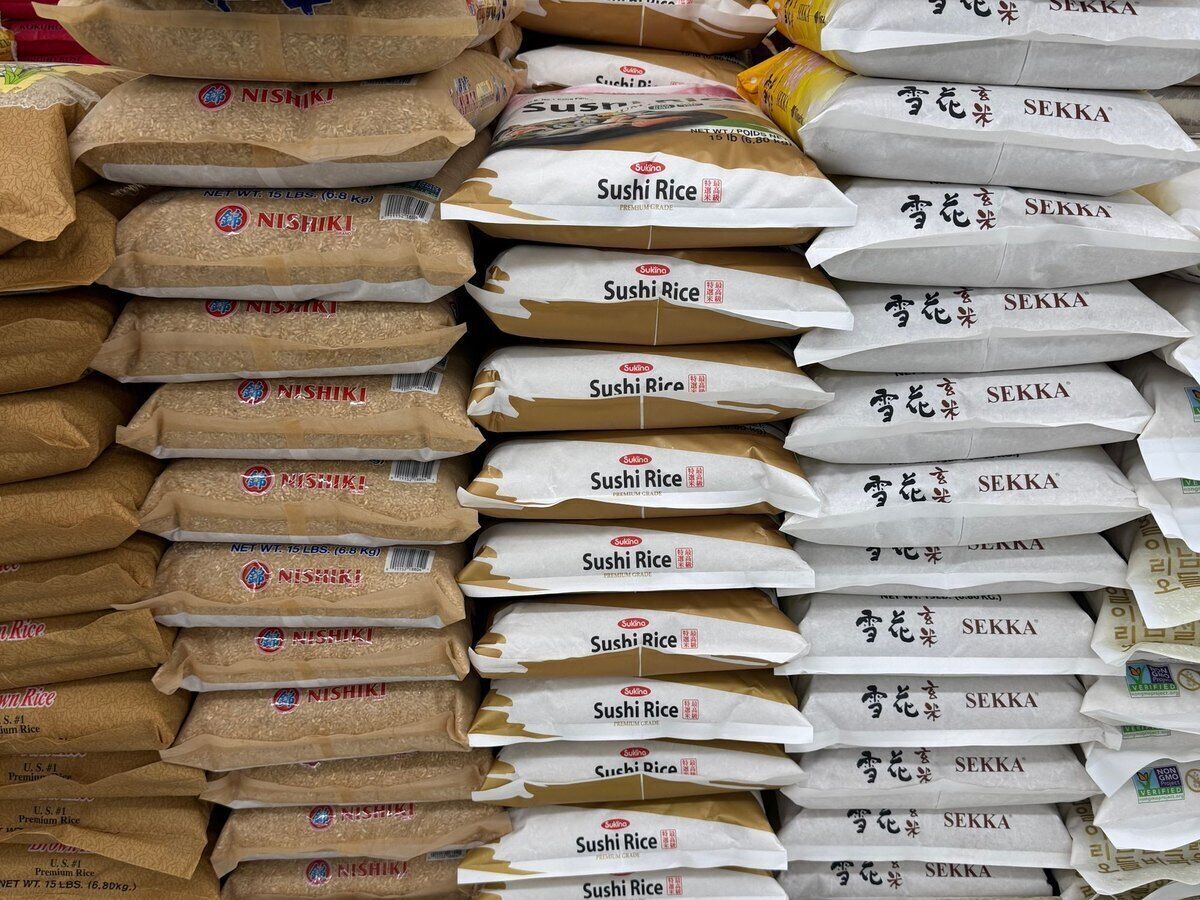
POS system for food stores

Rice by the sack, tins by the box and spices by weight at one counter.

A till for your food store with products from all over the world

With the Onlinefact POS system you sell rice by the sack, tins by the box and spices by weight at the same counter, you keep an eye on the expiry dates of imported goods and you give local restaurants and caterers a proper invoice.

A food store with an international range has shelves full of products from importers and wholesalers: basmati rice, bulgur, couscous, sauces, spices, fresh herbs and sweets for the holidays. Your customers are large families who buy by the sack, neighbours who pop in for one thing and business owners who ask for an invoice. Onlinefact runs on a Windows touchscreen or computer at your counter, and you manage products, suppliers and reports in the browser. Try it free for 30 days.

More about the Onlinefact POS system

Try it

Try Onlinefact free for 30 days with no obligation in your food store. Want to see first how boxes, sacks and loose goods end up on one receipt? Call us on 078 70 02 02 for a demo.

Yes please!

Hundreds of imported products, neatly organised in your till

Most imported products already carry a barcode from their country of origin, and you simply scan it. When your wholesaler sends a new price list, you import it from Excel instead of typing in every item. For goods without a barcode you print your own label on a Brother or Bixolon label printer, or you put them on the till screen as a button with a photo.

  • Scan the barcode from the country of origin
  • Import the wholesaler’s price list from Excel
  • Your own label for goods without a barcode

More about stock management

By the item, the box, the sack or by weight

In a food store one customer buys a single tin and the next one a full box. This is how you ring up each way of buying.

Your customer buysHow Onlinefact handles it
One tin of tomato pasteScanned with the manufacturer’s barcode
A box of twelve tinsMultipack barcode on the box, the till takes twelve items off the stock
A five or ten kilo sack of riceEach sack size as a variant with its own barcode and stock
Olives or spices from the tubWeighing button on the till screen, with tare for the pot
Two bottles of oil on offerTiered discount that the till applies by itself

Five reasons food stores choose Onlinefact

  • A barcode for every pack size

    Item, box and sack each with their own stock.

  • Expiry dates in one report

    See which imported goods need to go first.

  • Prices for business customers

    A price level or fixed discount per customer.

  • Back office in your own language

    Also in Dutch, French, German or Turkish.

  • Rounding to five cents

    Cash payments without one-cent coins.
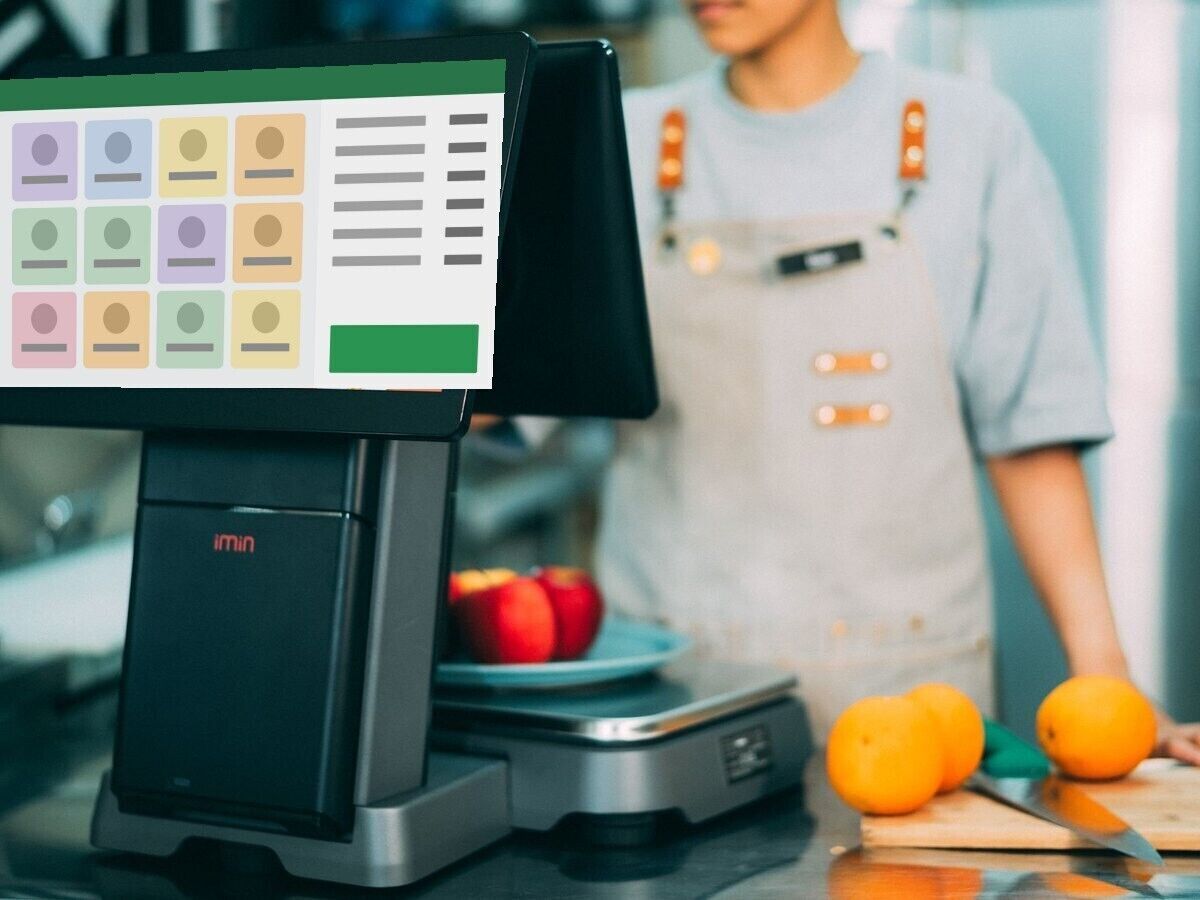
Weighing and scanning at the same counter

A customer picks up fresh coriander, a tub of olives and a pack of dates. You scan the packed products, and for anything sold loose you press the weighing button so the weight from the connected scale lands on the receipt. The tare deducts the weight of the pot or tub straight away. Your customer follows everything on the customer display, and anyone paying cash gets change rounded to five cents.

  • Weighing button with tare for pots and tubs
  • Weight from the scale on the receipt
  • Change rounded to five cents

More about the Onlinefact POS system

Ready to sell in four steps

Switching to Onlinefact does not have to close your shop for a day. Here is how to go about it.

1
Import your range
Ask your importers for their price lists as an Excel file and import them, with barcodes, purchase prices and selling prices.
2
Give boxes and sacks a barcode
Add the multipack barcodes and create variants for the different sack sizes.
3
Set up your business customers
Look up their VAT number, choose their price level and switch on automatic emailing of invoices from the till.
4
Get your till and terminal ready
We help you install the scanner, scale, receipt printer and payment terminal, so you can take payments from day one.
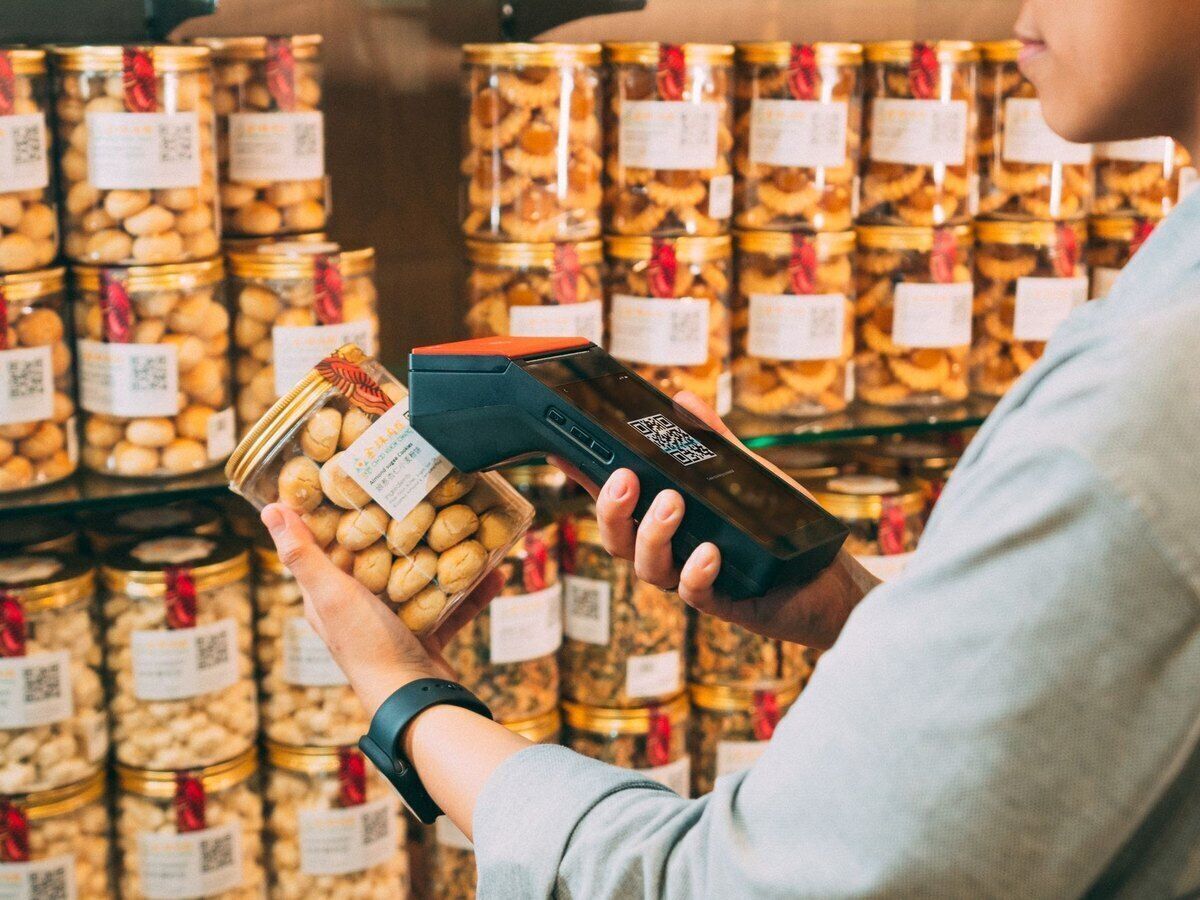
Stock and expiry dates of imported goods under control

Imported products often arrive by the pallet or the full box, and a forgotten batch costs you money. For products with a best-before date you switch on the expiry date, and the report shows what expires soon so you can run an offer in time. With a minimum stock per item, the ‘To order’ report fills itself in, and with the Onlinefact Inventory scanner web app you count your shelves or check a delivery on the spot.

  • Expiry date per product in a report
  • Count shelves with Onlinefact Inventory
  • Check deliveries in the shop

More about stock management

Restaurants, caterers and associations as regular buyers

Many food stores also supply local businesses that order by the box or the sack. At the till you look up their VAT number and the company details are filled in automatically. Give such a customer their own price level or a fixed discount, and set a standard payment term on their customer record. You send invoices by email or through Peppol, payments are matched to the right invoice through the bank link and your accountant automatically receives an overview every day.

More about invoicing with Onlinefact

Questions from food store owners

Not all my staff speak Dutch or French well. Is the back office available in another language?

Yes. In your profile you choose the language of the back office: Dutch, French, English, German or Turkish. That way everyone manages products, prices and reports in the language they understand best.

Can I work with electronic shelf labels?

Onlinefact has a link with electronic shelf labels from Zkong. When you change a price in Onlinefact, you no longer have to hang a new paper label on the shelf. Prefer classic labels? You print them on a label printer.

Does the till still work if the internet goes down?

Yes, you keep selling and the receipts are sent through as soon as the connection is back. Online payments, gift voucher checks and the reports do need internet.

I have two shops. Do I have to enter everything twice?

No. With a master-slave setup you manage products and prices in the main account, and they reach your second shop almost live. Onlinefact sets this up for you.
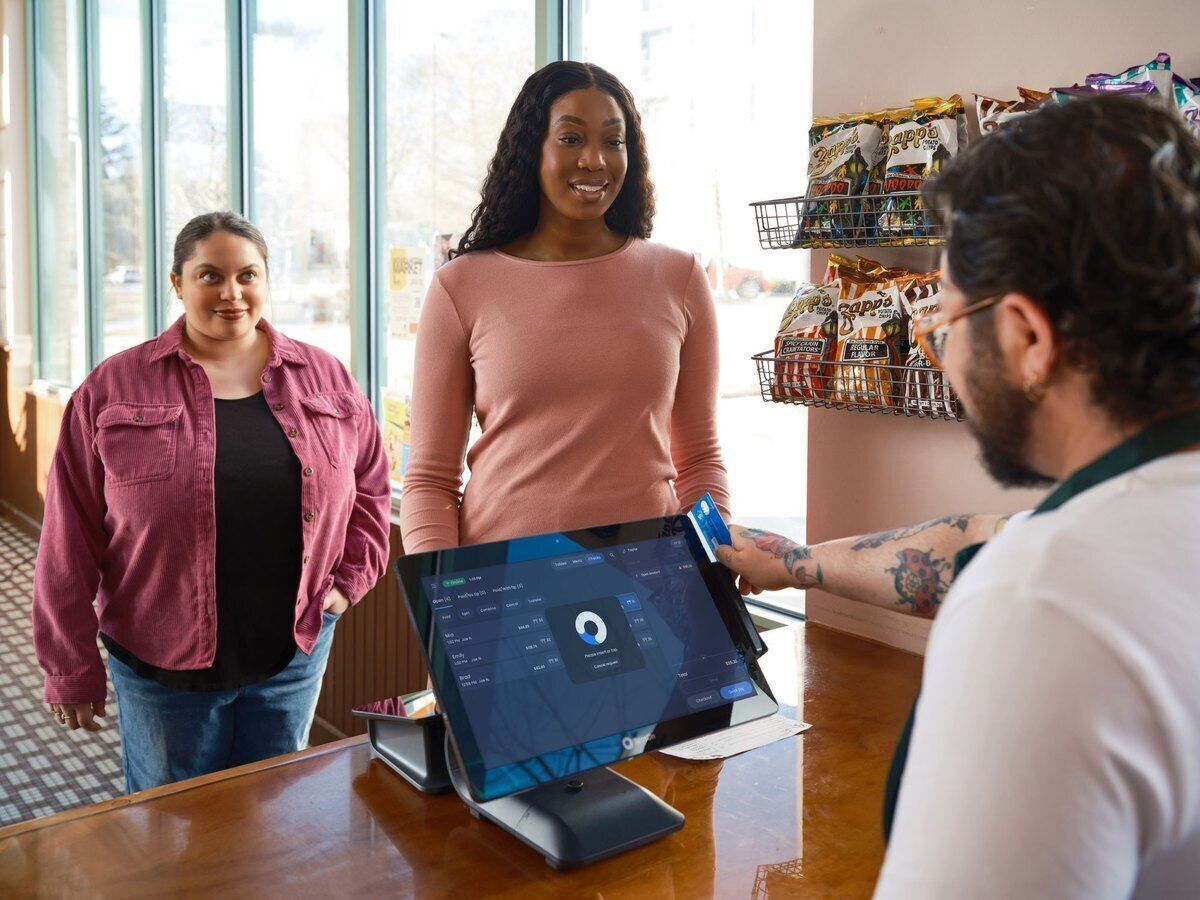
Paying by card, Bancontact Pay or cash

At the counter the amount goes straight from the till to the connected payment terminal, so nobody has to retype an amount. Customers paying by smartphone scan the Bancontact Pay QR code with the right amount. You can buy or rent the terminal from us; Onlinefact links with CCV, Worldline, Payworld, SumUp, Mollie and other brands.

  • Terminal receives the total, no retyping
  • Bancontact Pay with a QR code
  • Terminal through Onlinefact, bought or rented

See the payment terminals

Busy weeks around the holidays

Before your customers’ big celebrations, far more people than usual come by within a few days. That is when you want the till to keep scanning smoothly and to know what is still in your storeroom. An offer on dates, nuts or sweets is set up as a tiered discount, regular customers collect points with the loyalty card, and a gift voucher with a balance is an easy present for anyone who cannot decide. In the evening you see in the browser what each product brought in.

  • Offer price from two items
  • Points with the loyalty card
  • Daily takings per product in the browser

More about the Onlinefact POS system

Ready to make your food store run more smoothly?

Try Onlinefact free for 30 days with no obligation in your food store. Want to see first how boxes, sacks and loose goods end up on one receipt? Call us on 078 70 02 02 for a demo.

Contact us   Discover the POS system

Request Demo
Request Information