
POS system for sweet shops

By the piece, by the bag or by weight, and checked out fast at the counter.

A till for your sweet shop that charges by the piece, by the bag and by weight

With the Onlinefact POS system you check out single sweets, filled bags and pick-and-mix by weight quickly, even when your customer pays with a handful of coins.

In a sweet shop the amounts are small and so, sometimes, are the customers. A child buys five sweets at ten cents each, a parent fills a bag of pick-and-mix by weight and a school orders treats for a whole class. Onlinefact runs on a Windows touchscreen or computer at your counter, with a linked scale if you sell by weight; you manage products and figures in the browser. Test it free for 30 days.

More about the Onlinefact POS system

Try it

Try Onlinefact free for 30 days in your sweet shop, with no obligation. Want to see how buttons and scale work together? Call 078 70 02 02 for a demo.

Yes please!

A button with a photo for every sweet

Loose sweets usually have no barcode. So you put them on your touchscreen as buttons with a photo, a name and a price, sorted by category such as sour, liquorice or chocolate. Five of the same sweet are entered with the multiplier, and the change is shown in large figures. Wrapped bars and bags are simply scanned with the barcode scanner.

  • Product buttons with a photo
  • Quantity entered with the multiplier
  • Wrapped bars simply scanned

More about the Onlinefact POS system

By the piece, by the bag or by weight

Each way of selling has its own approach in Onlinefact.

What you sellHow it works at the till
A loose sweet without a barcodeButton with photo and price per piece
A pre-filled bagButton with a fixed price
Sweets the customer scoops themselvesWeighed item with price per kilo, tare for the bag
A wrapped bar or a bag of crispsScan the barcode
A box of treats for a classQuote and invoice in the name of the school

What your sweet shop gets from Onlinefact

  • Small amounts

    The total rounded to 5 cents.

  • Linked scale

    The weight lands straight on the receipt line.

  • Loyalty card

    Points for your regular sweet tooths.

  • Gift vouchers

    A sweet present for every birthday.

Sweets by weight, with tare for the bag

If you sell sweets in a bag the customer fills, you tap the weighed item and the till reads the weight from the linked scale. With a tare unit you deduct the weight of the bag or tub, and the receipt line shows the net weight and the price per kilo. Onlinefact works with scales from CAS, KERN and Mettler, among others. A pre-filled bag with a fixed price simply becomes a button.

More about the Onlinefact POS system

Setting up your till for sales by weight

A few settings in the back office, and from then on the till weighs and calculates for you.

  • ✓ Link your scale in the back-office settings.
  • ✓ Create the kinds you sell by weight as weighed items with a price per kilo.
  • ✓ Record tare units for your bags and tubs.
  • ✓ Set up the pre-filled bags as buttons with a fixed price.
  • ✓ Add photos to the buttons, so even a student helper finds them quickly.
Paying with coins, card or smartphone

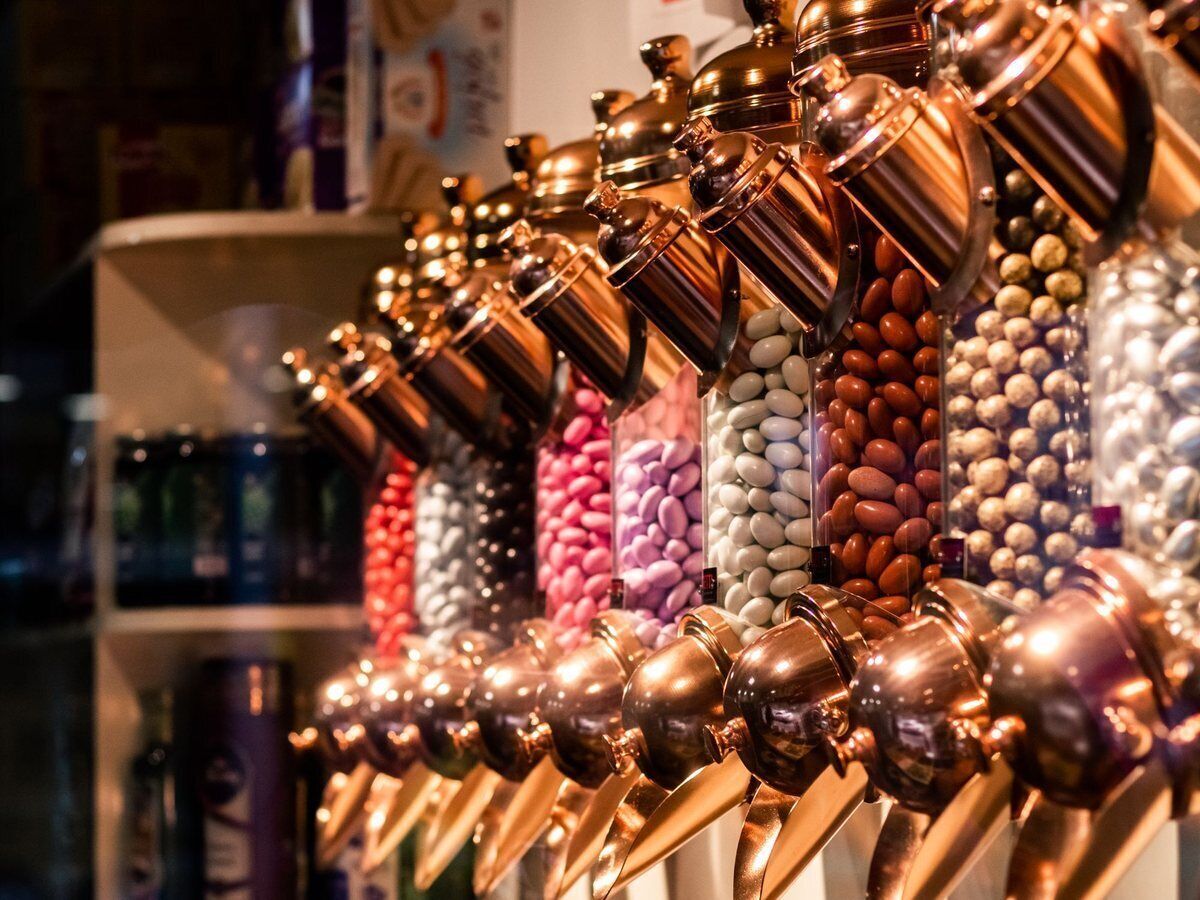
Children often pay with a handful of coins, parents rather by card. With cash you see at once how much change to give, and the total can be rounded to 5 cents. With a linked terminal the amount goes to the card reader without retyping, and with Bancontact Pay your customer pays by smartphone via a QR code. Onlinefact works with terminals from CCV, Worldline, SumUp and Mollie, among others.

  • Giving change without mental arithmetic
  • Total rounded to 5 cents
  • Bancontact Pay via a QR code

See the payment terminals

“In a sweet shop every amount is small, but on a busy Wednesday afternoon every second counts.”

With buttons, a scale and a terminal that receives the right amount at once, the queue at your counter moves faster.

Treats for schools, parties and companies

A teacher orders treats for a pupil's birthday, a company wants sweet boxes for a staff party. You draw up a quote, turn it into an invoice in one click and send it by email or via Peppol. If the school pays by bank transfer, the bank link lets you find that payment on the invoice straight away.
More about invoicing with Onlinefact

Stock of jars and boxes

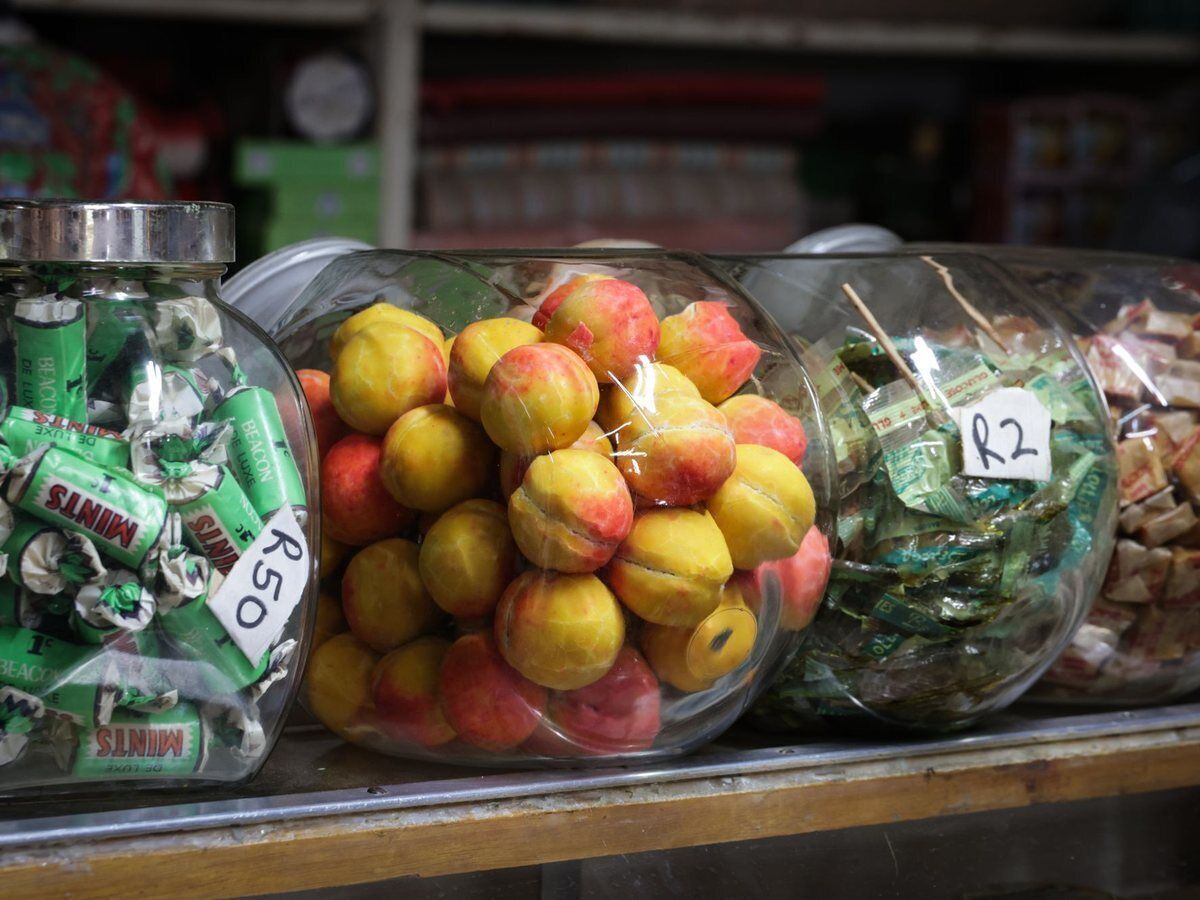
Your counter is full of jars, and your stockroom holds boxes from your wholesaler. Every sale adjusts the stock, and with a minimum stock you see in the 'To order' report which kinds are nearly gone. The sales-per-product report shows which sweets sell best, and with the loyalty card you give regular customers points.

  • Minimum stock per kind of sweet
  • Best-selling sweets in one report
  • Loyalty points for regular customers

More about stock management

Ready to make checkout in your sweet shop faster?

Try Onlinefact free for 30 days in your sweet shop, with no obligation. Want to see how buttons and scale work together? Call 078 70 02 02 for a demo.

Contact us   Discover the POS system

Request Demo
Request Information