POS system for shoe shops

Every size and colour in your stock, and exchanges without paperwork.

A till for your shoe shop that knows every size and every colour of every model

With the Onlinefact POS system you manage every model by size and colour, exchange a pair without paperwork and see straight away which sizes to reorder.

In a shoe shop one model quickly means ten or twelve references, because every size and every colour counts separately. A customer tries on two models, asks for half a size up and comes back a week later to exchange. Onlinefact runs on a Windows touchscreen or computer at your counter, and you manage collections, stock and reports in the browser. You can try it for 30 days at no cost and with no strings attached.

More about the Onlinefact POS system

Try it

Try Onlinefact free for 30 days in your shoe shop. Want to see how variants per size work first? Call 078 70 02 02 for a demo with no obligation.

Yes please!

Every size and colour as a variant

With product options you create a series of variants for each model, for example sizes 36 to 42 in black and in cognac. Each variant gets its own barcode and its own stock, and from the back office you print the labels for the box. At the till you scan that barcode, and exactly that size comes off your stock.

  • A barcode for every size-colour combination
  • Label for every shoe box
  • Exactly that size comes off your stock

More about stock management

Five situations at your counter

In a shoe shop the same questions come up every day. This is how Onlinefact handles them.

What happensHow you solve it
The customer wants to try another modelPark the receipt under their name and help the next customer meanwhile
The pair turns out too small at homeReturn via the barcode on the receipt and scan the other size
You are not sure a size is still in stockLooking up the product shows the stock straight away
The customer would rather choose laterCredit voucher for the value of the returned pair
Someone is looking for a presentGift voucher with its own barcode, redeemable on a later visit

Stock per size, stockroom included

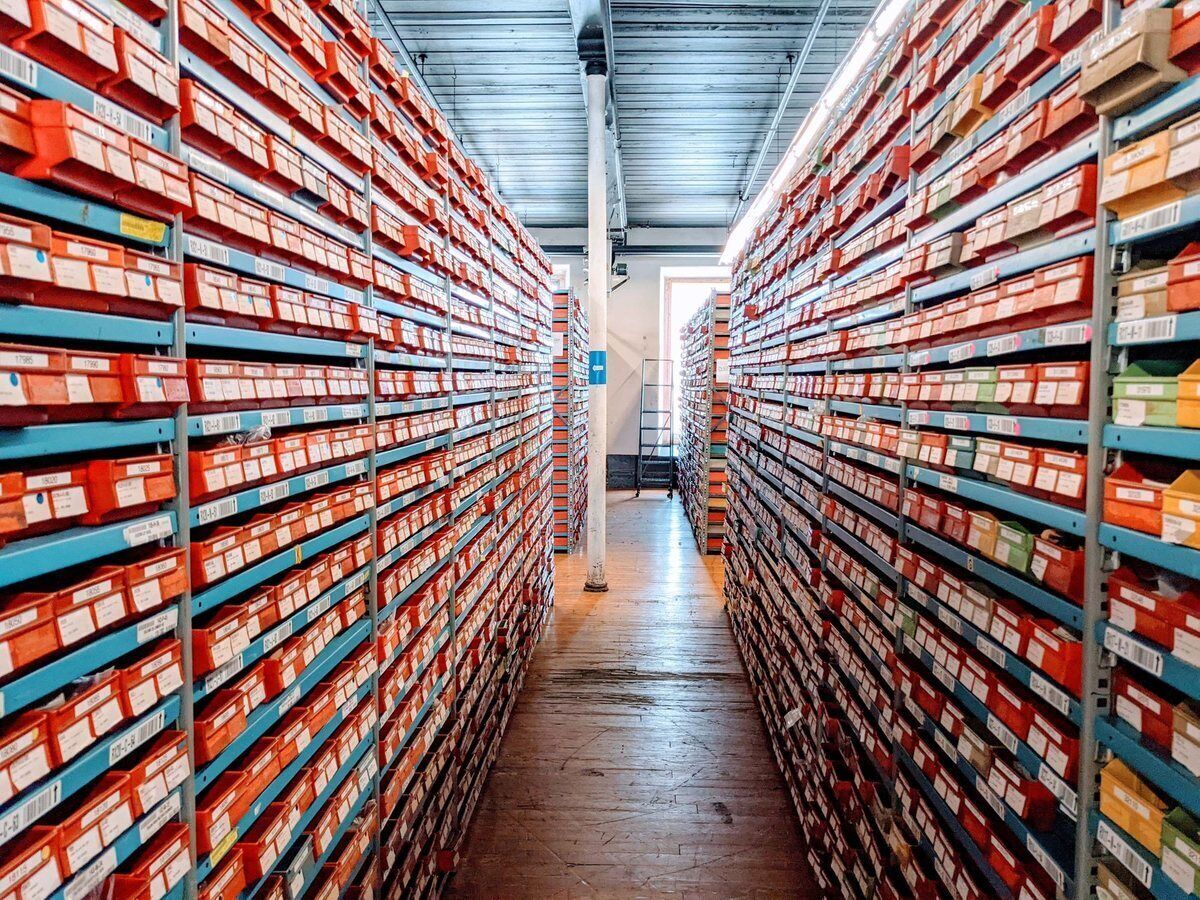
At the back of your shop there are hundreds of boxes. Every sale automatically adjusts the stock of that one size, and with a minimum stock per variant the 'To order' report shows which sizes are nearly gone, so popular sizes don't suddenly run out. An inventory count is done by scanning the boxes, and the differences are processed in one go.

  • Minimum stock per size
  • Report of sizes that are nearly gone
  • Inventory counted by scanning boxes

More about stock management

Four reasons why shoe retailers work with Onlinefact

  • Variants per size

    Every size and colour with its own stock.

  • Easy exchanges

    Returns via the barcode on the till receipt.

  • Parked receipts

    Help the next customer while someone is still trying on.

  • Webshop link

    Shopify, WooCommerce or Magento linked to your range.

A Saturday in your shoe shop

On Saturdays your shop fills up with families, people who cannot decide and customers coming to exchange. This is how Onlinefact keeps track while you help customers.

  1. At opening
    You open the day at the till and register the float in the drawer.
  2. During fittings
    A mother is unsure about children's shoes. You park her receipt under her name and meanwhile help another customer looking for boots.
  3. After lunch
    A customer brings back trainers that are too small. You scan the barcode on his receipt, take the pair back and scan half a size up.
  4. Later in the day
    A regular collects points with her loyalty card and pays with Bancontact Pay.
  5. At closing
    You close the day with the Z report and see in the sales reports which models went out today.

Sales and promotions without calculations

During the sales you lower the prices of a whole collection. You give a discount as a percentage or an amount on one pair or on the whole receipt, and with a tiered discount you reward larger quantities, for example on socks or care products. The report with sales per product and per period shows what the sales really brought in. New prices for an entire collection are updated through an Excel import.

  • Sale prices for a whole collection
  • Discount on one pair or the whole receipt
  • What the sales brought in, per period

More about the Onlinefact POS system

Care products and regular customers

A pair of leather shoes calls for a good polish or a waterproofing spray. You scan them onto the same receipt, and the total goes straight to your payment terminal. With the loyalty card your customer collects points or gets a discount on his next pair, and in the customer notes you record his shoe size. Onlinefact works with terminals from CCV, Worldline, Axepta and SumUp, among others, and with Bancontact Pay.

  • Polish and spray on the same receipt
  • Shoe size stored with the customer
  • Total sent straight to the terminal

See the payment terminals

Questions shoe retailers ask us

How many products and variants can I create?

As many as you like. Onlinefact sets no limit on the number of products, customers or documents.

Can I take over my existing range?

Yes. You import products with their barcodes and prices via Excel, and you can export them to Excel again too.

What if the internet goes down on a busy day?

You simply keep selling. Receipts are stored locally and sent as soon as the connection is back; only online payment methods wait until you are connected again.

Can I work with several tills or shops?

Yes, the number of workstations is unlimited. For several shops there is a master-slave link in which a gift voucher is valid in every shop.
Selling your shoes online too

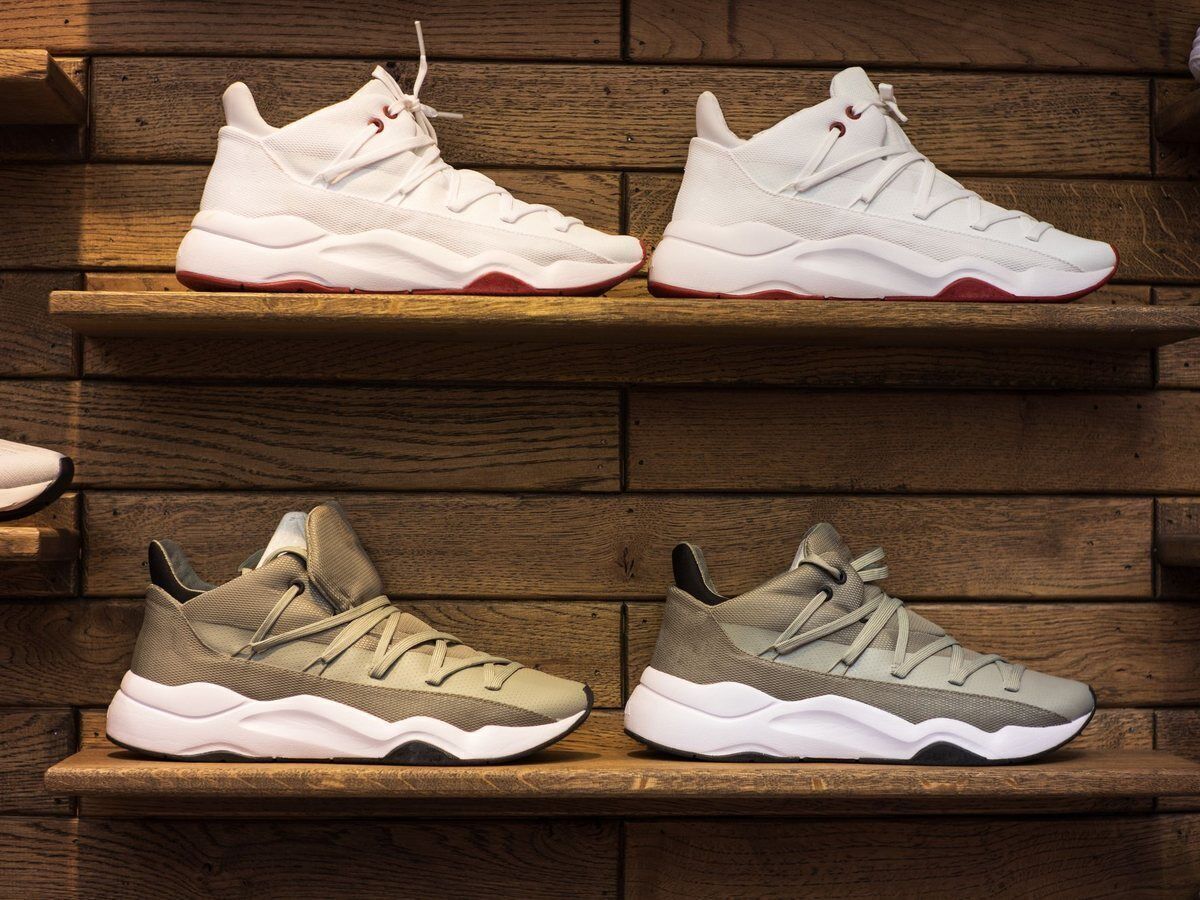
If you also run a webshop, you link it to Onlinefact via Shopify, WooCommerce or Magento. That way you work with one range for your shop and your webshop, and online orders come into Onlinefact. Trainers and new collections you announce online then sit in your shop under the same references.

  • One range for shop and webshop
  • Online orders come into Onlinefact
  • The same references online and in store

More about webshop integrations

Ready to keep every size under control?

Try Onlinefact free for 30 days in your shoe shop. Want to see how variants per size work first? Call 078 70 02 02 for a demo with no obligation.

Contact us   Discover the POS system

Request Demo
Request Information