POS system for gift shops

More time for the present, less for the till.

Gift baskets, gift vouchers and wrapping: a till that thinks along with your gift shop

With the Onlinefact POS system you put together gift baskets that take each component out of your stock, sell gift vouchers your customer can use in parts and park a receipt while you wrap a present, with payment by card or Bancontact Pay.

In a gift shop, hardly anyone buys something for themselves. Your customer is looking for a little something for a birthday, a thank-you for the teacher or a hamper for the staff of their company, and expects it to leave beautifully wrapped. You sell candles, tableware, decoration and small treats, often different every season. Onlinefact runs on a Windows computer or touchscreen at your counter, and you manage your products, gift vouchers and reports in the browser. You can try it free for 30 days in your own shop.

More about the Onlinefact POS system

Try it

Try Onlinefact free for 30 days in your gift shop, with no obligations. Would you like to see how a gift basket or a gift voucher works at the till first? Call us on 078 70 02 02.

Yes please!

People who walk in here are nearly always looking for something for someone else. Then you want time to help them look, not to do sums at the till.

That is why checkout in a gift shop should take just a few taps: the wrapping, the card and the gift voucher simply come with it.

Four things that give your gift shop more time for the customer

  • A gift basket as one product

    Each component out of stock.

  • Gift voucher in parts

    The balance is kept for later.

  • Park a receipt

    Wrap without the queue waiting.

  • Follow up per season

    Christmas and Mother’s Day in view.
Wrapping while the receipt waits

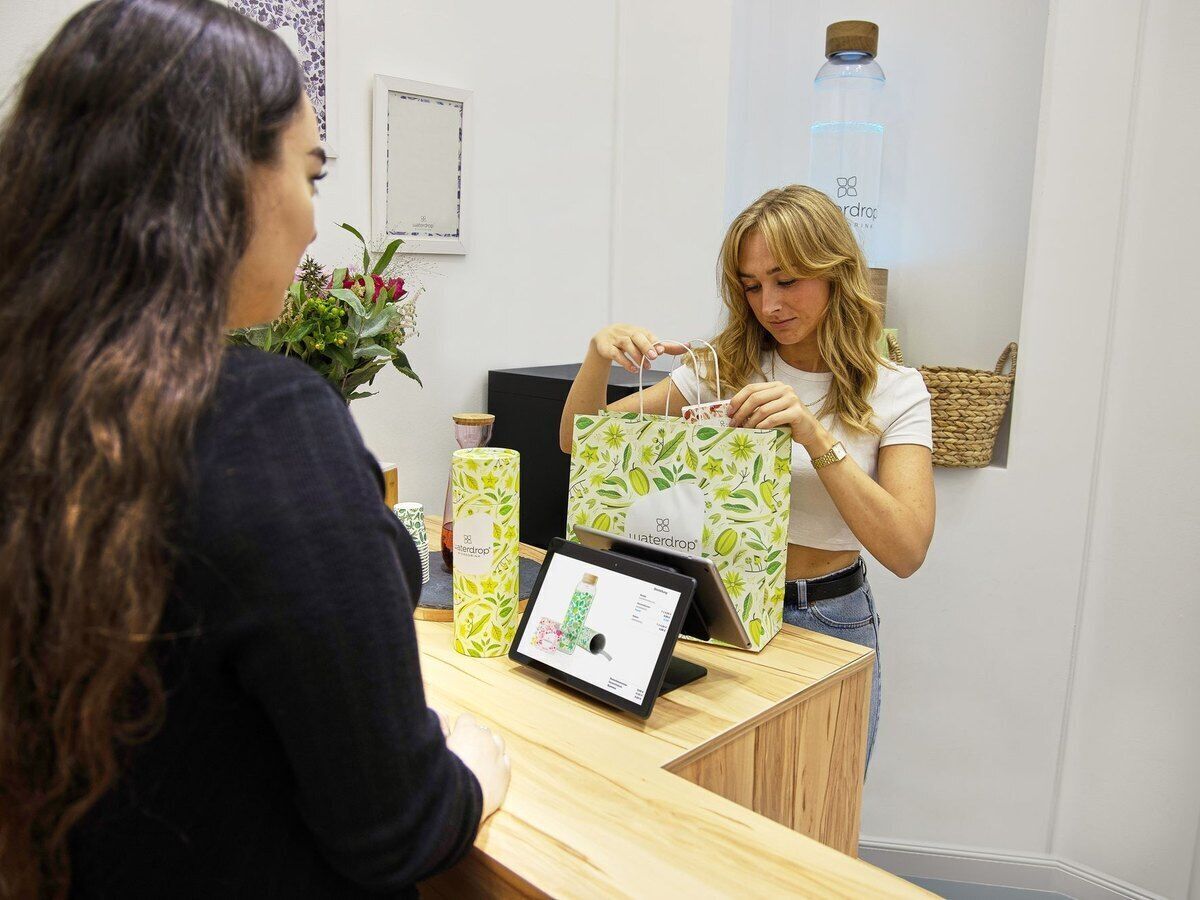
Your customer has chosen and you reach for the wrapping paper. You park the receipt under their name and meanwhile serve the next customer, who only came in for a card. Once the present is ready, you call the receipt back and they pay by card or with Bancontact Pay. Gift wrapping can get its own button, at a fixed price or free, so you also see how many presents you wrap each month.

  • Receipt parked by name while you wrap
  • Gift wrapping as its own button, paid or free
  • Then pay by card or Bancontact Pay

More about the Onlinefact POS system

Gift vouchers with their own barcode

You sell a gift voucher at the till, and each voucher gets a barcode and a balance. If your customer only uses part of it, the rest stays available for a next visit, and at the till the voucher counts as a payment method. You print the voucher labels yourself, and the gift voucher and voucher transaction reports show which vouchers are still open.

  • Every gift voucher with a barcode and a balance
  • Remaining balance kept for later
  • Voucher labels printed yourself

More about the Onlinefact POS system

How to build a gift basket that keeps your stock right

A basket with a candle, tea and a card is one product for your customer, but three items on your shelves.

1
Create a composite product
You set up the gift basket as a product and give it a price and a barcode.
2
Add the components
Candle, tea, card and basket are linked to the gift basket as components.
3
Sell with one scan
At the till you scan the basket or tap it on the screen.
4
Let the stock do the work
Each component is deducted from your stock separately, so you see when it is time to reorder candles.
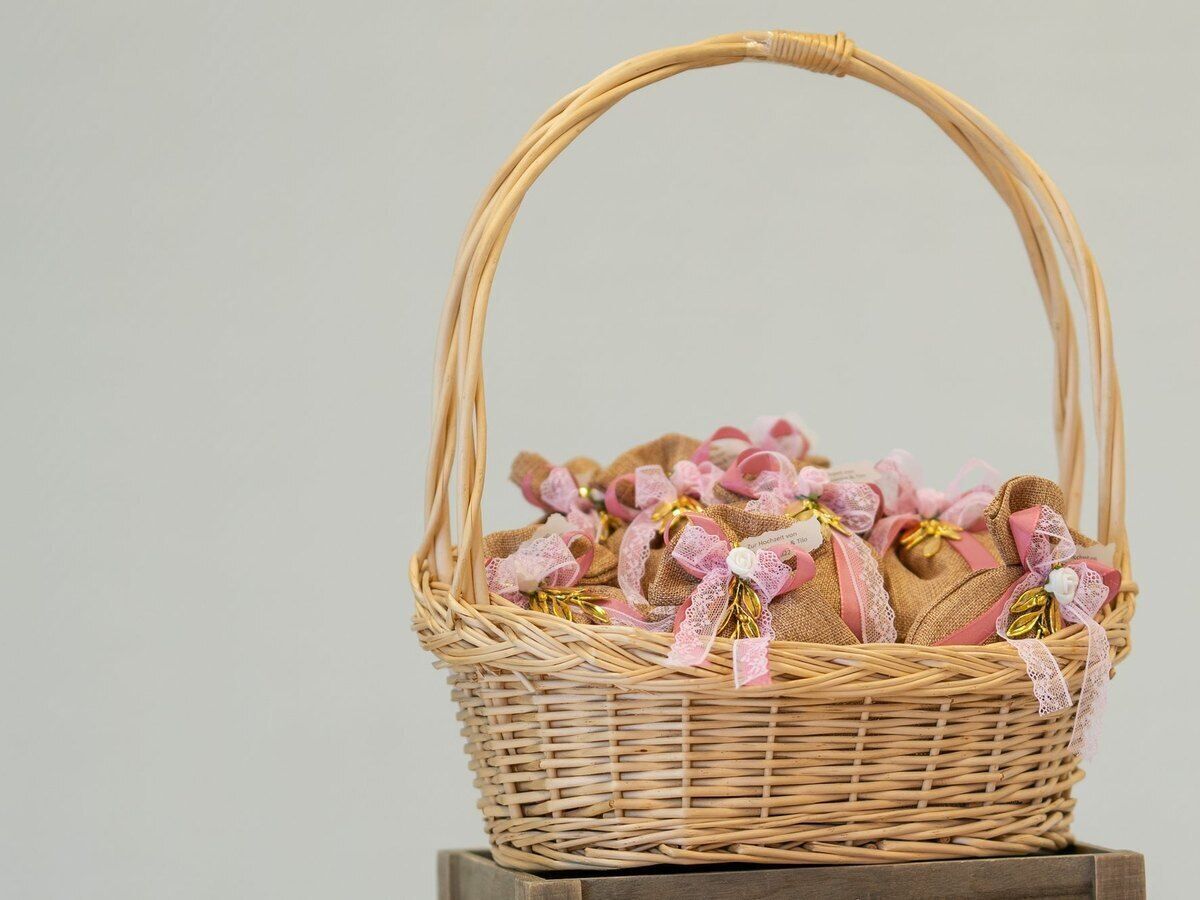
Twenty baskets for a company

A company wants a year-end hamper for every employee. You draw up a quote and, once it is accepted, turn it into a sales order and then an invoice with one click each. You look up the company’s VAT number so its details are filled in correctly right away, and the invoice goes out by email or via Peppol.

  • Quote turned into a sales order and invoice
  • Company VAT number looked up
  • The invoice leaves by email or via Peppol

More about invoicing with Onlinefact

What gift shops often ask us

Can I see how my Christmas collection did?

Yes. You group your products by season and by category, and with sales per product and per period you see what sold out and what stayed on the shelf.

I sell the same vase in three colours. How do I keep track?

You set up the colours as variants of the same product. Each variant has its own barcode and its own stock.

Does the till work with my webshop?

Yes, Onlinefact links with Shopify and WooCommerce, among others. Your shop and your webshop then work with the same stock, so a vase sold online also leaves the stock of your shop.
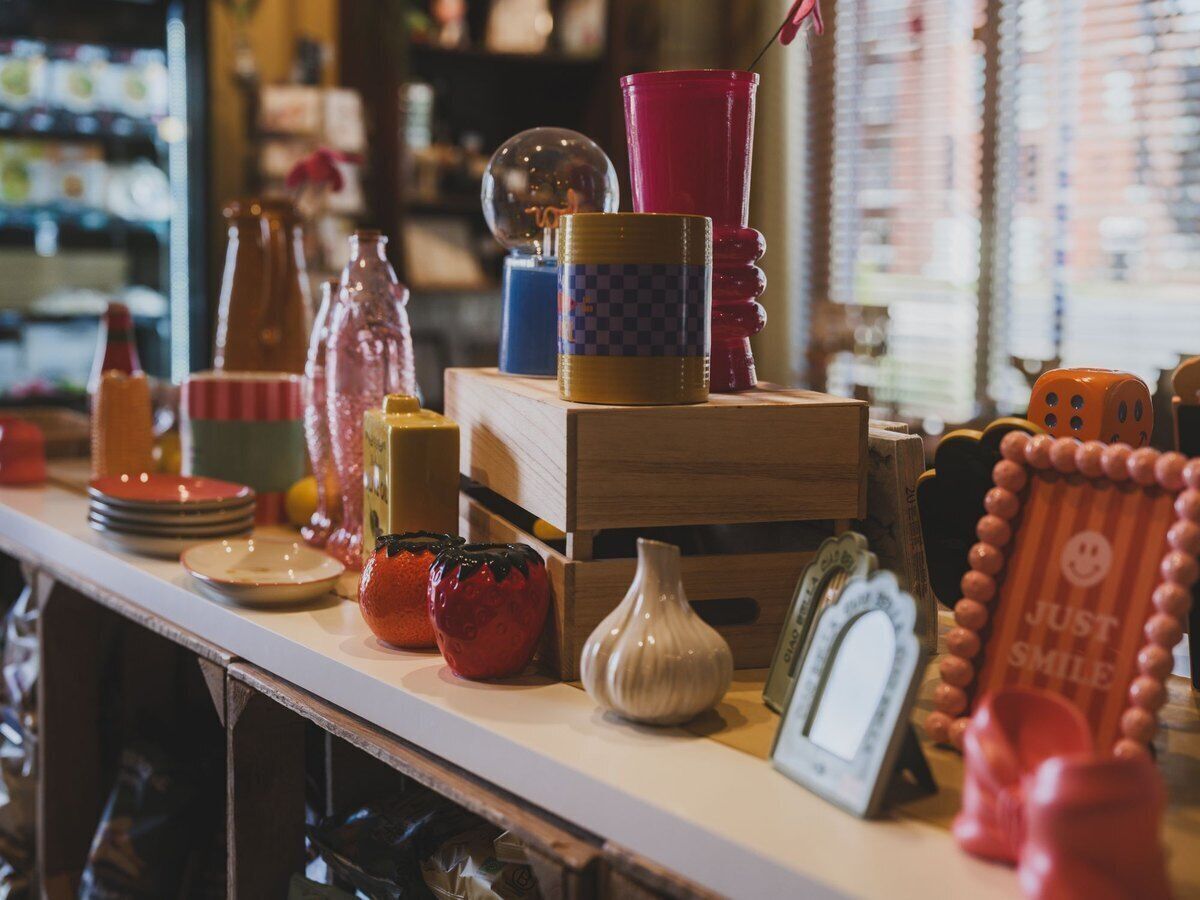
Decoration, tableware and small gifts

Your range changes with the seasons and is made up of many small items. Give each product a category and a brand, and print barcode price labels for anything that arrives without a barcode. If decoration is left over after the holidays, you set a discount per product, as a percentage or as a new price, and the resale per brand report shows which supplier does best.

  • Category and brand on every product
  • Barcode price labels for small items
  • Discount as a percentage or new price after the holidays

More about stock management

Ready to keep more time for the best part: the present?

Try Onlinefact free for 30 days in your gift shop, with no obligations. Would you like to see how a gift basket or a gift voucher works at the till first? Call us on 078 70 02 02.

Contact us   Discover the POS system

Request Demo
Request Information