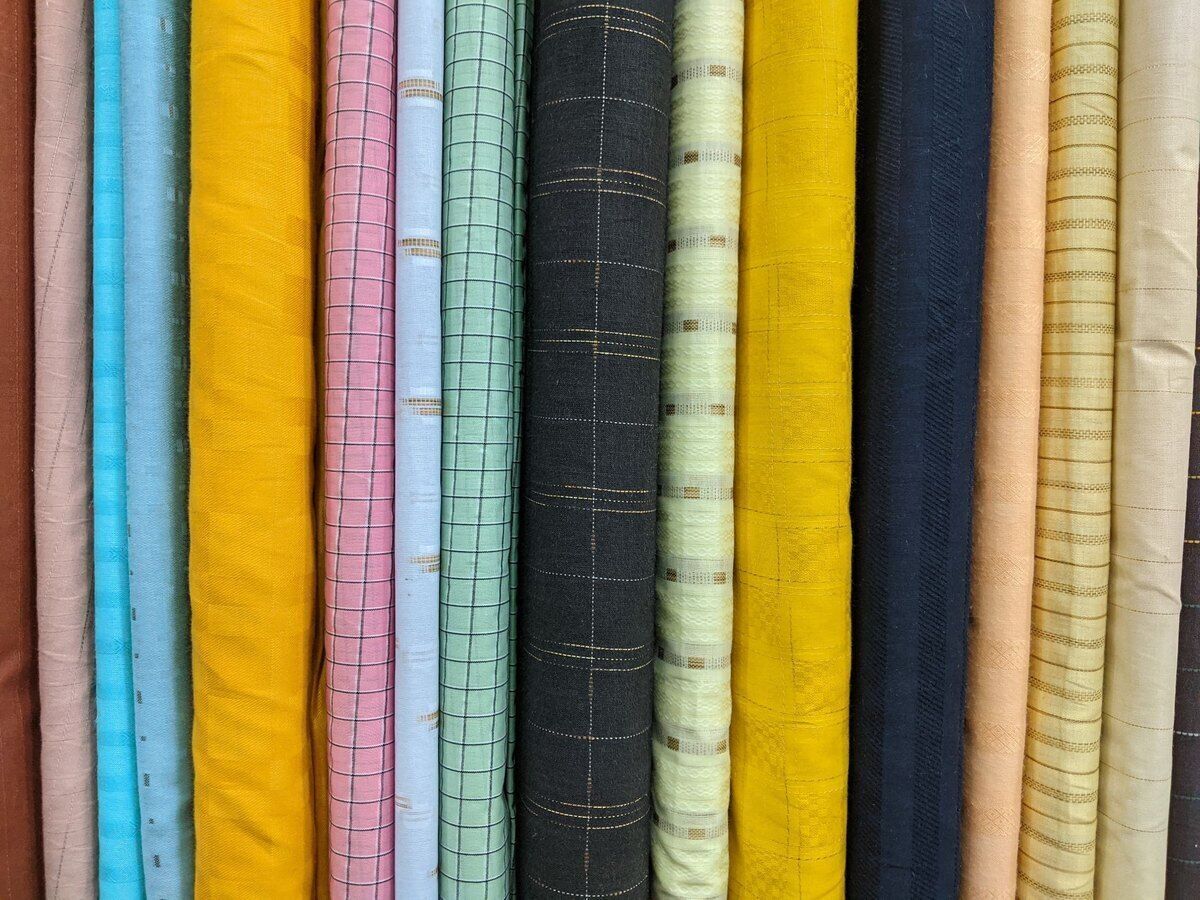
POS system for fabric shops

By length, by remnant or by button: the till counts the way you cut.

A till for your fabric shop that counts the way you cut: by length, by remnant or by button

With the Onlinefact POS system you charge fabric from the roll for the length you cut, sell remnants and haberdashery quickly and keep track of the stock on every roll.

In a fabric shop one customer buys two metres of cotton for a dress, another a bag of press studs and a twenty-centimetre zip. Those are very different sales, but they all need to go on the same receipt quickly and correctly. Onlinefact runs on a Windows touchscreen or computer next to your cutting table, and you manage your fabrics, suppliers and figures in the browser. Test it free for 30 days.

More about the Onlinefact POS system

Try it

Try Onlinefact free for 30 days in your fabric shop, with no obligations. Want to see how selling by length works? Call 078 70 02 02 for a demo.

Yes please!

How your fabric shop rings up sales with Onlinefact

  • Charge by length

    Fabric per ten centimetres, with the multiplier.

  • Remnants kept separate

    A product of their own with a fixed price.

  • Haberdashery as photo buttons

    Buttons and zips are easy to find by their photo.

  • A label on every roll

    Barcode and price per length from your label printer.

  • Stock per roll

    Every length you sell comes off your stock.
Fabric from the roll, charged by length

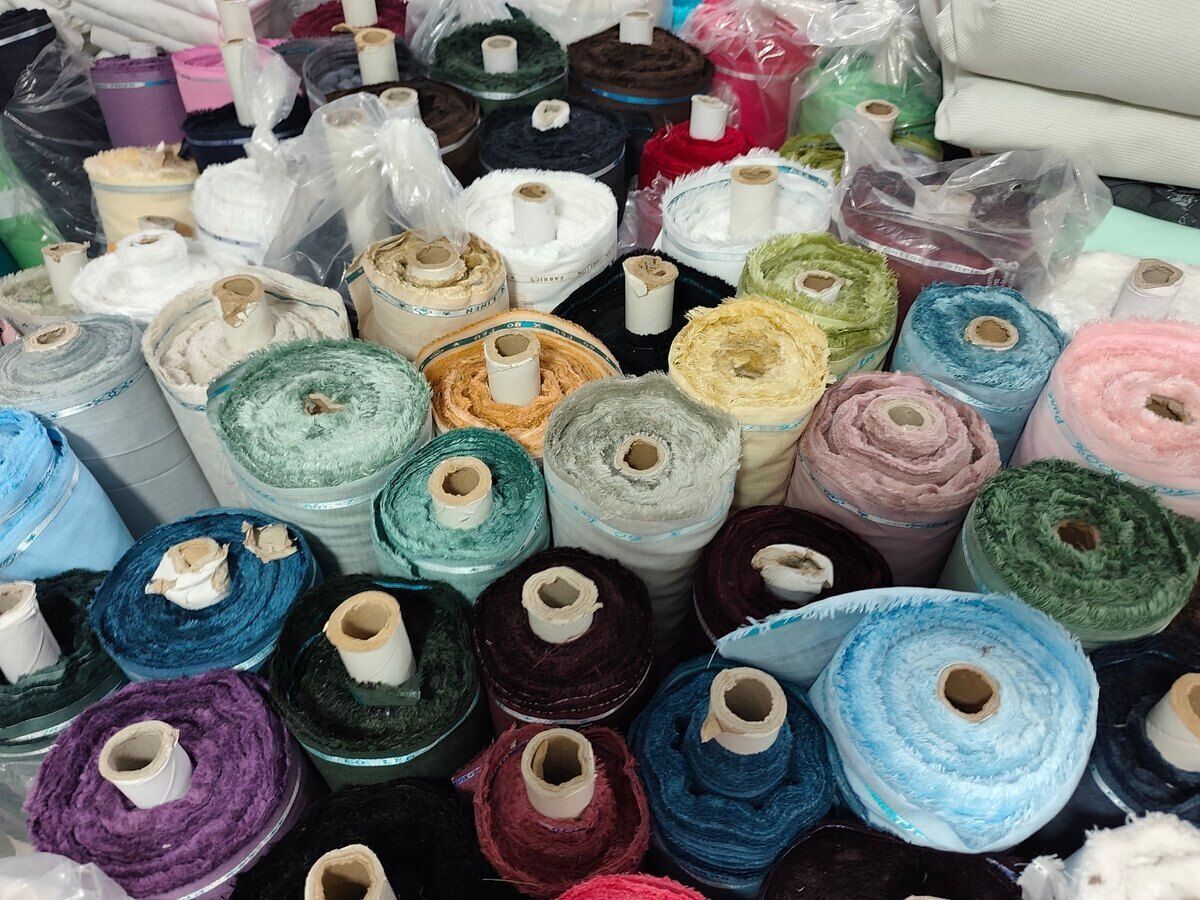
You set up every fabric as a product with a price per 10 centimetres. Cutting 1.30 metres? You key in 13, press the multiplier and tap the fabric, or scan the label on the roll. The receipt line shows the quantity and the unit price, so your customer sees how the amount adds up. If you prefer to sell per half metre, you simply set the fabric up that way.

  • Price per 10 cm or per half metre
  • Length keyed in with the multiplier
  • Quantity and unit price on the receipt

More about the Onlinefact POS system

What you sell and how to set it up

A fabric shop sells by length, by the piece and in packs. Onlinefact has a simple solution for each.

What the customer buysHow you set it up in Onlinefact
Cotton or linen from the rollProduct with a price per 10 cm, length keyed in with the multiplier
A remnantSeparate product with a fixed price
Loose buttonsButton with a photo and a price per piece
A box of pinsScan the barcode
A sewing workshopProduct with a fixed price, invoice in the customer's name if asked

Every fabric recognisable, every roll labelled

You group your fabrics by type, such as cotton, jersey, linen or curtain fabric, and by supplier. With a Brother or Bixolon label printer you print a label for every roll with the name, the barcode and the price per length. That way you scan the roll at the cutting table instead of searching a long list, and a colleague knows straight away which fabric it is.

  • Fabrics by type and by supplier
  • Barcode label from a Brother or Bixolon printer
  • Scan the roll at the cutting table

More about stock management

A Wednesday afternoon in the fabric shop

Wednesday is busy with dressmakers, parents and a workshop collecting an order. This is how it goes with Onlinefact.

  1. Fabric for a dress
    A customer picks a printed cotton. You cut, scan the label on the roll and key in the number of ten-centimetre pieces.
  2. Haberdashery on top
    A zip, thread in the same colour and a card of press studs go on the same receipt, via photo buttons or the scanner.
  3. A remnant from the bargain bin
    A parent finds a remnant for a dressing-up costume. It has its own fixed price and goes on the receipt with one tap.
  4. A workshop pays on invoice
    The workshop gives its VAT number, the company details are fetched and you turn the receipt into a till invoice.
  5. Closing up
    At the end of the day the report shows which fabrics and haberdashery were sold today.
Knowing how much is left on every roll

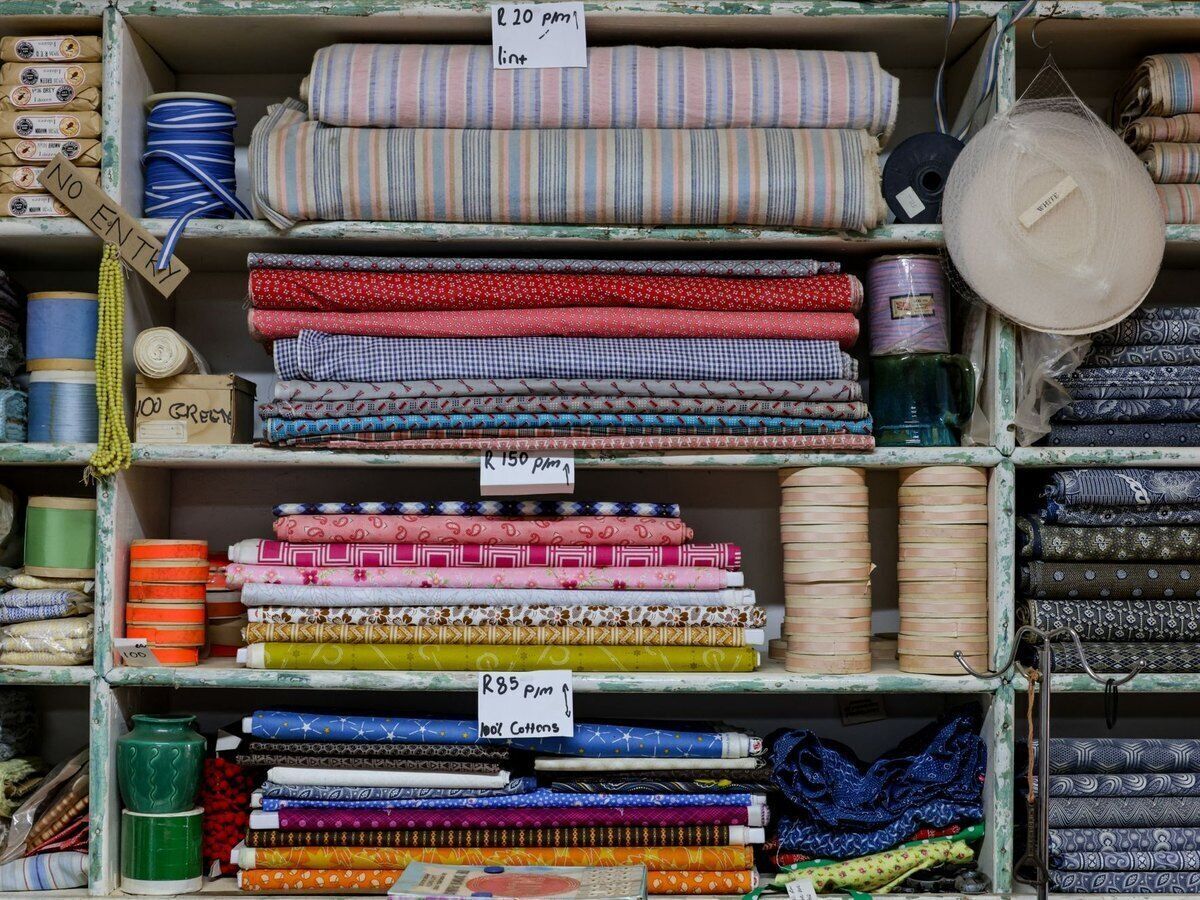
Because you sell per 10 centimetres, your stock counts in that unit too: a new 25-metre roll is booked in as 250 pieces. Every sale takes off the length you cut. With a minimum stock per fabric, the 'To order' report shows which rolls are nearly finished, and when you count your inventory you correct the stock if a roll turns out shorter than expected.

  • New roll booked in as 10 cm pieces
  • To-order list per fabric
  • Stock corrected at inventory time

More about stock management

Getting your fabrics into Onlinefact

This is how you start with a clear range, even with hundreds of fabrics.

  • ✓ Make a list of your fabrics in Excel and import it as products.
  • ✓ Decide per fabric whether you sell per 10 centimetres or per half metre.
  • ✓ Print a label with a barcode for every roll.
  • ✓ Put your best-selling haberdashery on the touchscreen as buttons with a photo.
  • ✓ Set a minimum stock for the fabrics you always want to have in store.
Buttons, zips and thread without searching

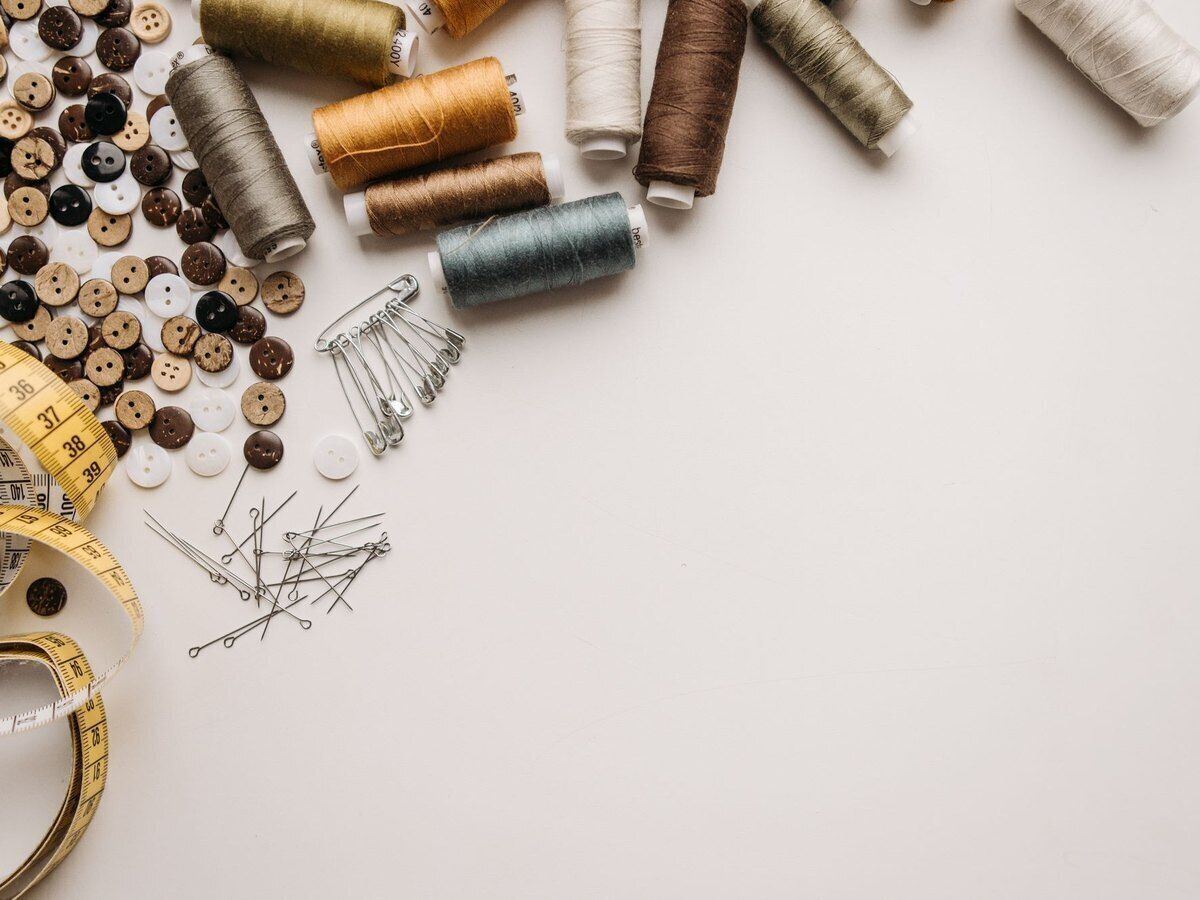
Haberdashery is small, plentiful and often has no barcode of its own. You put it on your touchscreen as buttons with a photo per category, so you recognise the right button by its photo. Packed items with a barcode are scanned, even when they are sold per box and per piece, because a product can have several barcodes. Payment is by cash, with the linked terminal or with Bancontact Pay.

  • Photo buttons per category
  • Box or single item: each its own barcode
  • Cash, terminal or Bancontact Pay

More about the Onlinefact POS system

Ready to make checkout simpler in your fabric shop?

Try Onlinefact free for 30 days in your fabric shop, with no obligations. Want to see how selling by length works? Call 078 70 02 02 for a demo.

Contact us   Discover the POS system

Request Demo
Request Information