POS system for craft shops

Your shop, your fairs and your custom work in one system.

In your shop, at the craft fair and at your workbench: one till that travels with you

With the Onlinefact POS system you sell your work in your own shop and at fairs with the same products and the same stock, and follow custom orders from quote to invoice.

If you make things yourself, you rarely sell in just one place. On weekdays you are in your shop or studio, at weekends behind a stall at a craft fair, and in between you work on a piece a customer ordered to measure. Onlinefact keeps all those sales together in one stock and one overview. The till runs on a Windows computer, laptop or touchscreen, and you see what was sold in the browser. Give it a free 30-day trial, with no commitment.

More about the Onlinefact POS system

Try it

Take Onlinefact along free for 30 days to your shop and your next craft fair, with no commitment. Want to see products with photos and the work order first? Call 078 70 02 02 for a demo.

Yes please!

At the counter of your own shop

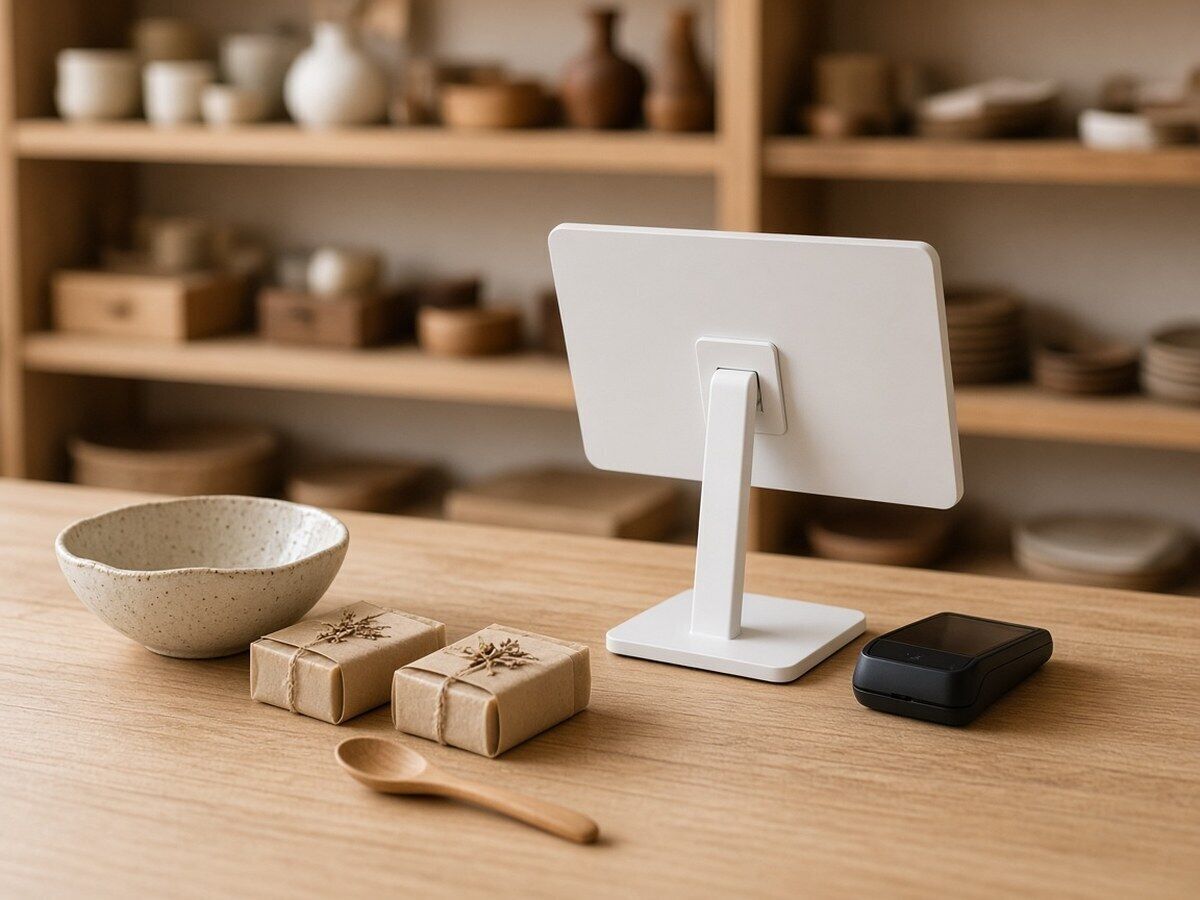
A customer picks a bowl, two bars of soap and a wooden spoon. On screen you recognise every product by its photo, so even pieces without a barcode go onto the receipt with one tap. The amount goes to your linked terminal, or the customer pays with Bancontact Pay, and your logo is on the receipt.

  • Every piece recognisable by its photo on screen
  • One tap even without a barcode
  • Your logo at the top of the receipt

See the payment terminals

Selling your work wherever you are

  • Products with a photo

    Easy to spot on the till screen.

  • Fair and shop together

    One stock, one overview.

  • Price for three

    Quantity discount applies itself.

  • Deposit on custom work

    On a digital work order.
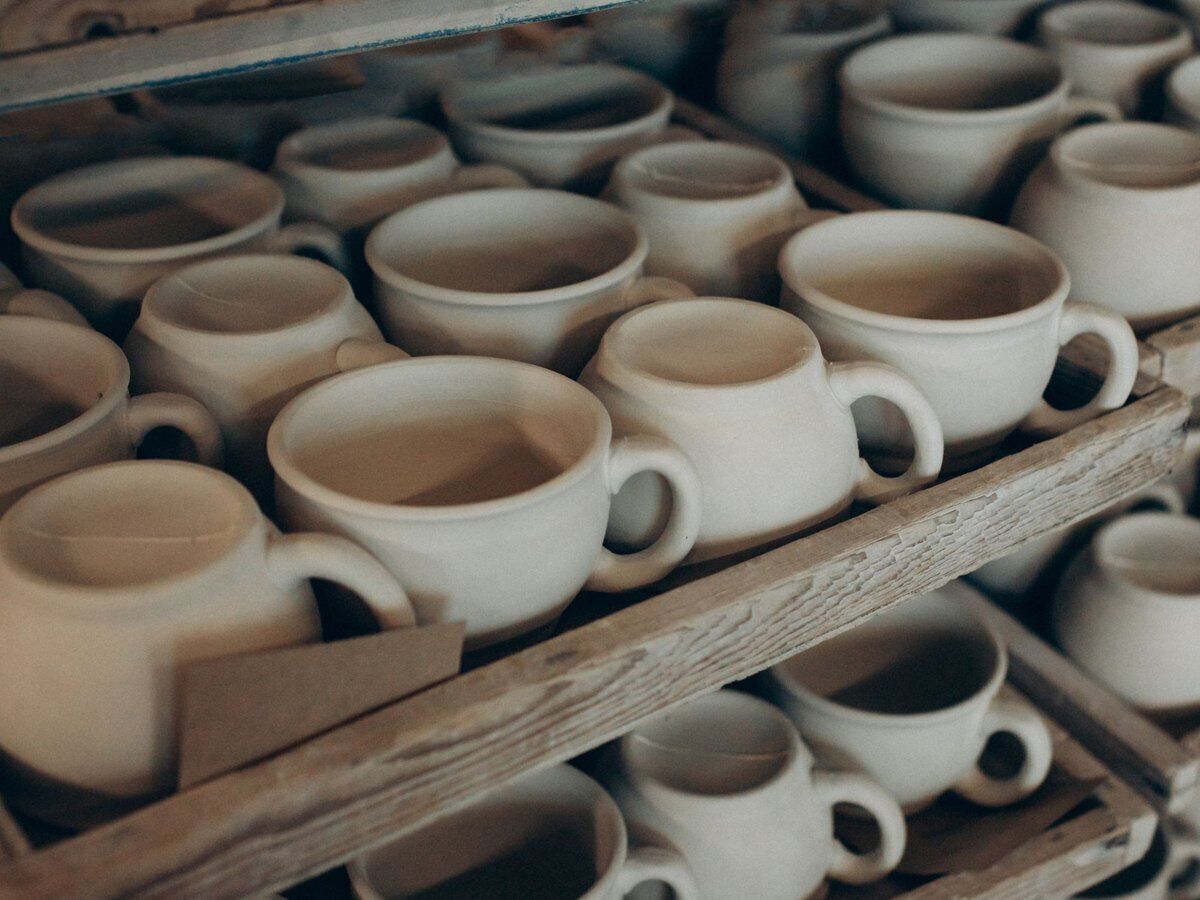
A series of cups in five glazes

If you make the same cup in several glaze colours, you create one product with a variant per colour. Each variant has its own stock, so you see at once that the blue ones are nearly gone while there are still plenty of green ones on the shelf. That tells you what goes into the kiln next week.

  • One series, a variant per glaze
  • Stock per colour at a glance
  • Knowing what goes into the kiln next week

More about stock management

A Saturday at the craft fair

Your laptop with Onlinefact, a mobile payment terminal and a few crates of work: that is all you need.

  1. 8.00 am
    You set up your stall and start Onlinefact on your laptop. Your products, prices and photos are there just like in your shop.
  2. 10.00 am
    The internet on the square drops for a while. Your till keeps working and syncs as soon as the connection is back.
  3. 1.00 pm
    A visitor buys three bars of soap. The quantity discount for three appears on the receipt automatically.
  4. 3.00 pm
    A couple wants a set of plates made to measure. You take their details and prepare a quote you e-mail that same evening.
  5. 6.00 pm
    At home you see in your browser what you sold at the fair and what is left in stock for the shop.

Soap that sells per bar and per three

Handmade soap sells well when customers take a few at once. Set a quantity discount from three bars and the till adjusts the price by itself. Your reports show per kind of soap what you sold and what it earned you, so you know which scent to make more of next month.

More about the Onlinefact POS system

From workbench to shelf in four steps

A new piece is finished. This is how it gets into your till before the first customer picks it up.

1
Photograph
You take a photo of the piece while it is still in your studio.
2
Create
You create the product with photo, category and price, or add a variant to an existing series.
3
Label
You print a price label with barcode for pieces you would rather scan.
4
On the shelf
The piece is on the shelf, and in the shop and at the fair you sell it from the same stock.
Custom work, from sketch to invoice

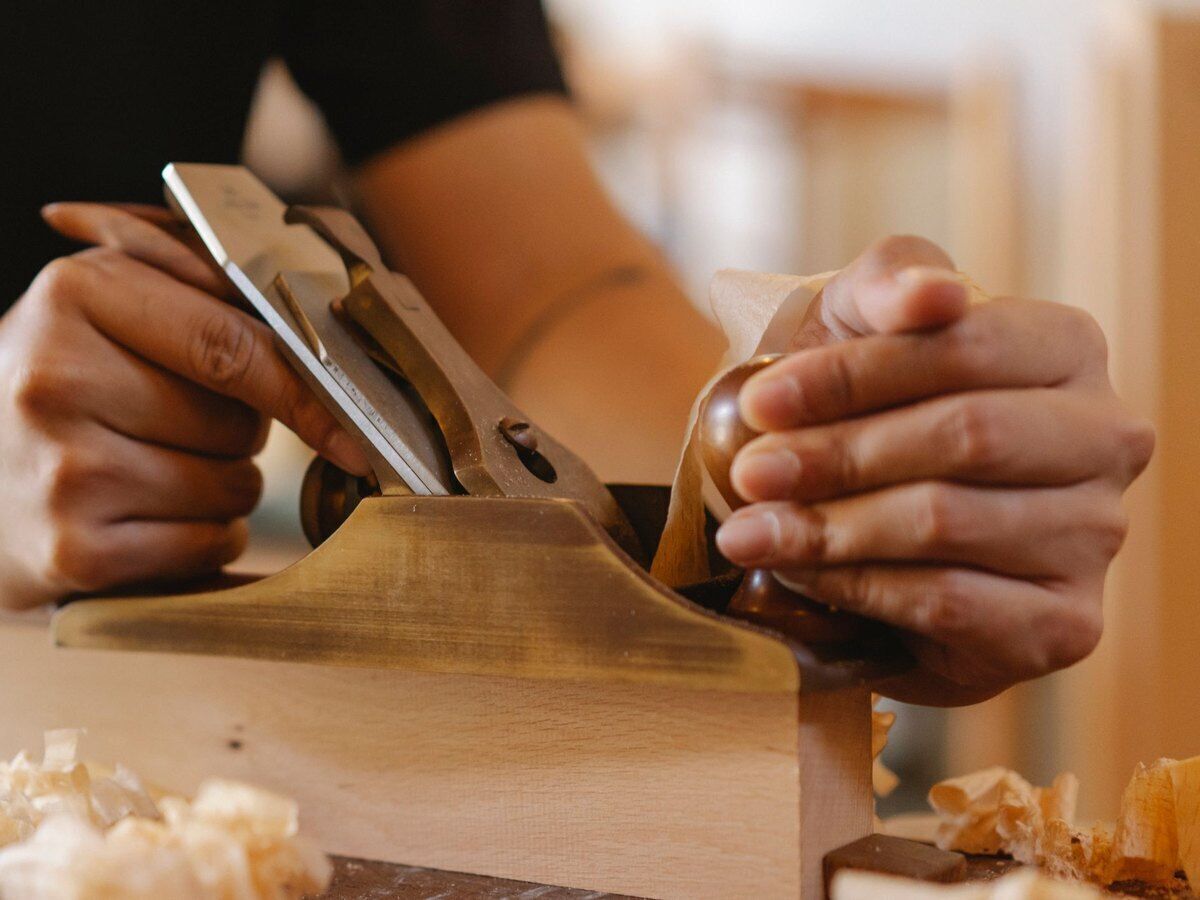
A table, a set of plates or a cabinet made to measure starts with a conversation. You draw up a quote and, once it is accepted, turn it into an order. If you ask for a deposit, you record it on a digital work order, with your sketch and the measurements attached. On delivery you turn the work order into an invoice with one click.

  • A quote that becomes an order once accepted
  • The deposit you asked for in writing
  • Sketch and measurements kept as attachments

More about invoicing with Onlinefact

Tip: tell your story at the bottom of the receipt

In the footer of your receipt you can add a short line about your work, together with your website or your next fair. That way every customer takes a little piece of your studio home.

One till for your shop, your fairs and your custom work?

Take Onlinefact along free for 30 days to your shop and your next craft fair, with no commitment. Want to see products with photos and the work order first? Call 078 70 02 02 for a demo.

Contact us   Discover the POS system

Request Demo
Request Information