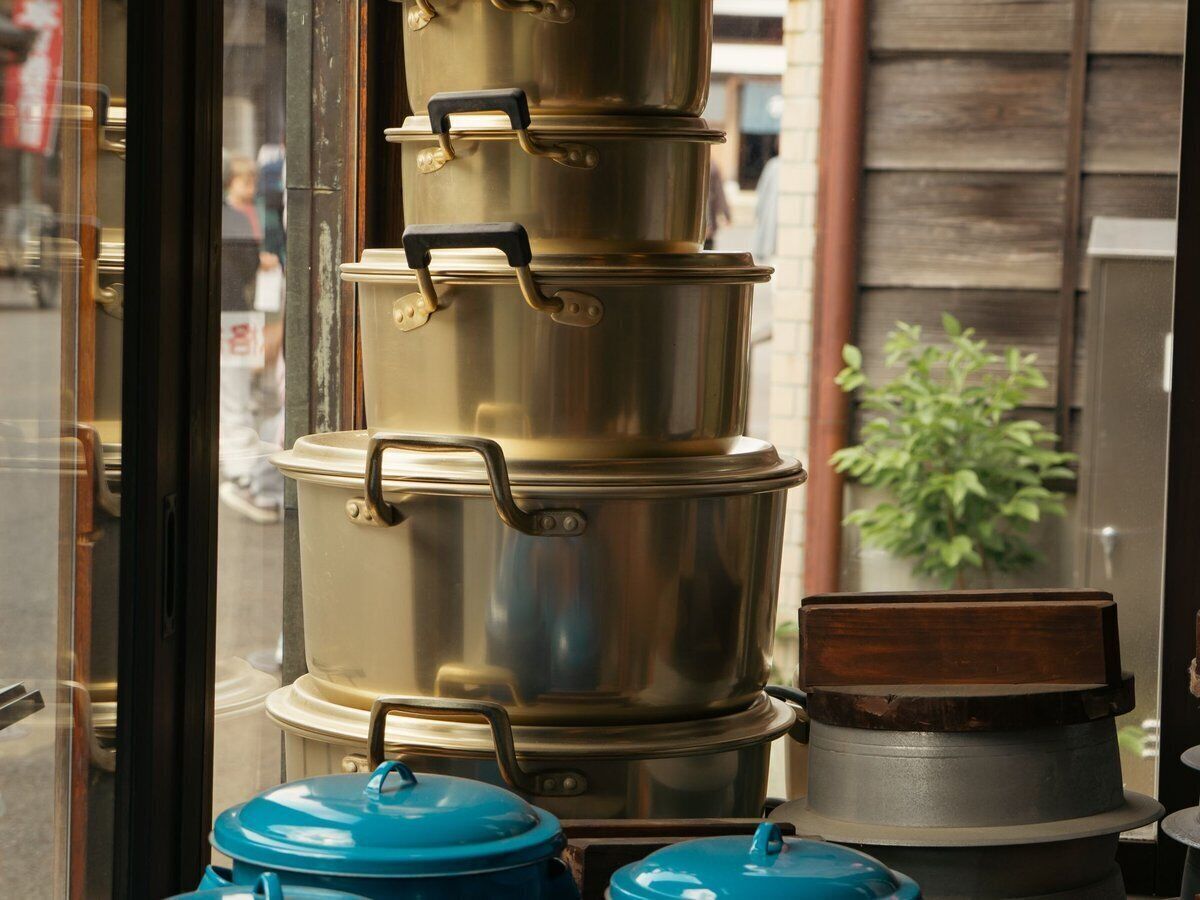
POS system for cookware shops

Hundreds of small items and premium pans in one system, online too.

A till for your cookware shop, from the smallest spatula to the most expensive pan

With the Onlinefact POS system you sell knives, pans and cooking accessories at the counter and online, order on request what is not on the shelves and see per brand what your range brings in.

In a cookware shop, hundreds of small items sit next to cast-iron pans and knives that customers spend a long time deciding on. You give advice, reorder a missing size and sell presents to people who know a keen cook. Onlinefact runs on a Windows touchscreen or computer at your counter; range, orders and figures are managed in the browser. Try it free for 30 days or ask for a demo.

More about the Onlinefact POS system

Try it

Put Onlinefact to work free for 30 days in your cookware shop, with no obligation. Questions about terminals, labels or your webshop? Call 078 70 02 02.

Yes please!

A Saturday in your cookware shop

Saturday is the busiest day of the week. This is how Onlinefact helps you through it.

  1. At opening time
    A new delivery of pans has arrived. You enter the delivered quantities in the supplier order and your stock is right straight away.
  2. Mid-morning
    A customer is looking for a frying pan in a size that is sold out. You create a customer order and place the order with your supplier.
  3. Around noon
    A couple hesitates between two knives and finally chooses a set. They pay with Bancontact Pay and the amount is already waiting with the QR code.
  4. In the afternoon
    Someone is looking for a present for a friend who loves to cook and picks a gift voucher, which will later be redeemed in one go or several.
  5. After closing time
    You check in the browser which brands sold best and which products dropped below their minimum stock.
Hundreds of small items, checked out quickly

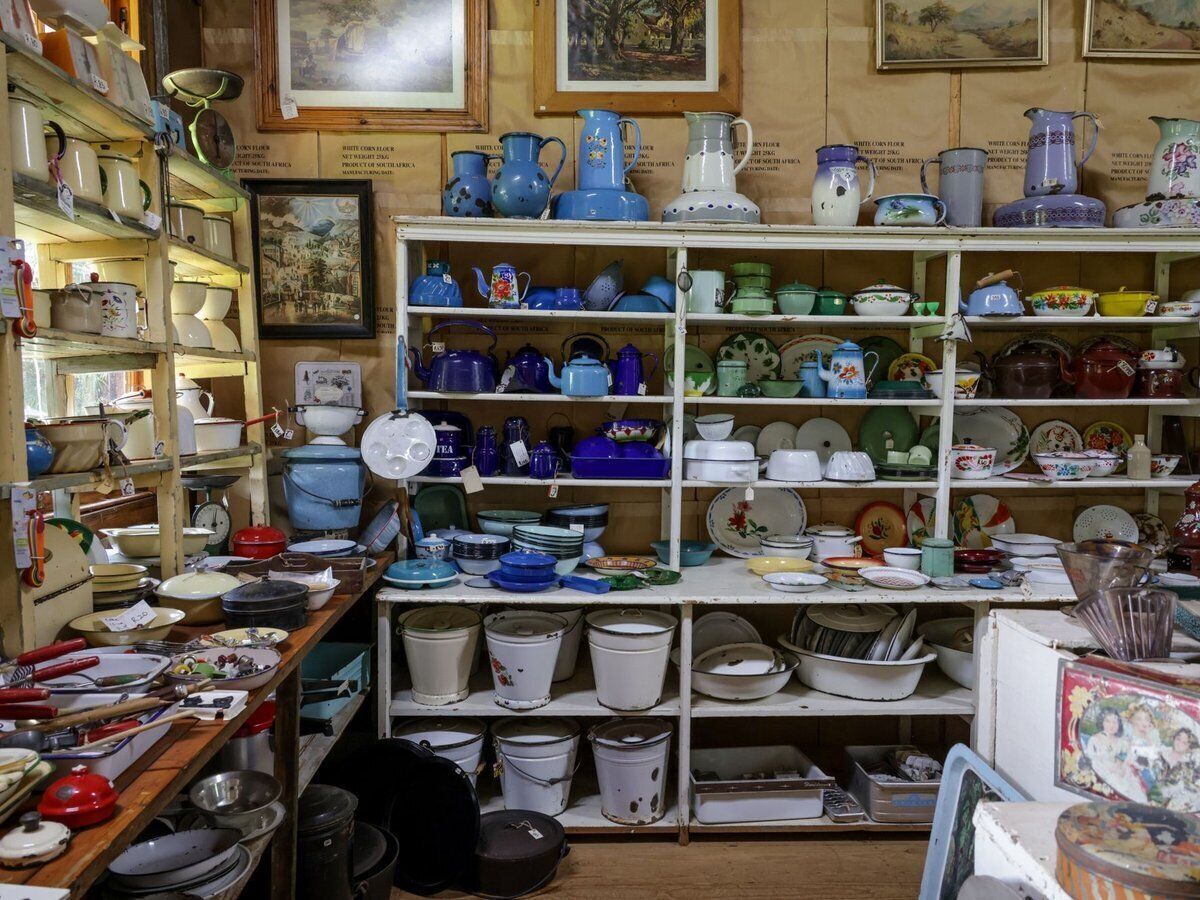
Spatulas, whisks, baking tins and pepper mills: many items have a barcode you scan, and for the rest you put buttons per group on the touchscreen. The till also recognises a product with several barcodes, for example an old and a new packaging. On screen you clearly see what your customer pays and what you give back, and the customer follows along on the customer display.

  • Scan or pick per button group
  • Several barcodes per product
  • Customer display on the counter

More about the Onlinefact POS system

Premium knives and pans, charged correctly

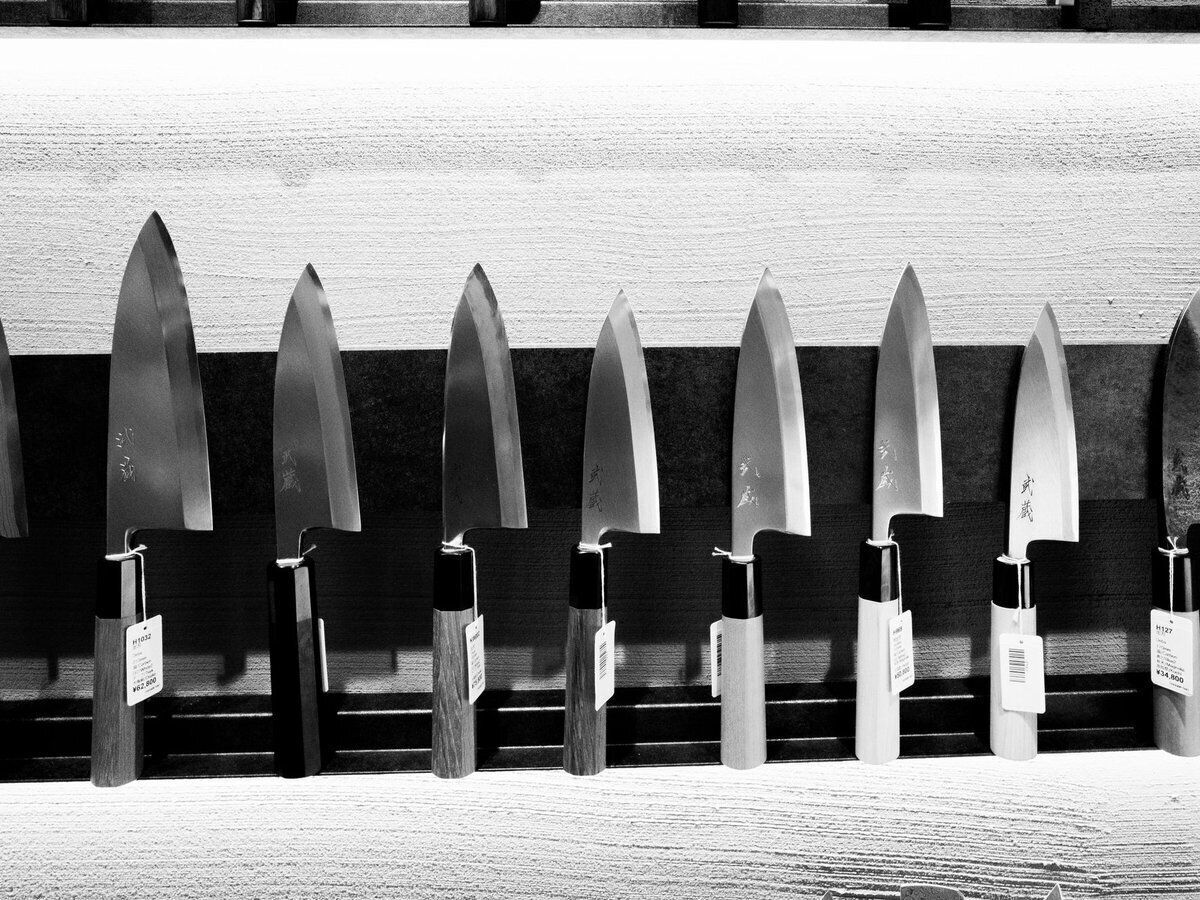
A good knife or a cast-iron casserole is a considered purchase. The amount goes straight from the till to the payment terminal, so you never retype anything, even for larger amounts. Onlinefact connects with terminals from CCV, Worldline, Payworld, SumUp and other providers, as well as with Bancontact Pay. Want to put a set in the spotlight? Give a discount per product or work with tiered discounts.

  • No amounts to retype
  • Tiered discounts available
  • Bancontact Pay for smartphone payers

See the payment terminals

What Onlinefact brings your cookware shop

  • Ordering on request

    A customer order later becomes a delivery note or invoice.

  • Brands at a glance

    A report shows sales per brand.

  • Minimum stock

    The To order report shows what you need to restock.

  • Gift vouchers

    With a barcode and balance, usable in one go or several.

  • Webshop link

    Shopify, WooCommerce or Magento, linked to your till.

  • Free support

    You usually get an answer within a few hours.

Ordering what is not on the shelves

You cannot have every size or colour in the shop. Create an order for your customer, order the item from your supplier and enter the delivered quantity on arrival: your stock adjusts at once. Then you copy the order to a delivery note or an invoice. That way you never forget a customer who is waiting for their pan.

More about invoicing with Onlinefact

Where you handle what

At the counter you want speed, in the back office you want an overview. This is how you divide the work.

At the till (Windows)In the back office (browser)
Scan items or pick them via buttonsManage products, brands and categories
Take payment with the terminal or Bancontact PayCustomer and supplier orders
Sell and redeem gift vouchersReports per product, brand and period
Scan the loyalty cardSend invoices by email or via Peppol
Close the day with a Z reportImport your item list from Excel

Your range by brand and category

Pans, knives, baking tins and tableware are organised by category and by brand. The sales-per-brand report shows which suppliers draw customers to your shop, and the margin per product tells you where you make money. Set a minimum stock level for your steady sellers and check the 'To order' report before you place a new order.

  • Categories and brands
  • Profit margin visible on every item
  • Minimum stock for steady sellers

More about stock management

Selling online with the same item list

Many customers first look online for the right knife or the right pan. Link your Shopify, WooCommerce or Magento webshop to Onlinefact, so online orders and shop sales end up in the same system. Does a company order business gifts? You create an invoice that you send by email or via Peppol, and your accountant receives it automatically every day.

  • Shopify, WooCommerce or Magento
  • Peppol included at no extra cost
  • Daily email to your accountant

More about webshop integrations

Is your cookware shop ready for next Saturday?

Put Onlinefact to work free for 30 days in your cookware shop, with no obligation. Questions about terminals, labels or your webshop? Call 078 70 02 02.

Contact us   Discover the POS system

Request Demo
Request Information