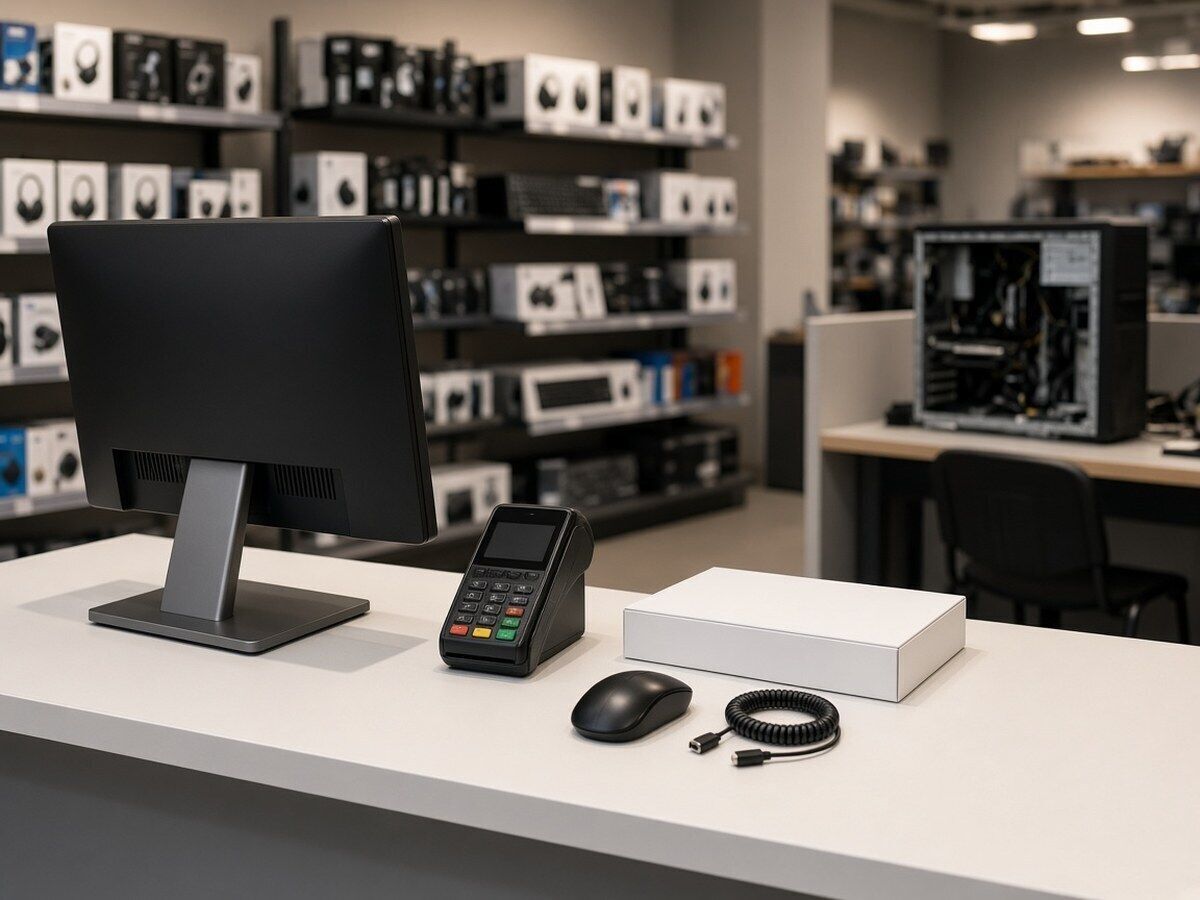
POS system for computer shops

What you sell at the front and repair at the back, in one system.

Counter and workshop in one system: till and work order for your computer shop

With the Onlinefact POS system you scan cables, mice and laptops at the counter, follow every repair with a digital work order, give companies their own price and let customers pay by card or Bancontact Pay.

A computer shop combines two worlds. At the counter you sell a laptop, a spare charger or a USB stick, and in the back a PC is waiting for a new SSD or a laptop for a new hinge. In between, companies and schools call for a quote. Onlinefact brings it together: the till runs on a Windows computer or touchscreen, and you manage work orders, invoices and stock in the browser. You can try it free for 30 days with your own product range.

More about the Onlinefact POS system

Try it

Try Onlinefact free for 30 days in your computer shop, with no commitment. Would you like to see how a work order becomes an invoice first? Call us on 078 70 02 02.

Yes please!

A laptop, a sleeve and an invoice for the company

You scan the barcode on the box, and if a product has your own code next to the supplier’s EAN, you simply give it several barcodes. The total goes to your payment terminal by itself, or to the Bancontact Pay QR code. Does your customer want an invoice in his company’s name? You link the customer, look up the VAT number so the company details fill themselves in, and the invoice goes out by email straight away.

  • Several barcodes for the same product
  • VAT number looked up for the company invoice
  • Amount sent straight to terminal or QR code

See the payment terminals

Four things that connect your counter and your workshop

  • A work order for every repair

    Hours, parts and a signature.

  • Every capacity its own barcode

    Stock per variant.

  • Prices for business customers

    Up to five price levels.

  • Shop and webshop together

    With Shopify or WooCommerce.

From a device handed in to a paid repair

This is how a repair runs with the Onlinefact digital work order, without sticky notes on the laptop.

1
Open a work order
When your customer hands in a laptop, you create a work order in their name and note the problem, with photos of the damage.
2
Ask for a deposit
For a new screen or motherboard, you record a deposit on the work order right away.
3
Record hours and parts
Your technician enters a start and end time, so the working time is calculated automatically, and adds the parts used.
4
Get a signature and invoice
When the laptop is collected, your customer signs on the spot, and one click turns the work order into an invoice.
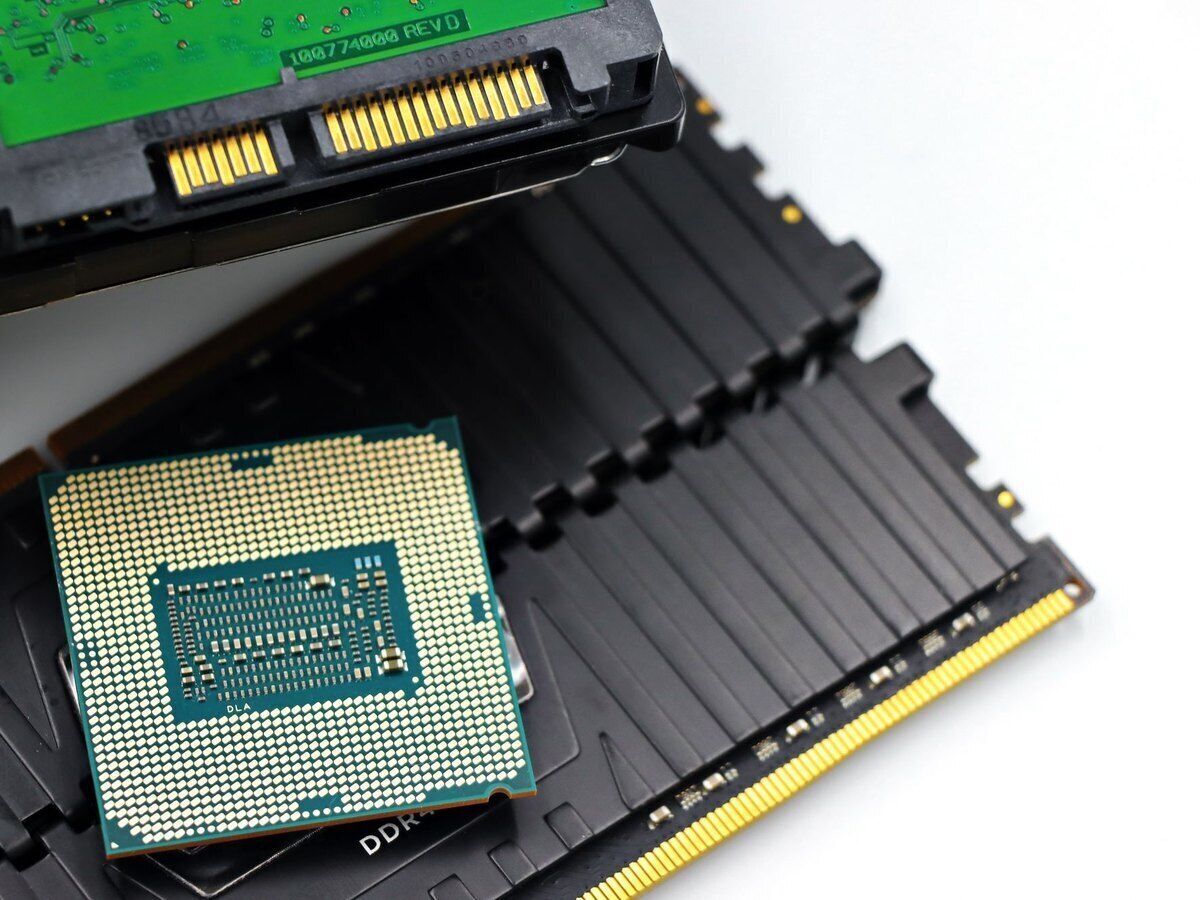
Memory, SSDs and processors as variants

A 500 GB SSD and a 1 TB one are the same product to your customer, but not to your stock. So you set up capacities and versions as variants, each with its own barcode and its own stock. With a minimum stock and the To order report you see what needs topping up, and you import your supplier’s price list from Excel.

  • Every capacity a variant with its own stock
  • To order report for your parts
  • Supplier list read in from Excel

More about stock management

Companies, schools and freelancers as customers

An office replacing ten workstations wants a quote first. Once it is accepted, one click turns it into a sales order and later into an invoice. Your regular business customers get their own price level, so the right price appears by itself. You send and receive invoices via Peppol, payments are matched to the invoice through your bank link, and late payers get a digital reminder.
More about invoicing with Onlinefact

Laptops on the counter and in your webshop

If you also sell online, your shop and your Shopify or WooCommerce webshop work with the same stock, so you never sell a laptop online that has just left the shop. A starter pack with laptop, mouse and sleeve becomes a composite product at the till: your customer pays one price and each part leaves your stock separately.

  • Shop and webshop on one stock
  • Laptop, mouse and sleeve as one composite bundle
  • Each part deducted from stock separately

More about webshop integrations

Questions computer shops ask us

Does Onlinefact work if you mainly use a Mac yourself?

The till software itself runs on Windows. Your back office works in the browser, so you can check reports, work orders and invoices on a Mac too.

How do I take back a device?

You switch the till to Return and scan the product. It appears as a negative line on the receipt and your stock goes back up.

Can I add a second till?

Yes, the number of workstations is unlimited and each till gets its own receipt printer, scanner and payment terminal.

Can you keep selling when your internet line drops for a while?

Your till keeps making receipts and syncs everything again as soon as the connection is back.
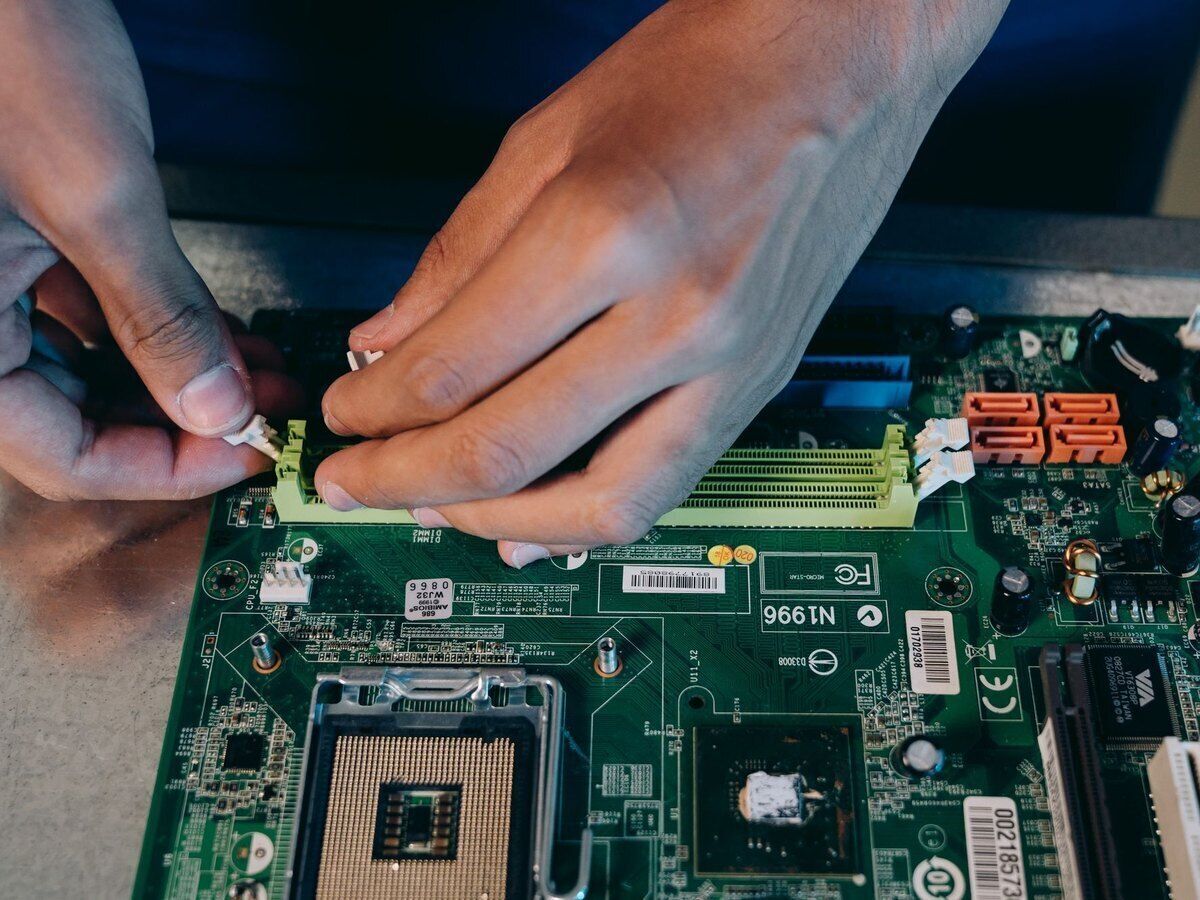
Your workshop at a glance

You assign every work order to a technician, and a colour status shows at once which PC is waiting for parts and which one is ready for collection. Notes, photos and attachments stay with the work order, and your customer receives it by email. Nobody has to search for the scrap of paper with the diagnosis any more.

  • Each work order handed to a technician
  • Colour status per repair
  • Photos and notes kept with the work order

More about invoicing with Onlinefact

Your counter and your workshop on one screen?

Try Onlinefact free for 30 days in your computer shop, with no commitment. Would you like to see how a work order becomes an invoice first? Call us on 078 70 02 02.

Contact us   Discover the POS system

Request Demo
Request Information