POS system for camping shops

From packing list to departure: your till keeps up with every camper.

From packing list to departure: a till that carries your camping shop through the high season

With the Onlinefact POS system you find every size and colour in your stock, park a receipt while a customer tries on hiking boots, deliver a camp order in parts and take payment by card or Bancontact Pay.

Your customers rarely come in for just one thing. A family brings a packing list for three weeks in France, a hiker is looking for boots that really fit and the leaders of a youth group want equipment for their summer camp. In the weeks before the holidays it all happens at once, and after the summer things calm down again. Onlinefact runs on a Windows computer or touchscreen at your counter, with a receipt printer, scanner and cash drawer, and you manage your range and figures in the browser. A free 30-day trial lets you test it before the summer rush.

More about the Onlinefact POS system

Try it

Try Onlinefact free for 30 days in your camping shop, with no commitment. Would you like to see how variants and camp orders work first? Call us on 078 70 02 02.

Yes please!

A Saturday just before the summer holidays

This is the day your camping shop sells the most. This is how it goes with Onlinefact at the counter.

  1. Opening up
    You start the day in the till and count your float, so at closing time you know what the drawer should hold.
  2. A family with a packing list
    A tent, four sleeping bags, mats and a gas stove go on one receipt, you scan everything in a row and the customer pays by card.
  3. A hiker tries on boots
    You park his receipt under his name and meanwhile help someone who only came for tent pegs, then you call the receipt back up.
  4. The youth group leaders
    They collect the part of their order that has already arrived, you deliver the rest later and invoice it all together.
  5. Closing time
    You run the Z report per VAT rate and payment method and see which products sold best today.
A full trolley at the counter

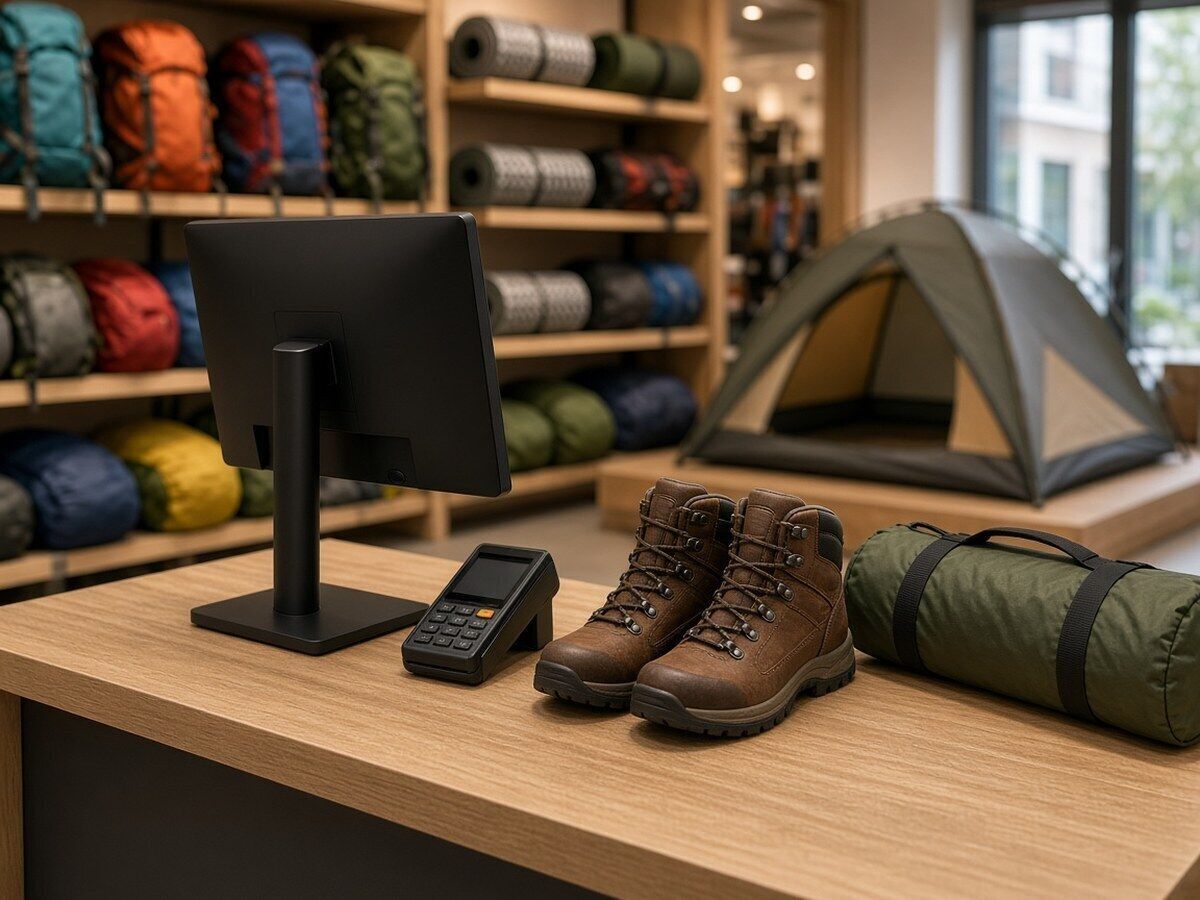
Anyone leaving on holiday soon puts ten items on your counter. You scan them one after another, your customer follows the total on the customer display and the amount goes to the payment terminal by itself. If someone pays with Bancontact Pay, they scan the QR code showing the right amount. Does your customer want to try another size first? You park the receipt under their name and move on to the next person.

  • A full trolley scanned in one go
  • Receipt parked by name while your customer tries on boots
  • Card or Bancontact Pay for the big pre-trip purchase

See the payment terminals

Four things that get your camping shop ready for the big departure days

  • Every size easy to find

    Variants with their own stock.

  • Try on without a queue

    Receipt parked by name.

  • Camp orders in parts

    Deliver what is already in.

  • Ready for the season

    To order before the summer.

Backpacks in every volume and colour

A 30, 45 or 65 litre backpack in three colours: you set it up as one product with variants, and each variant gets its own barcode and its own stock. A customer asks for the blue 45 litre one? You see straight away at the till whether you still have it. Small items without a barcode, such as carabiners or tent pegs, get a barcode label from your label printer.

  • Every size and colour with its own barcode
  • Stock per variant visible at the till
  • Barcode labels for carabiners and tent pegs

More about stock management

How to deliver a camp order for a youth group

A scout troop or youth club often orders weeks in advance, and not everything arrives on your shelves on the same day.

1
Make a quote
You put the tents, camping pans and torches on a quote and email it to the group leaders.
2
Turn it into a sales order
Once they agree, the quote becomes a sales order in one click, so you know what to reserve or reorder.
3
Deliver in parts
Whatever is in stock goes out now. You deliver the rest as soon as it arrives, and the sales order shows what is still open.
4
Invoice and follow up
The invoice goes out by email or via Peppol, and thanks to the structured reference the payment is matched to the invoice automatically through your bank link.

Seasons you can keep track of

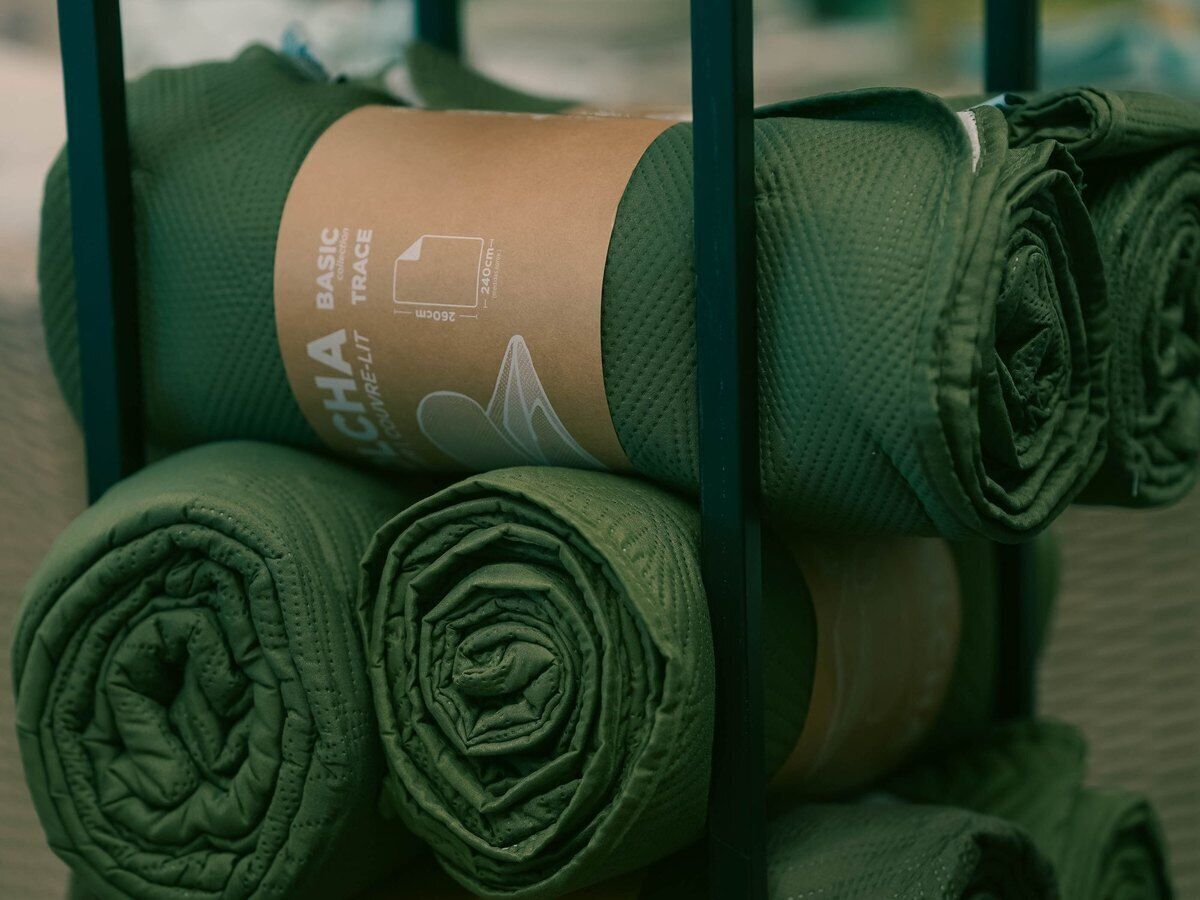
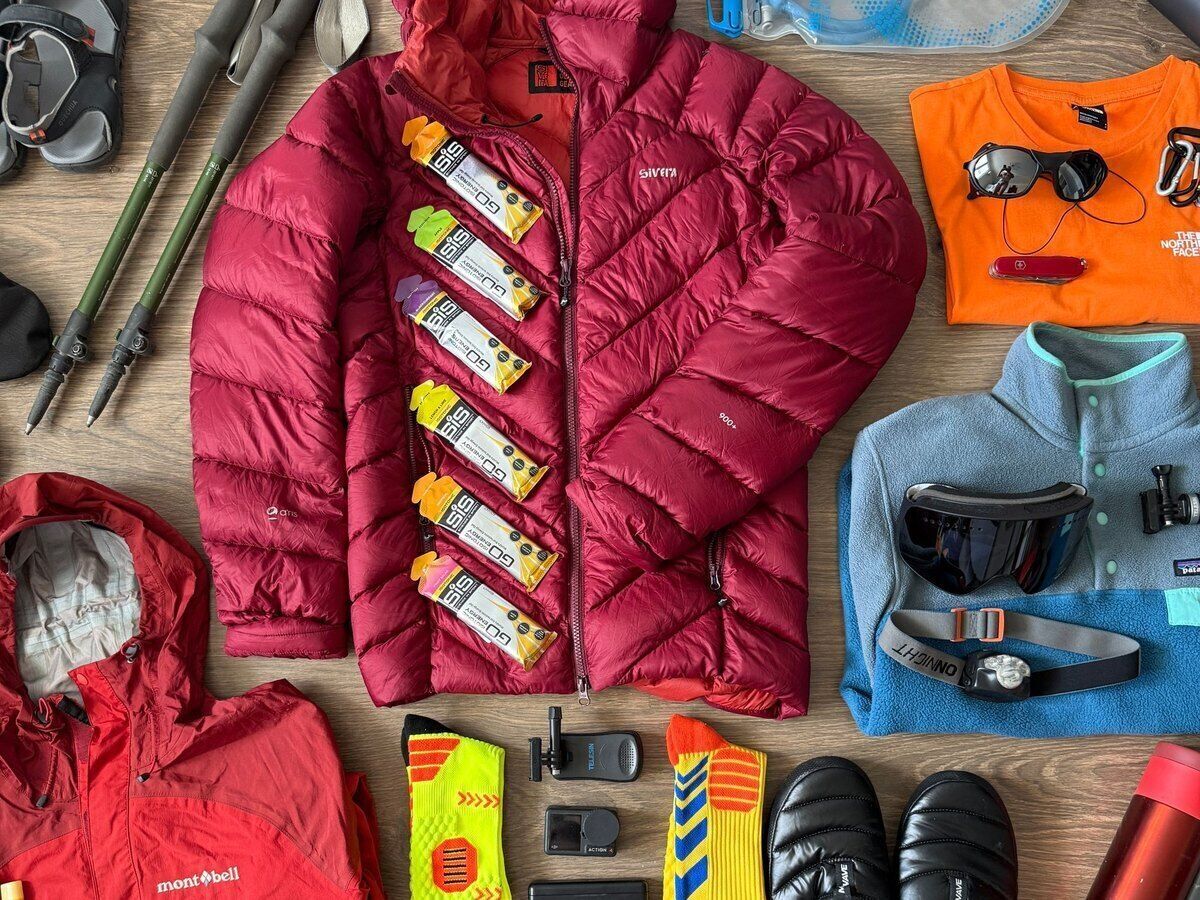
In your back office you create seasons, for example summer 2027, and link them to your products. After the holidays you see which collection did well and what stayed on the shelf. With a minimum stock and the To order report you know in spring what to top up with your suppliers, and whatever is left after the summer gets a discount per product, as a percentage or with a new price.
More about stock management

A starter pack for the first camping trip

Many customers are buying a complete set of gear for the first time. Put together a starter pack with a tent, a mat and a sleeping bag, and sell it as one composite product with its own price. At the till you scan the pack, and each component is deducted from your stock separately. Do the same customers come back every year for new socks or a gas canister? They collect points with their loyalty card.

  • Starter pack as a composite product
  • Tent, mat and sleeping bag each deducted separately
  • Points for customers who come back every year

More about the Onlinefact POS system

Your webshop, your suppliers and your brands

If you also sell online, you link Onlinefact with Shopify or WooCommerce, and your shop and webshop work with the same stock. A supplier’s product list is imported from Excel in one go, with brand, price and barcode. After the summer the Resale per brand report shows which supplier sold best, which helps with next year’s order.

  • Shop and webshop on the same stock
  • Supplier list imported from Excel in one go
  • Resale per brand report after the summer

More about webshop integrations

Ready for a summer without hassle at the counter?

Try Onlinefact free for 30 days in your camping shop, with no commitment. Would you like to see how variants and camp orders work first? Call us on 078 70 02 02.

Contact us   Discover the POS system

Request Demo
Request Information