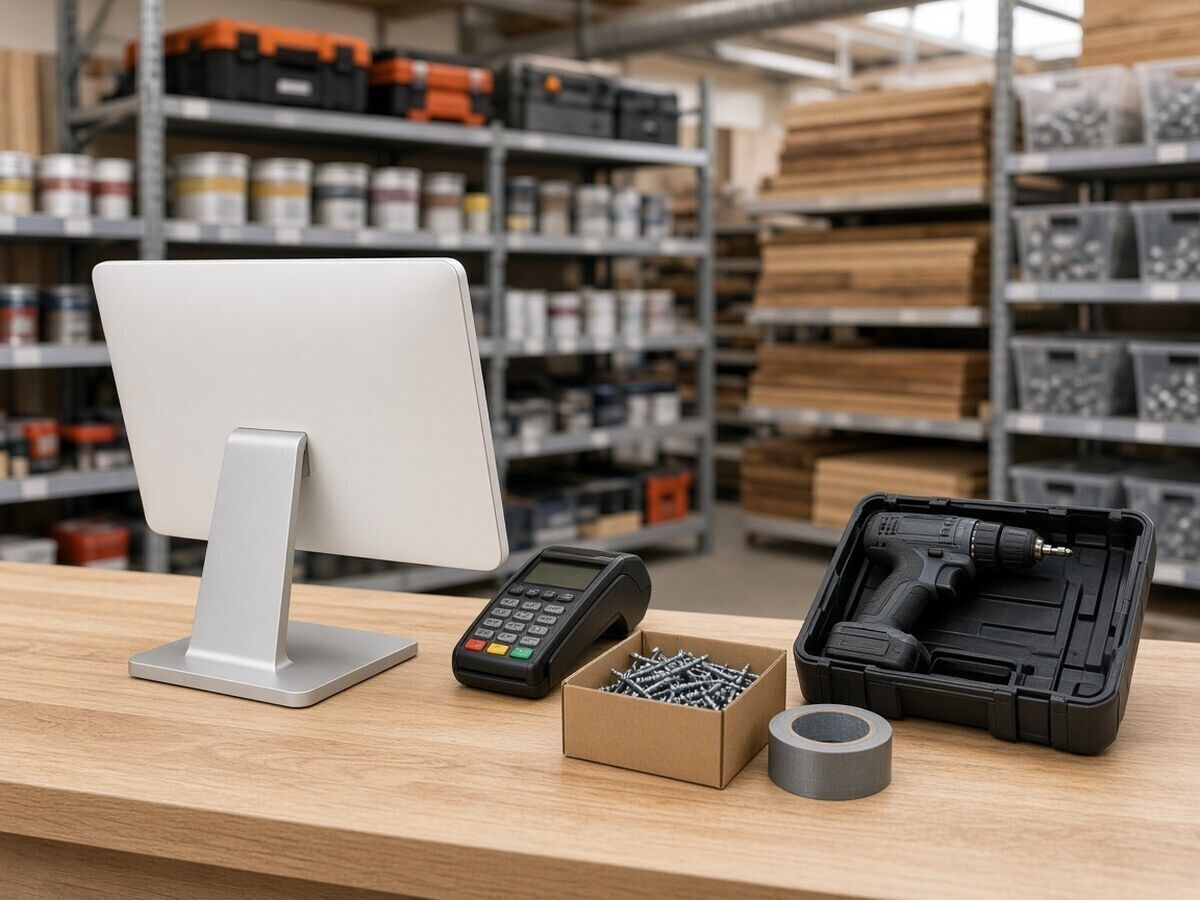
POS system for building supplies stores

One counter for the DIYer and the contractor.

Homeowner or contractor, one box or a full trolley: Onlinefact gets the bill right at your counter

With the Onlinefact POS system you scan fixings per piece or per box, fill in a tradesperson’s details from their VAT number and turn a contractor’s quote into an invoice in one click, while homeowners simply pay by card or with Bancontact Pay.

At the counter of a building supplies store, the weekend DIYer with one pack of wall plugs stands next to the joiner who collects hundreds of euros of material every week. One wants a receipt, the other an invoice with his own price agreements. At the back lie planks, profiles and bags that you have to find as soon as a customer asks. Onlinefact runs as a till on a Windows computer or touchscreen, and you manage your range, prices and reports in the browser. You can try it free for 30 days.

More about the Onlinefact POS system

Try it

Try Onlinefact free for 30 days in your building supplies store, with no obligations. Would you like to see how a box barcode or a site quote works first? Call us on 078 70 02 02.

Yes please!

Who comes to your counter and how you serve them

Each type of customer expects something different from your till. This is how one piece of software handles them all.

CustomerWhat they usually buyHow Onlinefact handles it
DIYerA box of screws, a tin of paint, a sawScan, pay by card or Bancontact Pay and hand over a receipt
Tradesperson with a VAT numberMaterial for tomorrow’s jobLook up the VAT number at the till and invoice straight away
Regular contractorA full trolley every weekOwn price level or standard discount applied automatically
Large building siteA list of material in advanceQuote turned into an order and an invoice in one click

Per piece or per box, with the same scanner

One customer takes three loose bolts, the next a whole box of a hundred. In Onlinefact a product can have several barcodes, including a separate barcode for the box that takes the right number of pieces out of your stock in one go. The total goes straight to your payment terminal, so you never retype the amount, and anyone who prefers to pay by smartphone uses Bancontact Pay.

  • Separate barcode for the box and the single piece
  • The right number of pieces out of stock in one scan
  • Card or Bancontact Pay without retyping

See the payment terminals

Four things that make your counter quicker for trades and DIYers

  • Box or single piece

    One scan, the right quantity out of stock.

  • VAT number lookup

    The tradesperson’s details filled in.

  • Where is that profile?

    A warehouse location per product.

  • From quote to invoice

    One click per step for the contractor.

From site quote to paid invoice

A contractor asks for a price for the material of a renovation. This is how you follow it up without retyping anything.

1
Draw up the quote
You put the requested materials and their prices in a quote and email it to the contractor.
2
Turn it into an order
Once he agrees, the quote becomes a sales order in one click.
3
Invoice
The invoice is also one click away, and you send it by email or via Peppol.
4
Follow up the payment
Through the bank link the transfer is recognised by its structured reference, and reminders go out digitally.
Fixings without guesswork

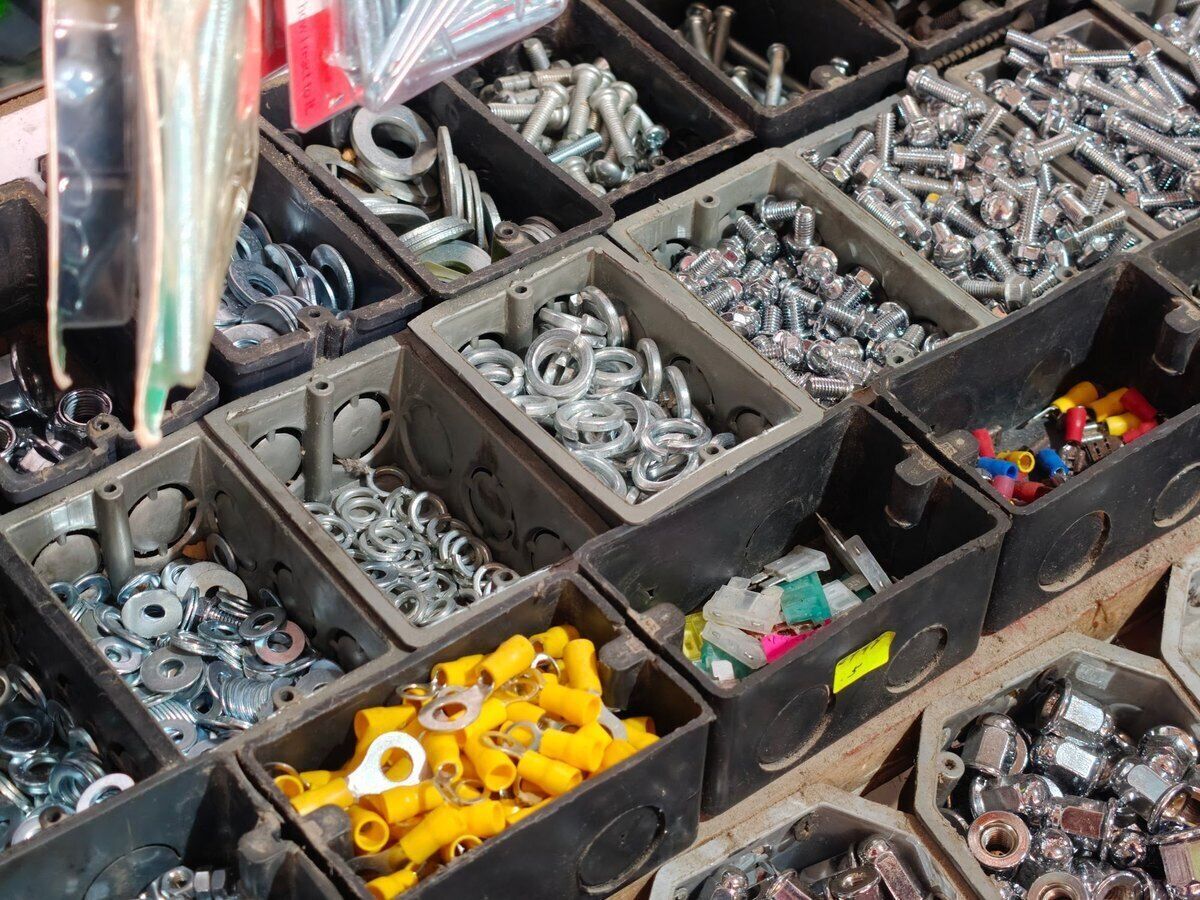
Bins of nuts, washers and wall plugs are the heart of your store, but also the hardest thing to keep track of. With a tiered discount, a customer who takes ten boxes automatically gets a lower price per box. A mounting kit you put together yourself is set up as a composite product: when you sell the kit, each component is deducted from your stock separately.

  • Tiered discount from a number of boxes
  • Mounting kit as a composite product
  • Each component deducted separately

More about stock management

Tip: give every bin a barcode label

Print a price label with a barcode on a label printer for every compartment in your rack. Your staff member then scans the label on the bin instead of searching for the right item on the screen, even for a single bolt.

Own prices for your regular trades

A joiner or plumber who comes by every week counts on the price you agreed. You link a price level or a standard discount to his customer record, and it is applied automatically at the till and on the invoice. If he asks for an invoice, the till emails it to him automatically, and your accountant receives a copy of your sales and purchase invoices every day.


More about invoicing with Onlinefact

Finding planks, profiles and bags

Not everything is in the shop: timber, insulation and bags of cement often sit in the warehouse or outside. You give each product a warehouse location, so a colleague knows straight away which rack it is in. Lengths and thicknesses are set up as variants with their own barcode and stock. With the Onlinefact Inventory scanner web app you check products and pick a contractor’s order on the spot in the warehouse.

  • Warehouse location on every product record
  • Lengths and thicknesses as variants
  • Contractor’s order picked with the scanner web app

More about stock management

Thousands of supplier references

A wholesaler sends you his product list as an Excel file: you import it in one go, with barcodes and prices. Each brand you sell becomes a brand in Onlinefact, so the resale per brand report shows which supplier sells well. Purchase invoices that arrive via Peppol are received directly in your back office.

  • Wholesaler list imported in one go from Excel
  • Resale per brand for each supplier
  • Peppol purchase invoices straight into the back office

More about invoicing with Onlinefact

Ready to serve DIYers and tradespeople with one till?

Try Onlinefact free for 30 days in your building supplies store, with no obligations. Would you like to see how a box barcode or a site quote works first? Call us on 078 70 02 02.

Contact us   Discover the POS system

Request Demo
Request Information