POS system for baby shops

One customer from pregnancy to the first steps.

From the first scan to the first steps: a till that recognises your customers for three years

With the Onlinefact POS system you build a bond with young families through a loyalty card, follow an ordered pram from quote to delivery and see per size what is still on your rails.

A baby shop customer does not come just once. First for the pram and the nursery, then for bodysuits in size 62, later for the first shoes. Whoever recognises and rewards that customer sees them come back. Onlinefact remembers what every family bought and gives points or a discount on the next purchase. The till runs on a Windows computer or touchscreen, and you check stock and figures in the browser. Try it free for 30 days in your own baby shop, with no commitment.

More about the Onlinefact POS system

Try it

Try Onlinefact free for 30 days with your own brands, sizes and customers, with no commitment. Want to see the loyalty card and ordering a pram first? Call 078 70 02 02 for a demo.

Yes please!

At the counter with a pram alongside

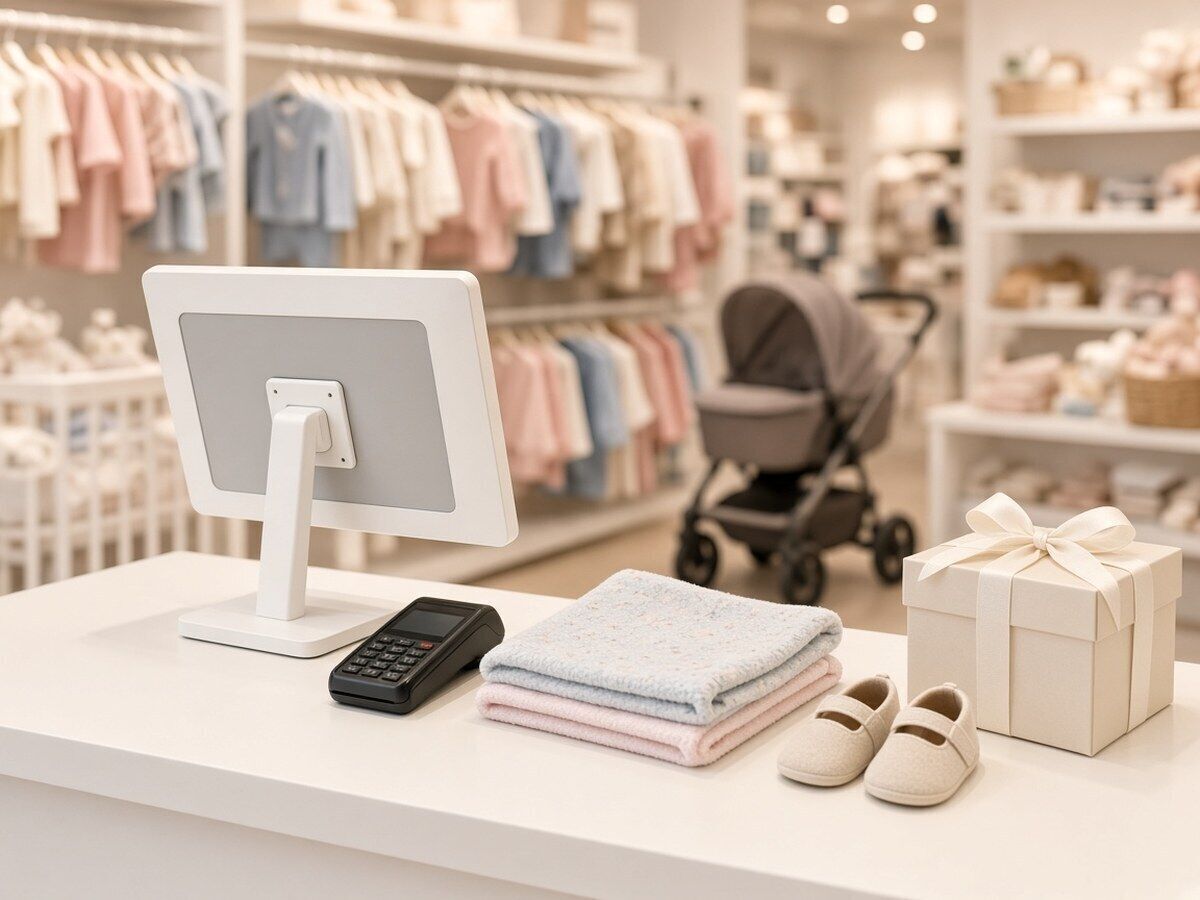
Young parents often have a child on their arm and little time. You scan their loyalty card and the products, the customer display shows the total and their savings balance, and the amount goes to your linked terminal without retyping. Paying with Bancontact Pay works too, on the smartphone they are holding anyway.

  • The family's savings balance on the customer display
  • Amount sent to the terminal without typing
  • Bancontact Pay with the smartphone in hand

See the payment terminals

What a family buys from you, and when

Every stage brings other purchases. This is how Onlinefact helps.

StageWhat they buyHow Onlinefact helps
PregnancyPram, car seat, nurseryQuote, order with your supplier and invoice
First monthsBodysuits, sleeping bags, bottlesSizes as variants with their own stock
Visiting the newbornPresents and gift vouchersGift voucher with barcode and remaining balance
First stepsShoes and clothing in bigger sizesLoyalty card with points or a discount on the next purchase

Every size counted separately, from 50 to 98

A bodysuit in seven sizes is one product with seven variants, each with its own barcode and stock. In the product search the green or red dot shows at once whether size 68 is still there. With a minimum stock per size, the To order report shows which sizes to take extra of in the next collection.

  • Seven sizes in one product
  • Green or red dot per size
  • Extra sizes reordered for the new collection

More about stock management

Why families keep buying from you

  • Loyalty card for families

    Points or a discount on every purchase.

  • Sizes as variants

    Stock per size in view.

  • Ordered prams

    From quote to delivery.

  • Gift voucher with balance

    For visitors who cannot decide.
The first shoes, a moment to reward

Anyone who buys from you for three years deserves a reward. Choose whether the loyalty card saves points or gives a percentage off the next purchase. On the receipt and the customer display the customer sees what they have saved, and you see on their customer record what the family bought before.

More about the Onlinefact POS system

Ordering a pram for your customer

Not every model and colour is in your shop. This is how you order it properly for your customer.

1
Quote
You make a quote with the pram, the colour and the accessories, and e-mail it to the parents.
2
Order
Once they agree, you turn the quote into an order and order the model from your supplier.
3
Delivery
You book the delivery in, and the pram is ready with the customer's name on it.
4
Checkout
At pick-up you check out at the till or create an invoice if the parents ask for one.
Pushchairs and car seats on your shop floor

Large items take up a lot of space and are costly to keep in stock. Your reports show per product and per brand how much you sold and what you earned. That way you know which models to put on your floor and which you are better off selling to order.

  • Sales and margin per model
  • Comparing brands with each other
  • Choosing what goes on the floor and what is sold to order

More about stock management

Questions from baby shops

Does Onlinefact work with birth lists?

There is a link between Onlinefact and Geboortelijst.be. Call us and we will explain how it works in your shop.

Can a visitor use a gift voucher in several goes?

Yes. The gift voucher gets a barcode, and whatever is not used stays on the voucher as a balance for next time.

Can I exchange a size if the customer lost the receipt?

If the customer was linked to the original receipt, you find the purchase on their customer record. You take the item back and give another size or a credit voucher.

Can I see which brands sell best?

Yes. Give every product a brand and your reports show sales and margin per brand.
A nursery sold in one go

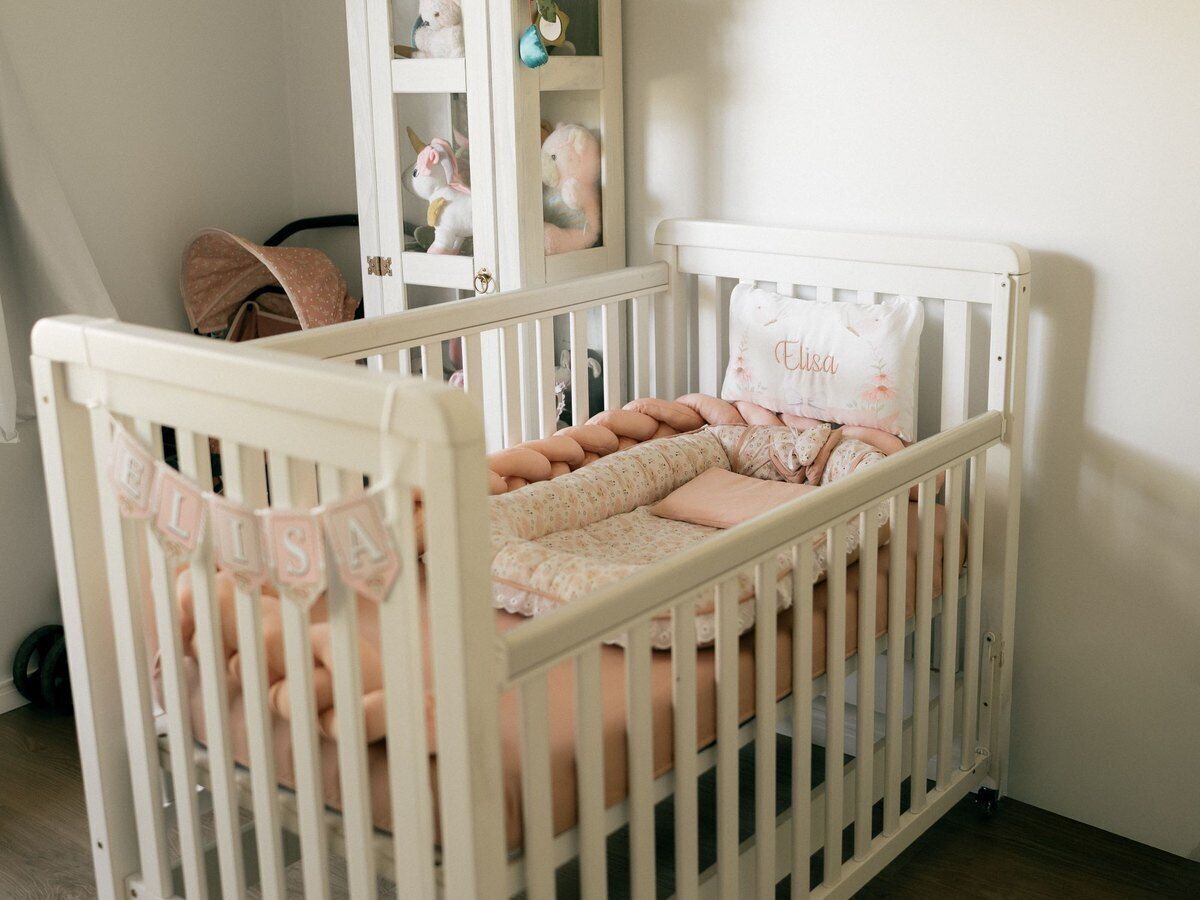
A cot, a changing unit and a wardrobe are often bought together. Make it a composite product with its own price, or create a quote for the complete room. When it sells, Onlinefact takes each piece of furniture out of stock, so you know what is left in your storeroom.

More about invoicing with Onlinefact

Tip: hand out the loyalty card with the first purchase

The first purchase is often the largest: the pram or the nursery. Hand out the loyalty card right then. The points from that purchase make the next visits a little more attractive for the family.

A till that brings young families back to you?

Try Onlinefact free for 30 days with your own brands, sizes and customers, with no commitment. Want to see the loyalty card and ordering a pram first? Call 078 70 02 02 for a demo.

Contact us   Discover the POS system

Request Demo
Request Information