POS system for antique shops

Every unique piece tracked from purchase to sale, margin included.

A till for your antique shop that knows every unique piece and its margin

With the Onlinefact POS system you follow every unique piece from purchase to sale, see what each piece earns you and create quotes and invoices for collectors and interior designers in a few clicks.

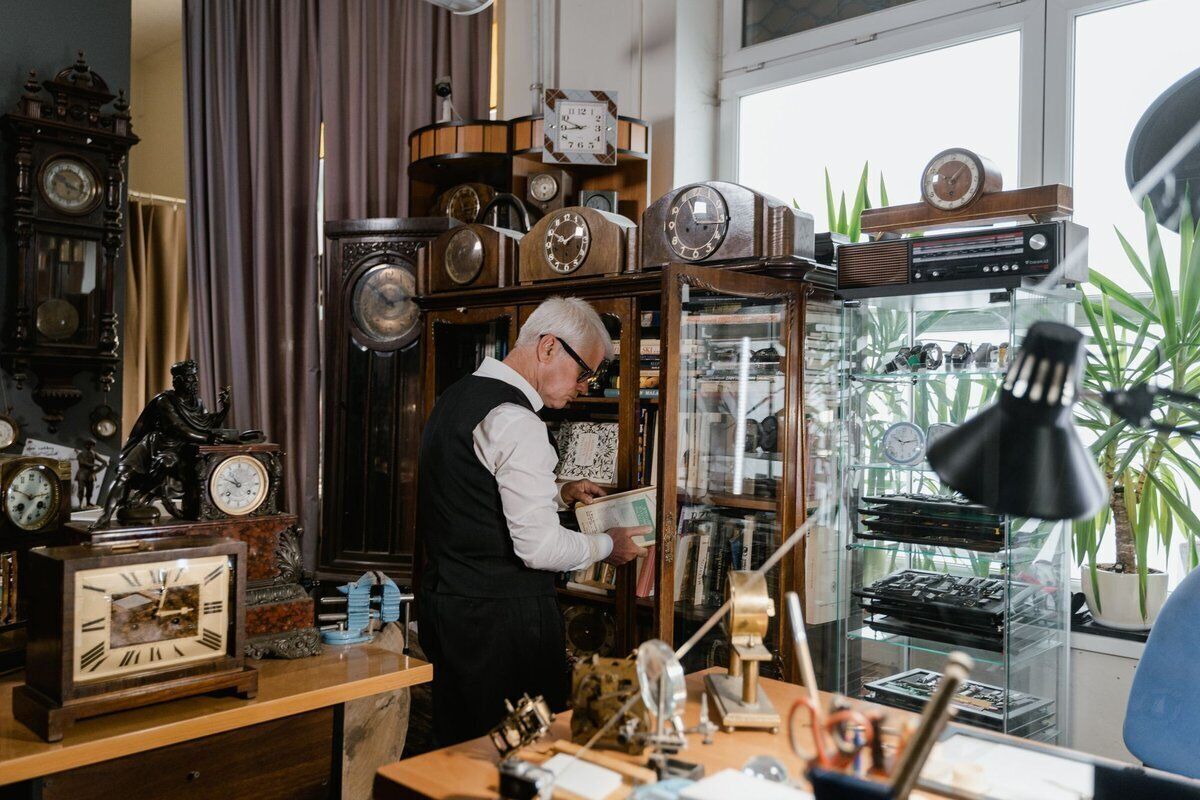
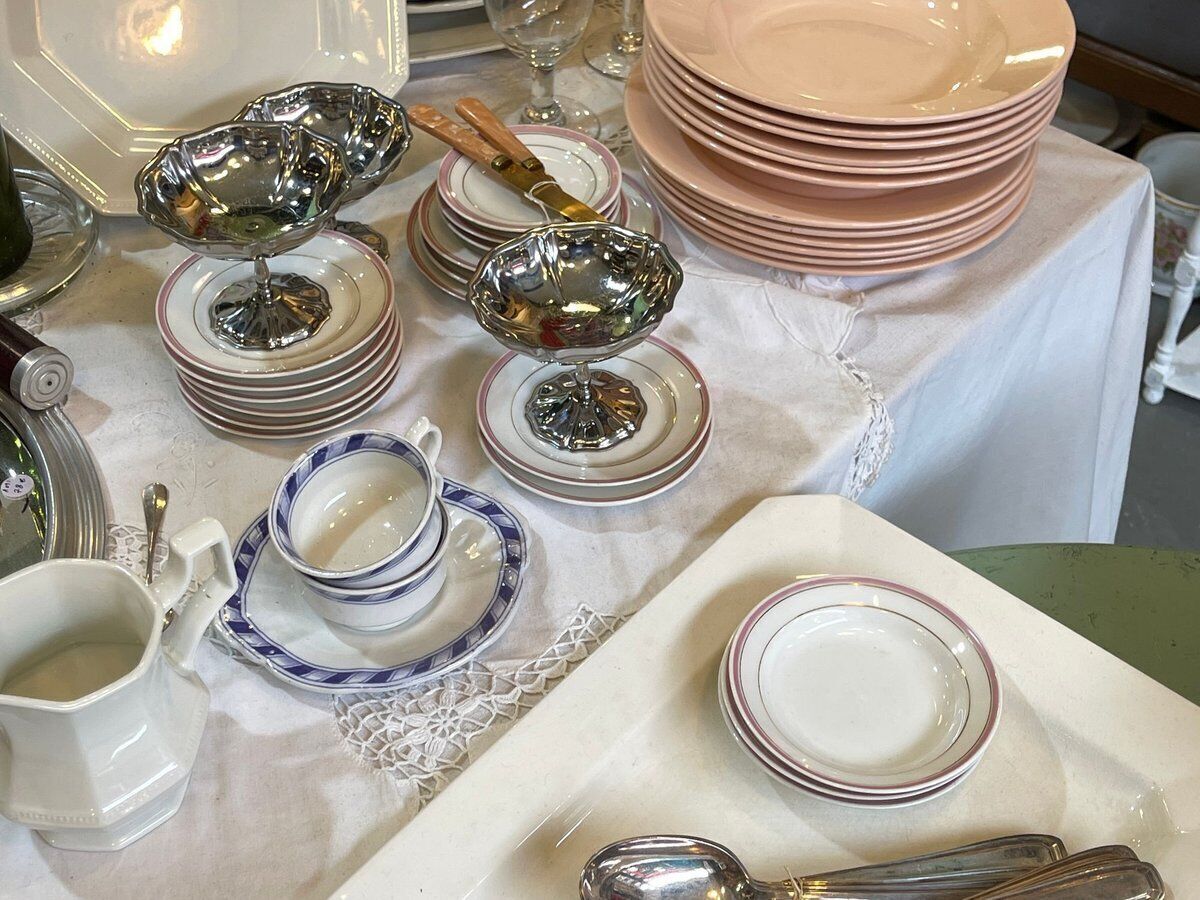
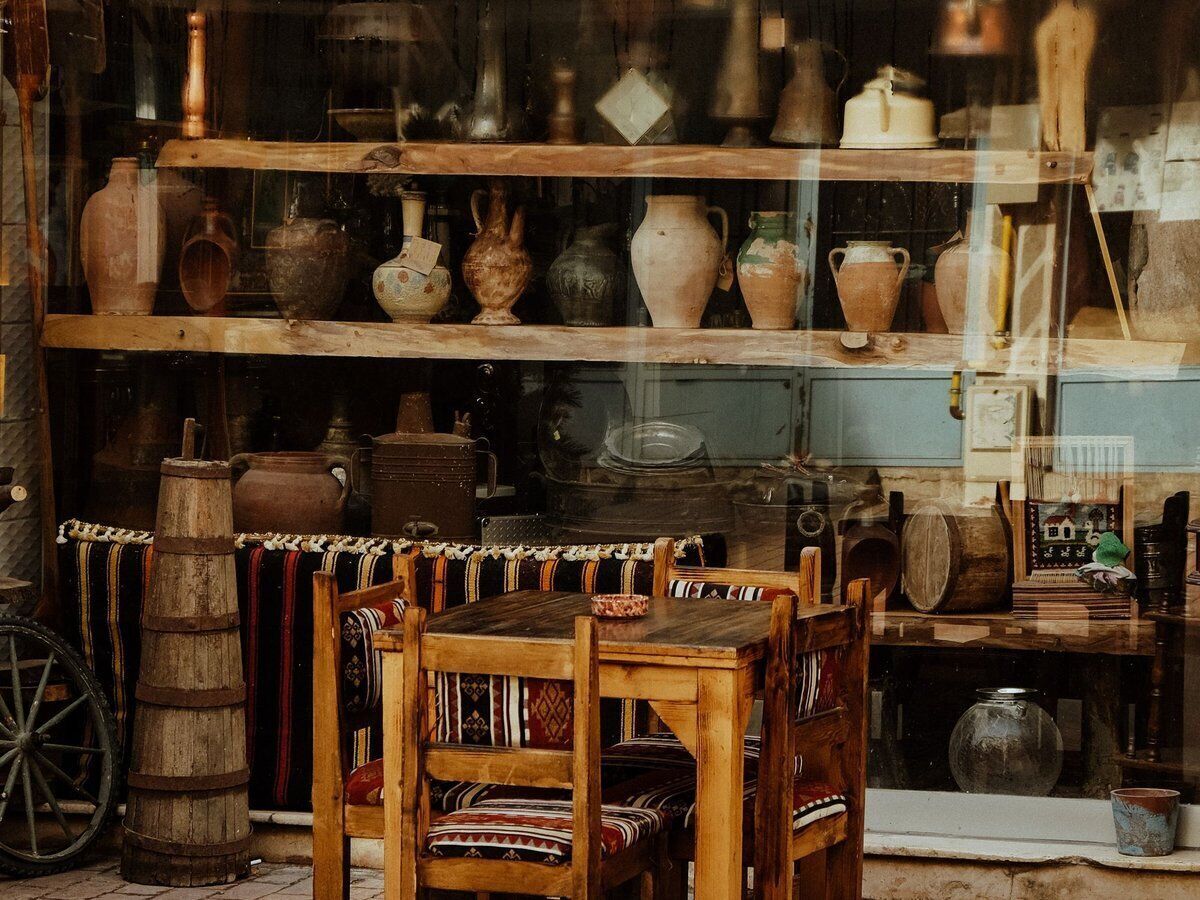
In an antique shop almost every item is one of a kind, with its own price and its own story: a Louis XV chest of drawers, a longcase clock, a silver cutlery set or a porcelain dinner service. You bought it at auction or from a house clearance, and you want to know what it finally earns you. Onlinefact runs on a Windows touchscreen or computer at your counter, and you manage your figures and settings in the browser. Till, invoicing, stock management and support come in one package, for a fixed monthly fee.

More about the Onlinefact POS system

Try it

Try the Onlinefact POS system free for 30 days in your antique shop, with no obligations. Prefer a demo first? Call us on 078 70 02 02.

Yes please!

Why antique dealers choose Onlinefact

  • Every piece unique, with a stock of one

    You add each piece as a separate product, with its own description, price and a stock of one.

  • Large amounts, paid without mistakes

    A 1,850 euro cabinet is not something you want to retype by hand on the payment terminal.

  • Know what every piece earns you

    With antiques, the purchase price determines everything.

  • Shop, storage and new purchases at a glance

    When you buy a complete house clearance or a lot at auction, you want those pieces in your system quickly.

  • Quotes and invoices for collectors and interior designers

    An interior designer asks for a price for a set of chairs and a table, or a company wants a piece for its office?

  • Selling online too

    Many collectors start their search online.

Every piece unique, with a stock of one

You add each piece as a separate product, with its own description, price and a stock of one. The number of products is unlimited, so even a shop full of small curiosities fits in. As soon as a piece is sold, its stock goes to zero and you know right away that it has gone. Is your customer haggling over the price? You give a discount on the piece at the till, and it appears neatly on the receipt with your logo. The screen clearly shows the amount received and the change, and the cash drawer opens automatically.

  • Each piece as a separate product with a stock of one
  • Unlimited number of products
  • Discount on the piece shown on the receipt

More about the Onlinefact POS system

Large amounts, paid without mistakes

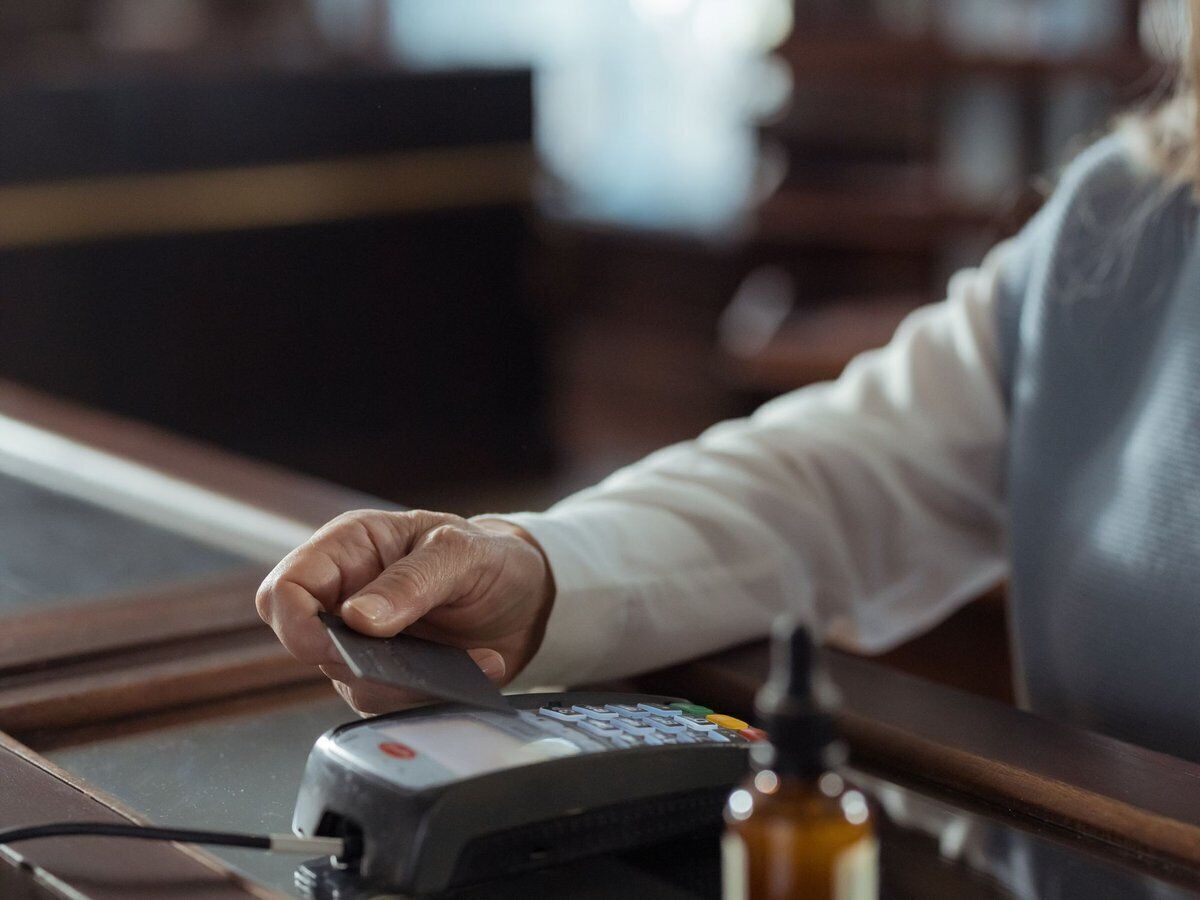
A 1,850 euro cabinet is not something you want to retype by hand on the payment terminal. Onlinefact works with payment terminals from CCV, Worldline, Axepta, SumUp and Mollie, among others, which you can buy or rent from us. The amount goes straight from the till to the terminal, so you never make a mistake. Does your customer prefer to pay by smartphone? With the Payconiq link, the right amount appears with the QR code. Your till matches what actually came in every evening, even after a day with a few big sales.

  • Amount sent straight to the terminal
  • Integration with CCV, Worldline, Axepta, SumUp and Mollie
  • Payconiq via QR code

See the payment terminals

Know what every piece earns you

With antiques, the purchase price determines everything. Enter it for each piece and Onlinefact shows you the margin per product, alongside your revenue per period, per product and per customer. You see in black and white whether that clock from the auction really made a profit, and which kind of pieces sell best. At the end of each working day you close with a Z report, and with start of day, end of day, cash in and cash out your till always balances. You can also check your reports from home in the browser.

  • Margin per product
  • Revenue per period, product and customer
  • Z report after every working day

More about the Onlinefact POS system

Shop, storage and new purchases at a glance

When you buy a complete house clearance or a lot at auction, you want those pieces in your system quickly. A list of new pieces is imported from Excel in one go, and you enter your purchase invoices in Onlinefact too. Every sale updates your stock automatically. With stock counts you check what is still in the shop and in your storage. That way you always know what you have, and how much money is tied up in your stock.

  • Import new pieces from Excel
  • Enter purchase invoices
  • Stock counts for shop and storage

More about stock management

Quotes and invoices for collectors and interior designers

An interior designer asks for a price for a set of chairs and a table, or a company wants a piece for its office? With Onlinefact you create a quote and turn it into an invoice in one click. You send invoices by email or via Peppol and track payments. Thanks to the bank link, payments are matched to your invoices automatically via the structured reference, and you send reminders digitally. Your accountant receives your invoices automatically every day.

  • Turn a quote into an invoice in one click
  • Invoices by email or via Peppol
  • Payments matched automatically via the bank

More about invoicing with Onlinefact

Selling online too

Many collectors start their search online. Do you also sell your finest pieces through a webshop on Shopify, WooCommerce or Magento? Link your webshop to Onlinefact, so online orders land automatically in your POS and invoicing software. Everything is in one place: what was sold in the shop and what was ordered online. A question about the link? Our support usually answers within a few hours.
  • Link with Shopify, WooCommerce or Magento
  • Online orders land in Onlinefact
  • Support usually within a few hours

More about webshop integrations

Ready to get started?

Try the Onlinefact POS system free for 30 days in your antique shop, with no obligations. Prefer a demo first? Call us on 078 70 02 02.

Contact us   Discover the POS system

Request Demo
Request Information